sharkclean.comsharkclean.com
(Click)
ASSEMBLY
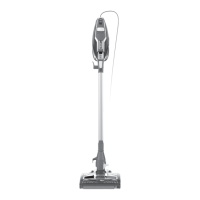
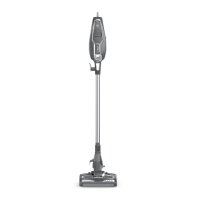
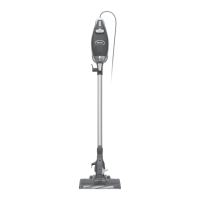
1. Insert wand into Zero-M™ Cleaner Head.
2. Insert handheld vacuum into wand.
3. Snap accessory storage clip onto the wand.
4. Store one accessory on top holder and one accessory on
bottom holder.
Ensure all connections click securely into place.
(Click)
(Click)
SETTINGS
CLEANING MODES
NOTE: For deep cleaning per ASTM F 608 (embedded dirt in carpets) please use setting II, High Pile Carpets.
NOTE: All accessories attach to either the wand or the handheld vacuum.
NOTE: Not all accessories are available with all configurations. Please see the enclosed Quick Start Guide for your unit.
Additional accessories can be purchased at sharkaccessories.com.
1
3 4
2
Slide the Power switch
to the appropriate speed
setting.
Bare Floor/Small Area
Rugs The brushroll spins
slowly to clean bare floors
and delicate arearugs.
Carpets
The brushroll spins faster
to pick up debris below
the surface ofyour carpets.
OFF SETTING I SETTING II
To clean floors, place foot on cleaner head and tilt
handheld vacuum back.
UPRIGHT
Stand the vacuum upright. Step on the foot pedal
and pull the wand up to disconnect it from the
cleaner head.
ABOVE-FLOOR WITH WAND
Press the WAND RELEASE button and lift the
handheld vacuum o the wand.
ABOVE-FLOOR HANDHELD
WAND




 To Next Page