EasyManua.ls Logo

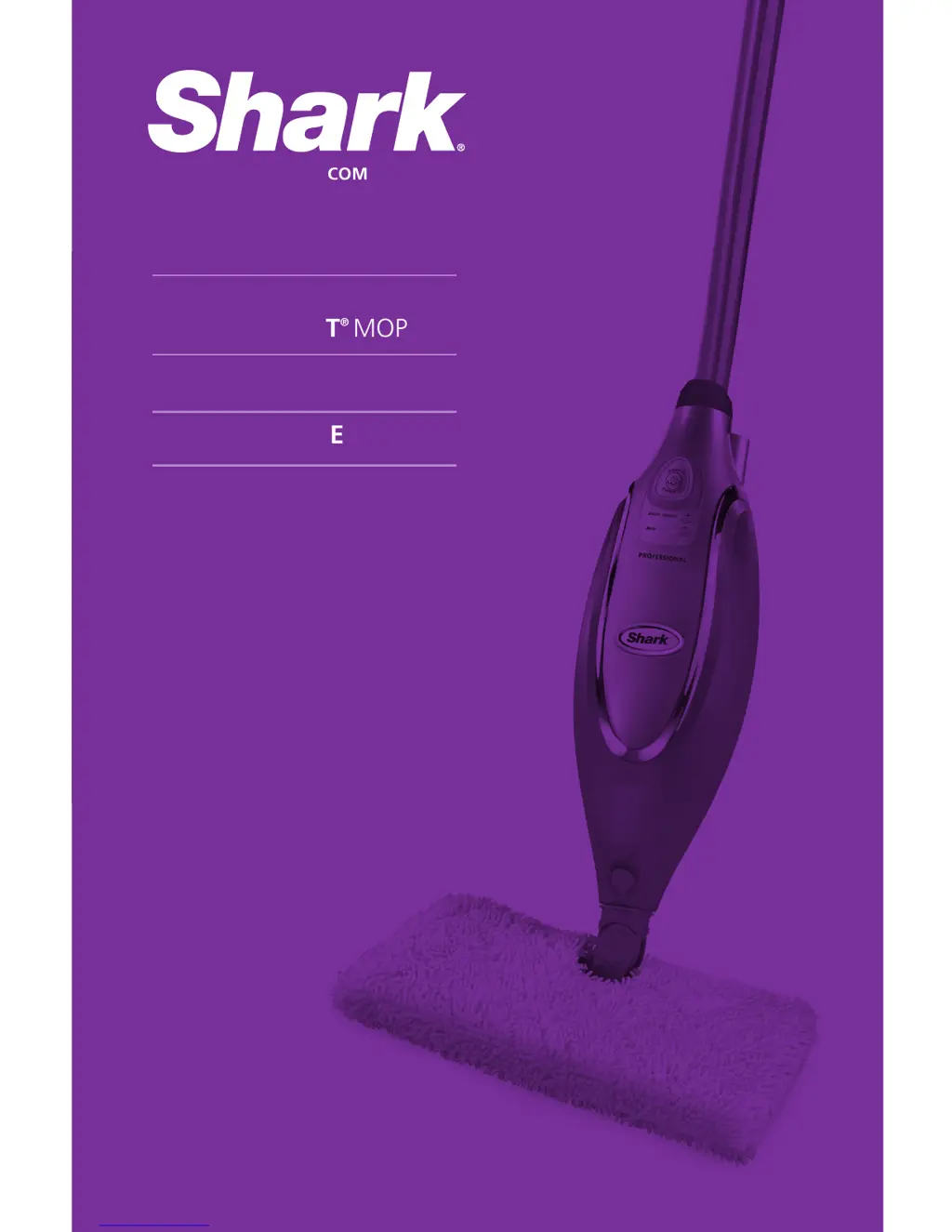
Shark Steam Pocket Mop SE450 - User Manual

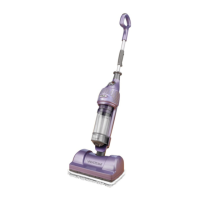
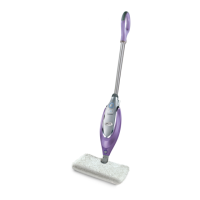
Shark Steam Pocket Mop SE450
20 pages
Print Icon
To Next Page IconTo Next Page
Loading...
SE450 N2
OWNER’S GUIDE
PRO
STEAM POCKET
®
MOP
WWW.SHARKCLEAN.COM

Questions and Answers

  • K
    Kyle SimpsonJul 27, 2025
    Why is my Shark Steam Pocket Mop SE450 Vacuum Cleaner Pro Steam Pocket® Mop hard to push?
    • K
      Kayla ScottJul 27, 2025
      If your Shark Pro Steam Pocket® Mop is hard to push, ensure the cleaning pocket is attached correctly. Also, check if the cleaning pocket is excessively dirty and replace it if needed.
  • I
    Isabella TravisAug 1, 2025
    Why my Shark Steam Pocket Mop SE450 Vacuum Cleaner Pro Steam Pocket® Mop will not turn on?
    • C
      Charles Thompson DVMAug 2, 2025
      If your Shark Pro Steam Pocket® Mop will not turn on, ensure it's securely plugged into an electrical outlet. Check your fuse or breaker. If it still doesn't work, call Customer Care at 1-800-798-7398.
  • T
    tyler12Aug 8, 2025
    Why are my floors cloudy after using the Shark Vacuum Cleaner Pro Steam Pocket® Mop?
    • M
      Michelle WestAug 8, 2025
      Cloudy, streaky, or spotty floors after steaming with the Shark Pro Steam Pocket® Mop can be due to a dirty cleaning pocket. Try flipping or changing the pocket. If you washed the pocket with powder detergent, it may be damaged and need replacing. Also, avoid leaving the mop in one spot for too long. If you have hard water, switch to distilled water. The cloudiness might also be leftover residue from previous cleaners. Try steam mopping a few more times. If the issue persists, rinse the floor with water, let it dry, and then steam mop again with a clean pocket. For stubborn cases, rinse with a mix of one part vinegar and two parts water.
  • M
    Michael JohnsonAug 14, 2025
    What to do if my Shark Steam Pocket Mop SE450 Pro Steam Pocket® Mop leaves water on the floor?
    • C
      Charles BowersAug 14, 2025
      If your Shark Pro Steam Pocket® Mop leaves water on the floor, the cleaning pocket might be soaked. Unplug the mop and change the cleaning pocket, ensuring it's attached correctly.
  • E
    Emily SextonAug 20, 2025
    How to prevent my Shark Steam Pocket Mop SE450 Pro Steam Pocket® Mop from leaving white spots?
    • R
      Robert HarrisAug 20, 2025
      If your Shark Pro Steam Pocket® Mop left a white spot on the floor, avoid leaving the mop on the floor with a damp or wet cleaning pocket. If you're using tap water, switch to distilled water. Also, make sure the cap is securely on the water tank.

Summary

Important Safety Instructions

General Safety Precautions

Follow basic safety precautions when using the steam mop.

Danger of Scalding

Caution regarding hot steam emitted from the mop.

Reduce Fire;Shock;Injury Risk

Key warnings to reduce fire, electric shock, or injury risks.

Continued Safety Instructions and Warnings

Getting Started - Assembly

Getting Started - Assembly & Filling

Using Your Steam Mop

Initial Setup and Power On

Steps to plug in the mop and activate the ON/STANDBY button.

Using Your Steam Mop - Settings & Operation

Selecting Steam Settings

How to choose between DUST and MOP steam settings for cleaning.

Steam Setting Guide

DUST Setting Usage

Details surfaces and tasks suitable for the DUST steam setting.

MOP Setting Usage

Details surfaces and tasks suitable for the MOP steam setting.

Using Your Steam Mop - Maintenance During Use

Care of Your Steam Mop

Steam Mop and Pocket Care

Decalcifying Your Steam Mop

Importance of decalcification and using distilled water for maintenance.

Troubleshooting Guide

Unit Not Turning On

Solutions for when the steam mop fails to power on.

Unit Not Making Steam

Troubleshooting steps for when the unit does not produce steam.

Water Leaks on Floor

Reasons and solutions for the mop leaving water on the floor.

White Spots on Floor

Causes and remedies for white spots left on floors after steaming.

Cloudy;Streaky Floors

Troubleshooting steps for cloudy, streaky, or spotty floor results.

Shark Steam Pocket Mop SE450 Specifications

General IconGeneral
TypeSteam Mop
Product TypeSteam Mop
Model NumberSE450
Power1200 Watts
Heat-up Time30 seconds
Cord Length20 feet
Cleaning Pads2
Washable Microfiber PadsYes
Swivel SteeringYes
HeadlightNo
Suitable Floor TypesHardwood, Tile

Related product manuals