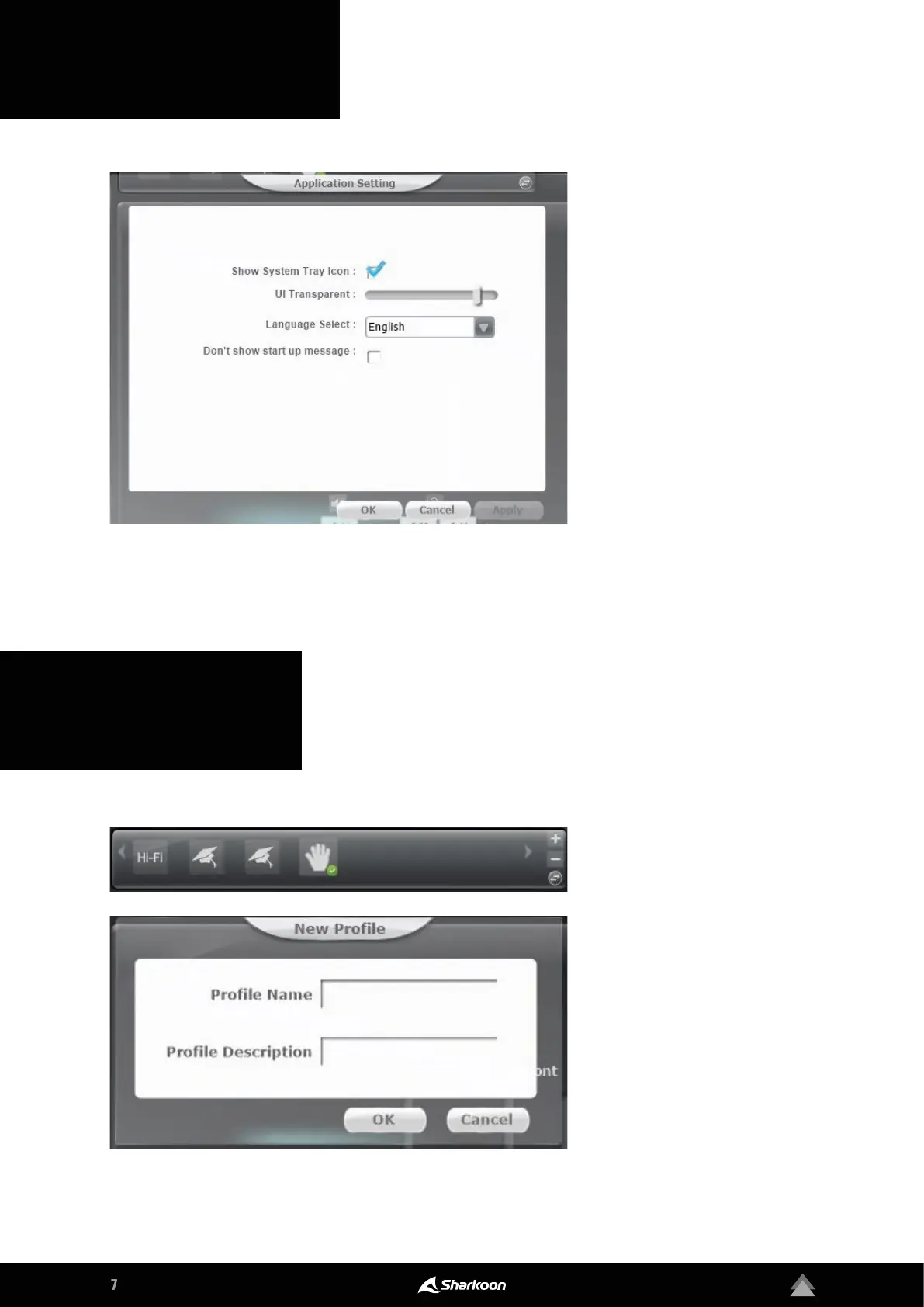
The gear symbol on the top right
gives you access to the applications
settings of the Audio Center soft-
ware. Here, settings for the display
and changes to the language of the
software can be made.
Click the arrow button in the Status
Panel to switch to the Profile Panel.
Here, the settings can be saved in
the Audio Center software in sev-
eral profiles. To create a new profile,
click on the plus symbol. Then, enter
the chosen name and description of
the profile. The created profiles are
then displayed in the Profile Panel.
To delete a profile, click on the minus
symbol.
5. Application Setting
6. Profile Settings



 To Next Page