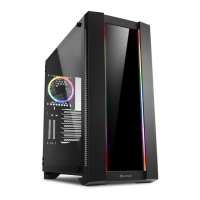
M25
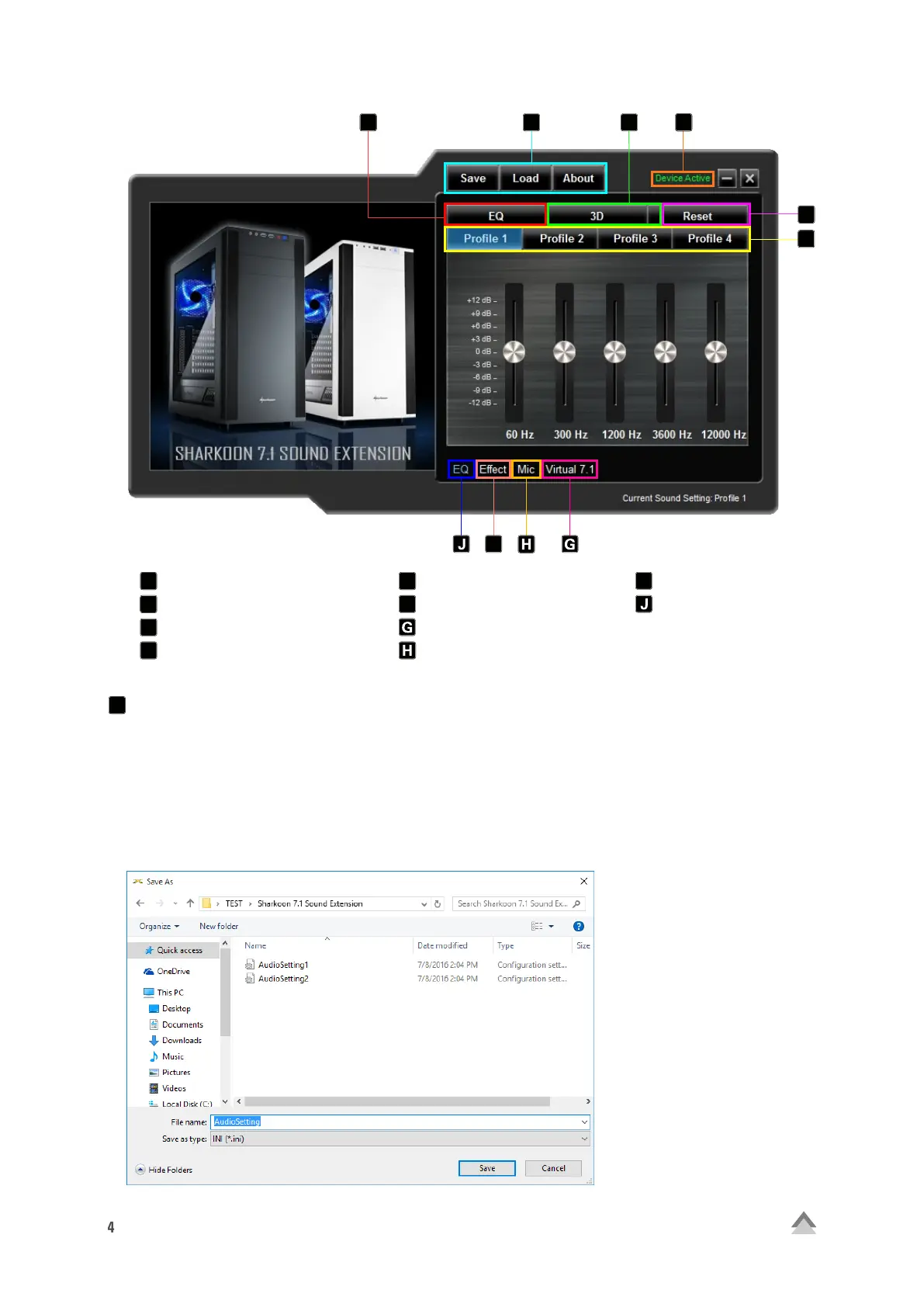
Save, Load, About
“Save” allows the current file configuration to be stored on the hard drive. “Open” allows a file to be loaded.
All four profiles are saved as well as the selected effects, microphone setting and the 7.1 setting.
To save a configuration file, proceed as follows:
• Click on “Save”. A new window will appear
• Select the desired location and enter a file name
• Click “Save”. The file has now been created
Save, Load, About
Device Active/Deactivated
EQ (on/off)
3D (on/off)
Reset
Profile 1 - 4
Virtual 7.1
Microphone
Effect
EQ
C
B
A
A
D
E
F
I
B
A
C
D
E
F
I


 To Next Page