QUICKSTORE PORTABLE USB3.0
7. The backup software
7.1 Start
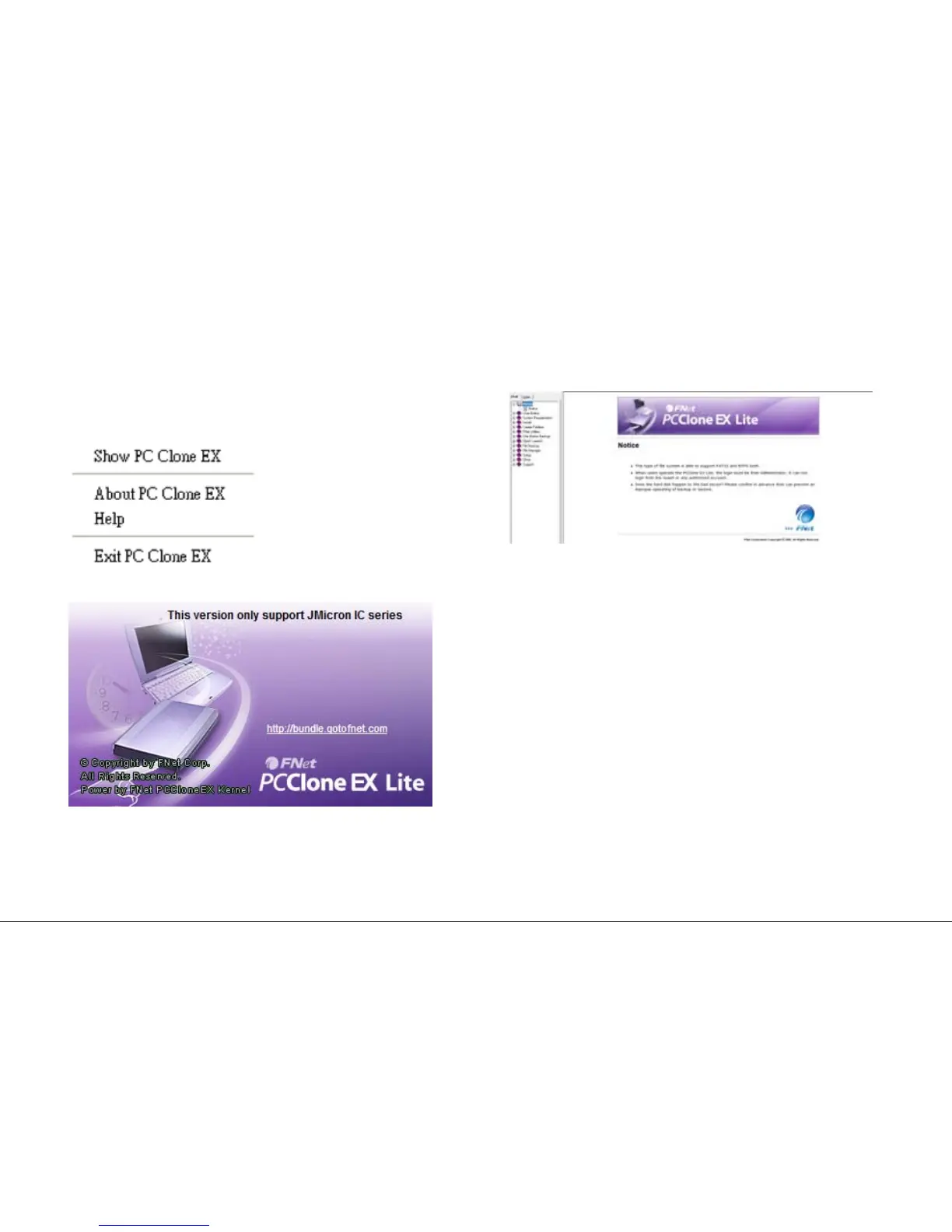
1. Click the icon in your task bar with the right mouse button
once.Thefollowingcontextmenuwillopenup:
2. “About…”displaysinformationaboutthesoftware(g.6).
fig. 6
3. “Help”startsthehelpprogramofthebackupsoftware(g.7)
whereallfunctionsofthebackupsoftwarewillbeexplainedin
detail.
fig. 7
4. “ExitPCCloneEX“quitstheprogram(theiconwillberemoved
fromyourtaskbar).
5. “ShowPCCloneEX”re-openstheprograminterfaceafteryou
haveminimizedit(seebelow).
Alternatively you may re-open the program interface by double-
clicking(leftmousebutton)theicon.


 To Next Page