QUICKSTORE PORTABLE USB3.0
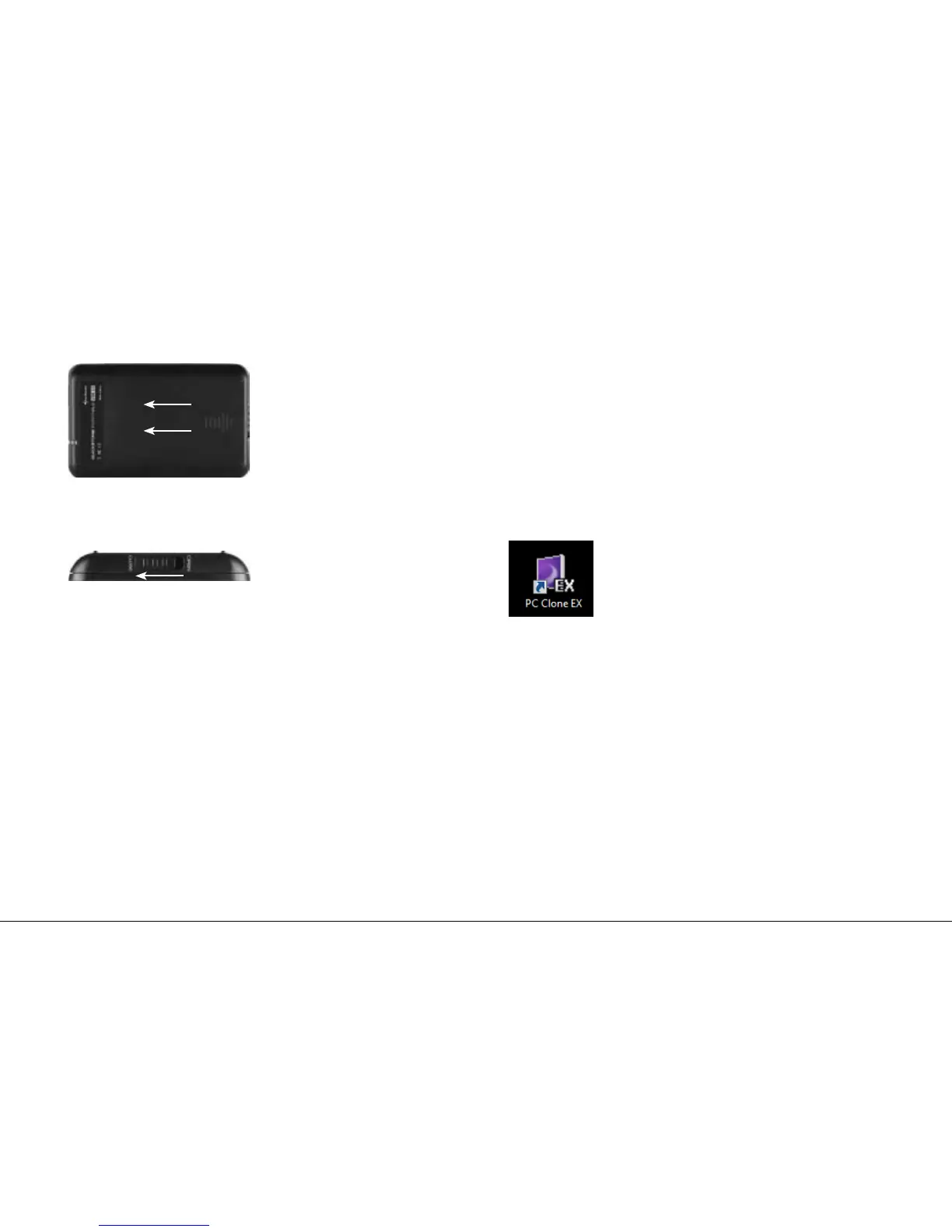
4. Placethecasecoverbackontothecasebody(g.4).
fig. 4
5. Closethelock(g.5).
fig. 5
6. UsetheincludedUSB3.0cabletoconnectthedevice'sMini
USB3.0connectortoaUSB3.0connectorofyourPC/laptop.
7. The QuickStore Portable will automatically be recognized by the
operating system and all required drivers will be installed. The
device is now ready.
Note:
Brand new HDDs built into the case must be partitioned and
formatted. Proceed as described below (e.g. Windows XP):
Start / Settings / Control Panel / Administrative Tools / Computer
Management / Disk Management. Click the respective HDD with
the right mouse button and choose partition/format.
6. Installing the software
1. InserttheincludedDriver&ToolsCDintoyourCD/DVDdrive.
2. ChooseyourCD/DVDdrive(e.g.D:\).
3. Openthefolder“Sharkoon“.
4. Start“Setup.exe”.Theinstallationwizardwillguideyouthrough
the installation procedure.
5. After the installation is completed the following icon will appear
onyourdesktop:
6. Double-click(leftmousebutton)thisdesktopicontolaunchthe
software,themaininterfacewillopenupandanotherprogram
icon will appear in your task bar.


 To Next Page