EasyManua.ls Logo

Sharp Aquos LC-20B4E - User Manual

Sharp Aquos LC-20B4E
46 pages
Print Icon
To Next Page IconTo Next Page
Loading...
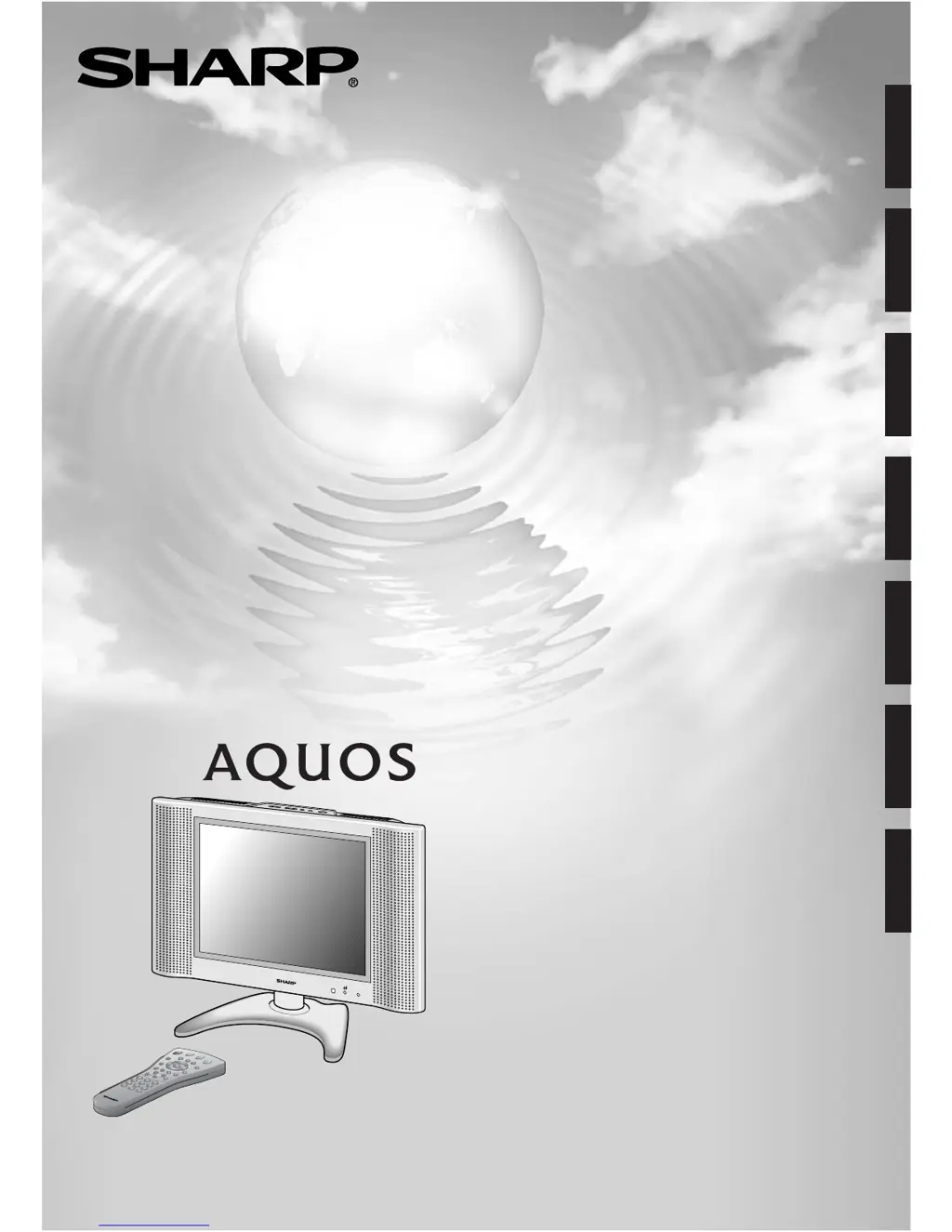
LCD COLOUR TELEVISION
LCD-FARBFERNSEHGERÄT
TÉLÉVISION COULEUR À ÉCRAN
À CRISTAUX LIQUIDES (LCD)
TELEVISORE A COLORI LCD
TELEVISIÓN EN COLOR LCD
LCD-FÄRG-TV
LCD-KLEURENTELEVISIE
LC-20B4E
OPERATION MANUAL
BEDIENUNGSANLEITUNG
MODE D’EMPLOI
MANUALE DI ISTRUZIONI
MANUAL DE MANEJO
BRUKSANVISNING
GEBRUIKSAANWIJZING
ENGLISH
DEUTSCH
FRANÇAIS
ITALIANO
ESPAÑOL
SVENSKA
NEDERLANDS

Questions and Answers

  • N
    Nancy BergAug 16, 2025
    What to do if my Sharp Aquos LC-20B4E has no picture or sound?
    • A
      Angela GoodAug 16, 2025
      If your Sharp LCD TV has no picture or sound, ensure the AC adapter is properly inserted into the power outlet. Check that the input mode is set to TV and the main power switch on the unit is turned on. Also, the problem might be reception other than that of broadcasting stations.
  • V
    Victoria SmithAug 19, 2025
    How to fix no sound on Sharp LCD TV?
    • C
      christinaramirezAug 19, 2025
      If there is no sound on your Sharp LCD TV, verify that the volume isn't set to the minimum and the sound isn't muted. Also, make sure that headphones are not connected.
  • M
    mark10Aug 22, 2025
    Why is my Sharp LCD TV remote control not working?
    • K
      Kristina WrightAug 22, 2025
      If your Sharp LCD TV remote control isn't working, start by checking if the batteries have sufficient power. Also, ensure that the remote sensor window is not under strong lighting.
  • K
    Katelyn DickersonAug 25, 2025
    What to do if my Sharp Aquos LC-20B4E LCD TV shows noise but no picture or sound?
    • D
      Daniel KellyAug 25, 2025
      If your Sharp LCD TV displays noise but no picture or sound, make sure the antenna cable is properly connected. Bad reception could also be the problem.
  • E
    evanskristinaAug 27, 2025
    How to improve a not clear picture on Sharp Aquos LC-20B4E LCD TV?
    • T
      Teresa EllisonAug 27, 2025
      If the picture on your Sharp LCD TV is not clear, ensure the antenna cable is properly connected. The problem might also be caused by bad reception.
  • A
    Anna CastilloAug 30, 2025
    How to brighten the picture on my Sharp LCD TV?
    • J
      Jessica ThompsonAug 30, 2025
      If the picture on your Sharp LCD TV is too dark, check if the “Brightness” is set to “dark”. You may also need to check the “Contrast” and “Black level.” The fluorescent lamp may have reached the end of its service life.
  • R
    Raymond SchneiderSep 2, 2025
    Why is the picture shaking and not sharp on my Sharp Aquos LC-20B4E?
    • A
      Alexander RossSep 2, 2025
      If the picture on your Sharp LCD TV is not sharp and shaking, the reception or the quality of the broadcast may be weak. Also, make sure the antenna is facing the correct direction and the outside antenna has not been disconnected.
  • L
    Lisa ThorntonSep 4, 2025
    How to remove ghosting effect on Sharp Aquos LC-20B4E?
    • J
      jodi66Sep 4, 2025
      To remove the ghosting effect on your Sharp LCD TV, make sure the antenna is facing the correct direction. Broadcast waves may be reflected from adjacent mountains or buildings.
  • M
    Michael SchmidtSep 7, 2025
    Why is there no picture from AV-IN 2 on my Sharp LCD TV?
    • J
      josephtaylorSep 7, 2025
      If there is no picture from AV-IN 2 on your Sharp LCD TV, ensure the Picture adjustment is properly adjusted and the S-Video terminal has nothing connected. The fluorescent lamp may have reached the end of its service life.
  • R
    Richard RobinsonSep 10, 2025
    Why is the picture spotted on my Sharp Aquos LC-20B4E LCD TV?
    • K
      Katherine LeblancSep 10, 2025
      If the picture on your Sharp LCD TV is spotted, there may be interference from automobiles, trains, high-voltage lines, neon lights, etc. Also, there may be interference between the antenna cable and power cable. Try positioning them further apart.

Summary

Important Safety Precautions

Supplied Accessories

Preparation and Initial Setup

Power and Antenna Connection

How to connect the TV to power and an antenna.

First Installation Routine

Step-by-step guide for initial TV setup, including language and channel search.

Basic TV Operation

Useful Features

Picture Settings Adjustment

How to modify picture parameters like contrast, colour, and sharpness.

Sound Settings Adjustment

How to customize sound options like volume, sound mode, and balance.

Features and Settings

On-screen Display and Child Lock Setup

Configuring on-screen display and initiating the child lock PIN setup.

Managing Child Lock PIN

Modifying or cancelling the existing PIN for the child lock feature.

Time-Limited Child Lock Activation

Activating child lock for specific time periods or daily recurring intervals.

Programme-Specific Child Lock and Cancellation

Applying child lock to individual programmes and temporarily disabling it.

AV Connections

AV1 and AV2 Signal Configuration

Configuring signal types and colour standards for AV inputs.

Timer Functions

Setting Sleep and Alarm Timers

Configuring automatic turn-off (sleep) and alarm functions with time settings.

Teletext Operations

Connecting External Devices

Troubleshooting LCD TV Set Issues

Picture and Sound Problems

Common problems related to no picture, no sound, or poor signal quality.

Picture Clarity and Colour Issues

Solutions for unclear pictures, incorrect brightness, or colour tint issues.

Troubleshooting Antenna Issues

Important Note on Disengaging Advanced Child Lock

Sharp Aquos LC-20B4E Specifications

General IconGeneral
Screen Size20 inches
Display TypeLCD
Resolution640 x 480 pixels
Aspect Ratio4:3
Contrast Ratio500:1
Response Time16 ms
Speakers2 x 3W
HDMI Ports0
USB Ports0
Viewing Angle170° horizontal, 170° vertical
InputsComposite, S-Video, VGA

Related product manuals