EasyManua.ls Logo

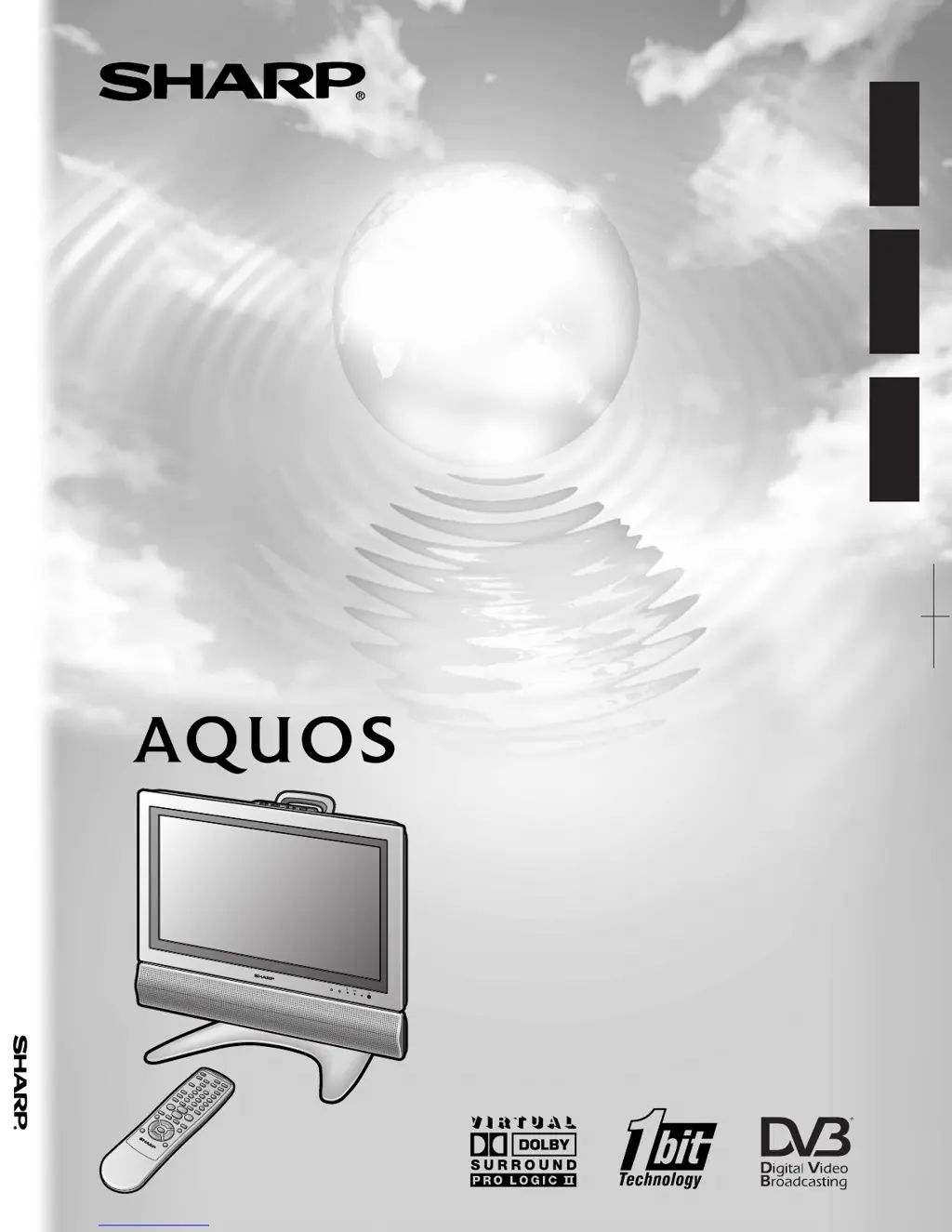
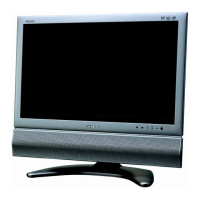
Sharp AQUOS LC-22AD1E - User Manual

Sharp AQUOS LC-22AD1E
67 pages
Print Icon
To Next Page IconTo Next Page
Loading...
LCD COLOUR TELEVISION
LCD-FARBFERNSEHGERÄT
TÉLÉVISION COULEUR À ÉCRAN
À CRISTAUX LIQUIDES (LCD)
OPERATION MANUAL
BEDIENUNGSANLEITUNG
MODE D’EMPLOI
LC
-
22AD1E
ENGLISH
SHARP CORPORATION
LC-22AD1E
FRANÇAIS
DEUTSCH
OPERATION MANUAL
MODE D’EMPLOI
BEDIENUNGSANLEITUNG
Printed on environmentally friendly paper
Auf ökologischem Papier gedruckt
Imprímé sur papíer écologique
Printed in Spain
Gedruckt in Spanien
Imprimé en Espagne
TINS-B151WJZZ
04-2004

Table of Contents

Questions and Answers

  • C
    collinsrichardJul 31, 2025
    What to do if my Sharp LCD TV has no power?
    • B
      Brittany BrownJul 31, 2025
      First, check if you have pressed the power button on the remote control. If the indicator light on the display is red, press the power button. Also, ensure the AC cord is properly connected and that the main power switch is turned on.
  • T
    thomasbellAug 6, 2025
    Why does my Sharp AQUOS LC-22AD1E LCD TV remote control not operate?
    • L
      Lawrence RobinsonAug 6, 2025
      Check if the batteries are correctly inserted with the correct polarity. If they are, try replacing them with new batteries. Strong or fluorescent lighting could also interfere with the remote's operation. Also check if a fluorescent light is illuminated to the remote control sensor.
  • D
    daniel19Aug 12, 2025
    Why does my Sharp LCD TV suddenly turn off?
    • D
      Dwayne CruzAug 12, 2025
      The unit might be overheating. Ensure that nothing is blocking the vents and clean them to improve airflow. Also, check the sleep timer setting to make sure it is not set to turn off the TV unexpectedly.
  • S
    shollandAug 17, 2025
    What to do if my Sharp LCD TV has no sound?
    • S
      Samuel CollinsAug 17, 2025
      First, verify that the volume isn't set too low and that the sound is not muted. Then, check that the appropriate item is selected in 'Speaker'.
  • M
    Melissa SloanAug 25, 2025
    Why does my Sharp AQUOS LC-22AD1E picture have strange colors?
    • C
      Christopher EricksonAug 25, 2025
      Try adjusting the picture tone. Also, consider the room's brightness, as a very bright room can make the picture appear dark. Finally, check the input signal setting.

Summary

Important Safety Precautions

Preparation and Initial Setup

Power and Antenna Connections

Steps for connecting the TV's power supply and antenna for signal reception.

First Installation and Virgin Mode

Procedure for initial setup, including language selection and automatic channel search for DVB.

Basic Operation

Power, Input Switching, and Headphones

How to turn the TV on/off, switch inputs, and use headphones for audio output.

Digital TV Features

Menu Navigation and Channel Management

Guide to navigating digital menus and performing channel searches and management.

Useful Features

Teletext

Troubleshooting and Specifications

Common Issues and Solutions

A guide to diagnosing and resolving frequent problems encountered with the TV unit.

Environmental Information and Child Lock Note

Important Child Lock PIN Recovery Note

Critical instructions for recovering or disengaging the Advanced Child Lock using a PIN.

Sharp AQUOS LC-22AD1E Specifications

General IconGeneral
Screen Size22 inches
Display TypeLCD
Resolution1366 x 768
Brightness450 cd/m²
HDMI Ports1
USB Ports0
SCART Ports1
Component Video Input1
Composite Video Input1
Audio Output2 x 3W
Weight7.5 kg
Viewing Angle176°

Related product manuals