EasyManua.ls Logo

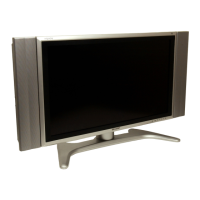
Sharp AQUOS LC-37D43U - User Manual

Sharp AQUOS LC-37D43U
59 pages
Print Icon
To Next Page IconTo Next Page
Loading...
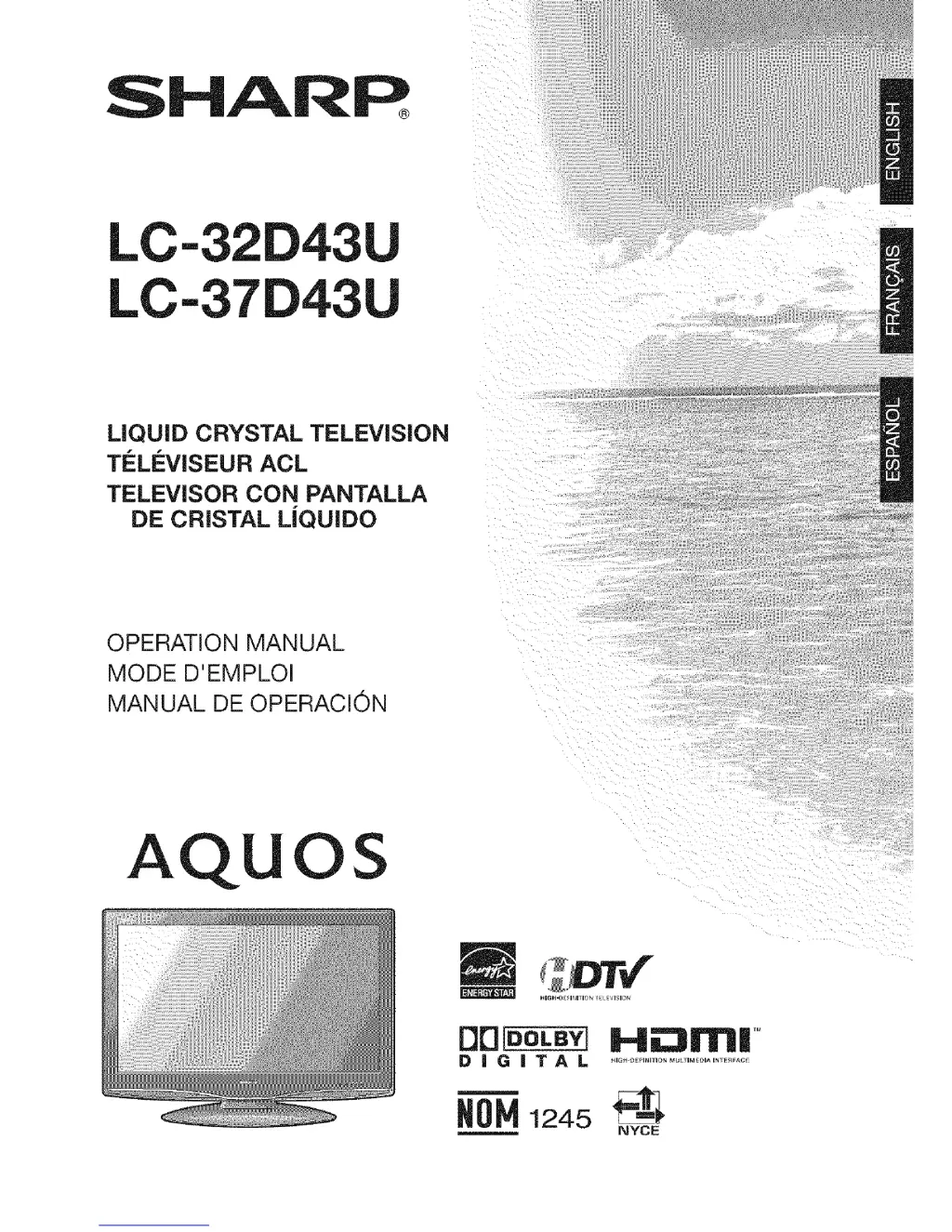
SHARP_
LC-32D43U
LC-37D43U
LiQUiD CRYSTAL TELEViSiON
TELI'=VISEUR ACL
TELEVISOR CON PANTALLA
DE CRISTAL L|QUIDO
OPERATION MANUAL
MODE D'EMPLOI
MANUAL DE OPERACION
AQUOS
OO_ Hii:311Tl|'"
DiGiTAL ..................................
1245 _1_
NYCE

Questions and Answers

  • J
    jessebrownJul 30, 2025
    What to do if Sharp LCD TV has no power?
    • M
      michelle75Jul 30, 2025
      First, ensure that you have pressed the TV POWER button on the remote. If the indicator on the TV doesn't light up, press the POWER button directly on the TV. Also, check to make sure the AC cord is properly connected and that the power is turned on.
  • Z
    zhodgesAug 5, 2025
    Why does my Sharp AQUOS LC-37D43U LCD TV remote control not operate?
    • K
      Kerry CameronAug 5, 2025
      There could be several reasons why your remote isn't working. * Check if the FUNCTION is correctly set to the TV position. * Ensure the batteries are inserted with the correct polarity (+ and -). * Replace the batteries if they are worn out. * Avoid using the remote under strong or fluorescent lighting. * Make sure a fluorescent light isn't interfering with the remote control sensor.
  • A
    Anna DavisAug 11, 2025
    What to do if my Sharp AQUOS LC-37D43U has no sound?
    • A
      Andrew StevensonAug 11, 2025
      If your Sharp LCD TV has no sound, check these possible causes: * Ensure the volume isn't set too low. * Verify that 'Variable' is not selected in 'Output Select'. * Check if you've accidentally pressed the MUTE button on the remote.
  • I
    isaiah08Aug 17, 2025
    Why does my Sharp AQUOS LC-37D43U LCD TV suddenly turn off?
    • E
      Eduardo RogersAug 17, 2025
      Your Sharp LCD TV might be turning off suddenly due to a few reasons. Check if the sleep timer is set. Also, review the power control settings. If the unit's internal temperature has increased, remove any objects blocking the vents or clean the vents to improve airflow.
  • C
    Christine BarrettAug 23, 2025
    What to do if Sharp AQUOS LC-37D43U unit cannot be operated?
    • B
      Bridget WallaceAug 23, 2025
      If your Sharp LCD TV unit cannot be operated, it might be due to external influences such as lightning or static electricity. Try turning the TV off and then on again. If that doesn't work, unplug the AC cord, wait 1 or 2 minutes, and then plug it back in.

Summary

IMPORTANT INFORMATION

Safety Warnings and Precautions

Key safety warnings, electrical shock hazards, and handling precautions for safe operation.

IMPORTANT SAFETY INSTRUCTIONS

General Safety Guidelines

Comprehensive safety guidelines for operation, installation, cleaning, and product usage.

QUICK REFERENCE GUIDE

PART NAMES AND CONTROLS

Remote Control Unit Overview

Detailed explanation of each button and its function on the remote control.

PREPARATION AND CONNECTIVITY

Connecting External Devices

Instructions for connecting various external audio-visual equipment to the TV.

WATCHING TV

Initial Setup Wizard

Guides through the initial setup process for language, antenna, and channel tuning.

BASIC ADJUSTMENT SETTINGS

Picture Quality Adjustments

Detailed guide to optimizing picture quality through various settings and advanced features.

Sound and Surround Settings

Adjustments for sound output, including treble, bass, balance, and surround sound effects.

USEFUL ADJUSTMENT SETTINGS

PC Input Adjustments

Fine-tuning picture for PC input, including auto-sync, manual adjustments, and resetting settings.

Parental Controls and V-Chip

Setting up parental controls, V-Chip blocking, and managing rating systems for content filtering.

OTHER VIEWING OPTIONS

APPENDIX

Troubleshooting Guide

Solutions for common TV problems, error messages, and usage cautions.

Sharp AQUOS LC-37D43U Specifications

General IconGeneral
BrandSharp
ModelAQUOS LC-37D43U
CategoryLCD TV
LanguageEnglish

Related product manuals