EasyManua.ls Logo

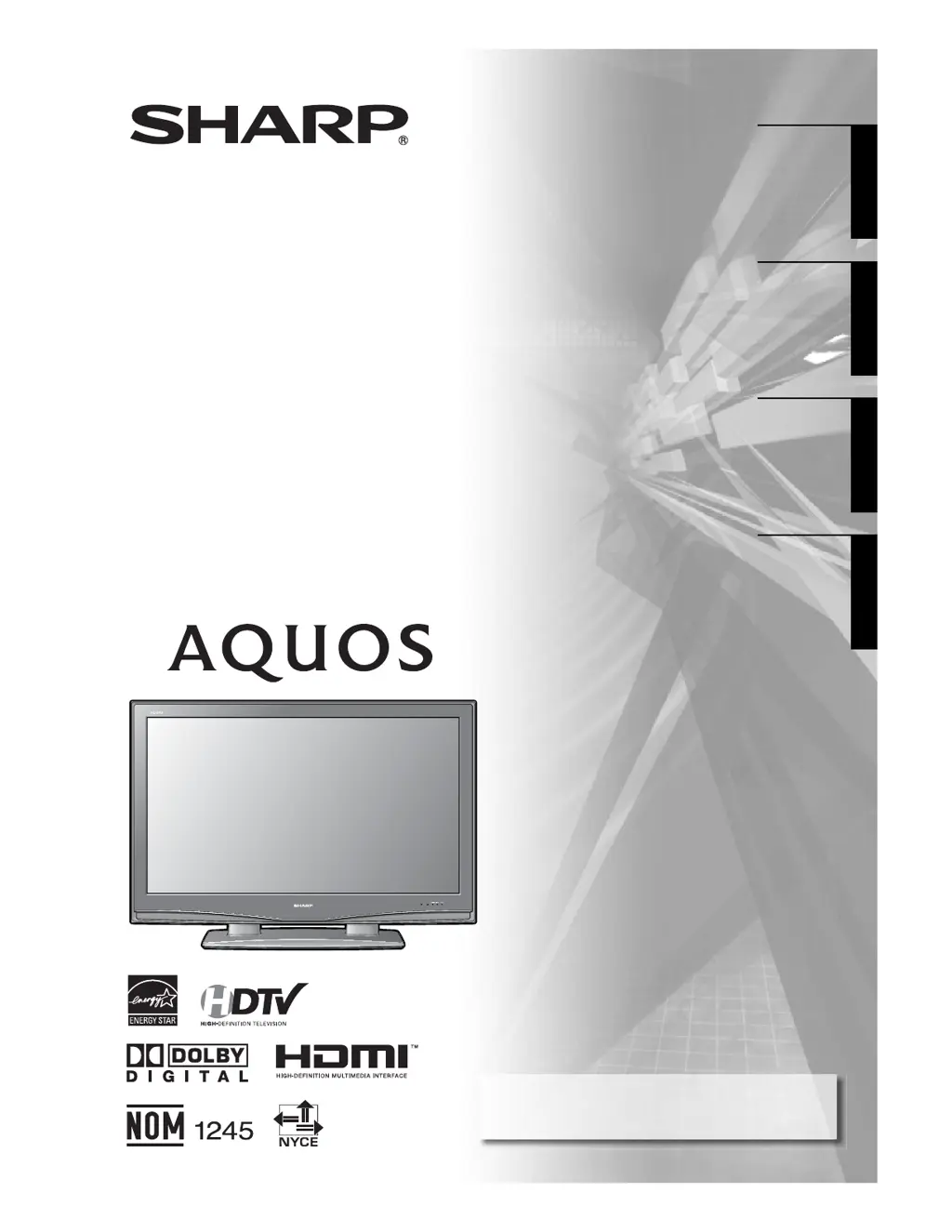
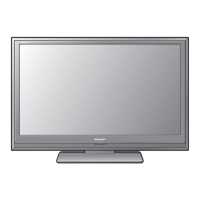
Sharp AQUOS LC-46D43U - User Manual

Sharp AQUOS LC-46D43U
60 pages
Print Icon
To Next Page IconTo Next Page
Loading...
ENGLISH
ENGLISH
LC-46D43U
FRANÇAIS
FRANÇAIS
ESPAÑOL
ESPAÑOL
OPERATION MANUAL
MODE D
'
EMPLOI
MANUAL DE OPERACIÓN
MANUAL DE OPERAÇÃO
LIQUID CRYSTAL TELEVISION
TÉLÉVISEUR ACL
TELEVISOR CON PANTALLA DE
CRISTAL LÍQUIDO
TELEVISOR DE CRISTAL LIQUIDO
IMPORTANT : Please read this operation manual before
starting operating the equipment.
IMPORTANTE : Lea este manual de operación antes de
comenzar a operar el equipo.
PORTUGUÊS
PORTUGUÊS

Table of Contents

Other manuals for Sharp AQUOS LC-46D43U

Questions and Answers

  • T
    Thomas HendersonAug 13, 2025
    What to do if there is no picture on my Sharp Flat Panel TV?
    • N
      Norma AndersonAug 13, 2025
      First, ensure that all connections to other components are correctly set. Second, make sure the correct input signal source is selected. Check that the correct input is selected and verify the picture adjustments. Also, confirm that 'On' is not selected in 'Audio Only'. Finally, make sure a compatible signal is being input.
  • D
    Denise BergAug 17, 2025
    How to fix a cut off or sidebar screen on Sharp Flat Panel TV?
    • K
      Kelly JensenAug 17, 2025
      First, check the image position. Then, ensure that screen mode adjustments, such as picture size, are correctly configured.
  • W
    williamellisAug 21, 2025
    How to turn on Sharp AQUOS LC-46D43U Flat Panel TV if there is no power?
    • A
      alexandra71Aug 21, 2025
      Check if you pressed TV POWER on the remote control. If the indicator on the TV does not light up, press POWER on the TV. Check if the AC cord is disconnected and ensure the power has been turned on.
  • A
    Aimee ReyesAug 25, 2025
    Why is there no sound on my Sharp AQUOS LC-46D43U Flat Panel TV?
    • M
      Michele EdwardsAug 25, 2025
      First, ensure the volume isn't too low. Check the Output Select setting to see if 'Variable' is selected. Finally, verify that the MUTE button on the remote control hasn't been activated.
  • V
    Valerie WongAug 28, 2025
    Why does my Sharp AQUOS LC-46D43U Flat Panel TV power off suddenly?
    • A
      Andrew LoweAug 28, 2025
      First, check if the sleep timer is set. Next, review the power control settings. If these are not the issue, it's possible the unit's internal temperature has increased. In this case, remove any obstructions blocking the vents or clean the vents.
  • A
    Anthony AndersonSep 1, 2025
    Why does my Sharp Flat Panel TV have strange or light colors, or color misalignment?
    • J
      Jeremy SuarezSep 1, 2025
      To resolve this, adjust the picture tone. Also, consider whether the room is too bright, as this can make the picture appear dark. Finally, check the input signal setting.
  • B
    Brandon ThomasSep 4, 2025
    Why does the remote control unit not operate my Sharp AQUOS LC-46D43U Flat Panel TV?
    • J
      justin39Sep 5, 2025
      First, ensure the FUNCTION is correctly set to the TV setting. Then, check if the batteries are inserted with the correct polarity. Replace the batteries if they are worn out. Also, avoid using the remote under strong or fluorescent lighting, and ensure no fluorescent lights are near the remote control sensor.
  • B
    Brandon TapiaSep 9, 2025
    What to do if my Sharp AQUOS LC-46D43U unit cannot be operated?
    • A
      Andrew AdamsSep 9, 2025
      To resolve this, try turning the TV off and then on again. If that doesn't work, unplug the AC cord, wait one or two minutes, and then plug it back in.

Summary

Important Information and Safety

Declaration of Conformity and FCC Compliance

Details on FCC regulations, compliance, and warnings for the television.

Important Safety Instructions

Comprehensive safety guidelines for installation, operation, and maintenance.

Quick Reference and Setup

Initial TV Setup

Step-by-step guide for safely removing and setting up the television.

Preparation and Connections

Watching TV

Initial Setup Procedures

Steps for initial setup including language, antenna, and channel search.

Basic Adjustment Settings

Setup and Channel Management

Procedures for EZ Setup, channel setup, and favorite channels.

Using External Equipment

Useful Adjustment Settings

PC Image Optimization

Adjusting PC image position and fine-tuning display settings.

Parental Controls and Ratings

Setting secret numbers, V-Chip levels, and understanding rating systems.

Appendix

Troubleshooting Guide

Solutions for common problems and error messages.

Service and Warranty Information

Information on obtaining service and the product's limited warranty.

Sharp AQUOS LC-46D43U Specifications

General IconGeneral
BrandSharp
ModelAQUOS LC-46D43U
CategoryFlat Panel TV
LanguageEnglish

Related product manuals