- 42 -
Drain water when the product gets wet
If the product gets wet, make sure to drain water remaining in the
earphone/microphone jack section, external connection jack section,
earpiece (receiver)/speaker section, mouthpiece (microphone) section,
speaker section, key section, sub microphone section, air vent port
section (The gap between the camera panel and the camera
decoration), etc.
A
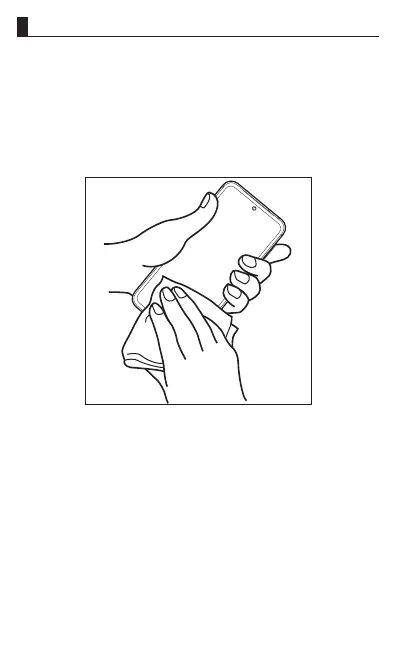
Wipe off water on the surface of the product carefully
with a dry and clean cloth etc.















 To Next Page