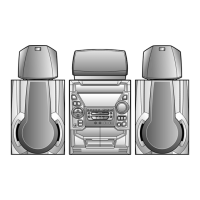
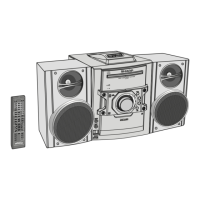
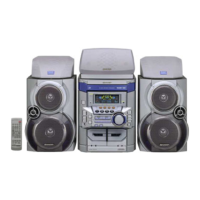
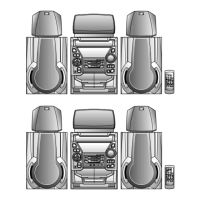
CD-DK890N
– 4
Remote control
1. Remote Control Transmitter
2. Disc Number Select Buttons
3. Tuning Up, Cursor Up Button
4. Disc Track Down or Fast Reverse, Tape 2 Rewind,
Tuner Preset Down, Time Down, Cursor Left Button
5. Clock/Timer Button
6. Character Input/Disc Direct Search Buttons
7. Equalizer Mode Select Button
8. Extra Bass/Demo Button
9. On/Stand-by Button
10. CD Button
11. Tuner (Band) Button
12. Tape (1 2) Button
13. Audio In/iPod Button
14. Disc Track Up or Fast Forward, Tape 2 Fast Forward,
Tuner Preset Up, Time Up, Cursor Right Button
15. Tuning Down, Cursor Down Button
16. Volume Up and Down Buttons
17. Clear/Dimmer, iPod MENU Button
18. Play Mode Button
19. Disc Stop Button
20. Tape Stop Button
21. Memory, iPod ENTER Button
22. iPod Play/Pause Button
23. Disc Play/Pause Button
24. Tape Play Button
25. Tape 2 Record Pause Button
26. MP3/WMA Navigation Mode Select Button
27. Character Button
28. Display Button
29. Enter Button
1
2
5
7
8
3
4
6
10
11
9
12
13
14
16
15
21
23
22
17
19
18
25
24
20
26
27
28
29
1 – 4



 To Next Page