EasyManua.ls Logo

Sharp EL-6360 - Page 16

Sharp EL-6360
56 pages
Print Icon
To Next Page IconTo Next Page
To Previous Page IconTo Previous Page
Loading...
5.
Daily
Alarm
When
the
time
clock
reaches
the
alarm
time,
it
beeps
for
one
minute.
Press
either
[CLOCK]
,
[ALARN]
,
[CCE]
or
to
turn
off
the
alarm.
(1)
Setting
the
daily
alarm
time
1.
Press
to
display
the
daily
alarm
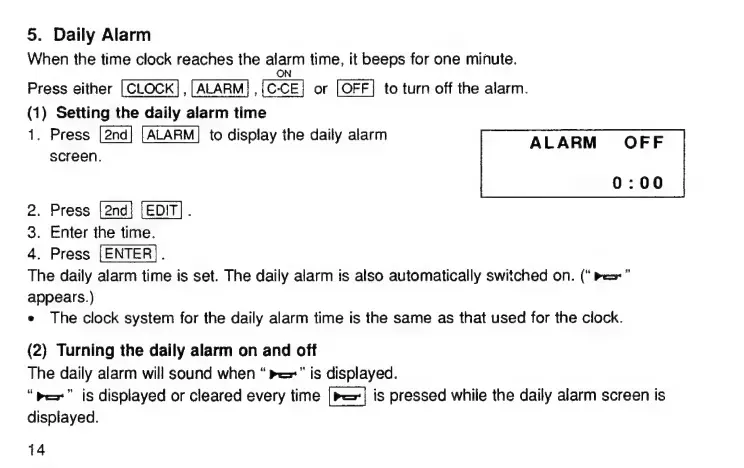
ALARM
OFF
screen.
0:00
2.
Press
[EDIT]
.
3.
Enter
the
time.
4.
Press
|
The
daily
alarm
time
is
set.
The
daily
alarm
is
also
automatically
switched
оп.
(“Pes
appears.)
e
The
clock
system
for
the
daily
alarm
time
is
the
same
as
that
used
for
the
clock.
(2)
Turning
the
daily
alarm
оп
and
off
The
daily
alarm
will
sound
when
ве"
is
displayed.
“rex”
is
displayed
or
cleared
every
time
(вез|
is
pressed
while
the
daily
alarm
screen
is
displayed.
14

Related product manuals