EasyManua.ls Logo

Sharp EL-6360 - Page 17

Sharp EL-6360
56 pages
Print Icon
To Next Page IconTo Next Page
To Previous Page IconTo Previous Page
Loading...
(3)
Changing
the
daily
alarm
time
The
daily
alarm
time
can
be
changed
by
setting
a
new
time.
(Refer
to
“(1)
Setting
the
daily
alarm
time".)
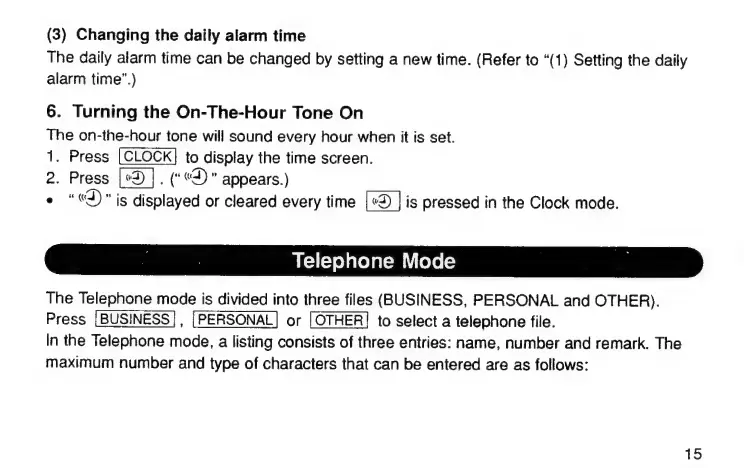
6.
Turning
the
On-The-Hour
Tone
On
The
on-the-hour
tone
will
sound
every
hour
when
it
is
set.
1.
Press
to
display
the
time
screen.
2.
Press
.
(*«3)
"
appears.)
e
"«3)"
is
displayed
or
cleared
every
time
is
pressed
in
the
Clock
mode.
|
|
Telephone
Mode
Е
The
Telephone
mode
is
divided
into
three
files
(BUSINESS,
PERSONAL
апа
OTHER).
Press
or
to
select
a
telephone
file.
In
the
Telephone
mode,
a
listing
consists
of
three
entries:
name,
number
and
remark.
The
maximum
number
and
type
of
characters
that
can
be
entered
are
as
follows:
15

Related product manuals