EasyManua.ls Logo

Sharp EL-6660 - Page 10

Sharp EL-6660
50 pages
Print Icon
To Next Page IconTo Next Page
To Previous Page IconTo Previous Page
Loading...
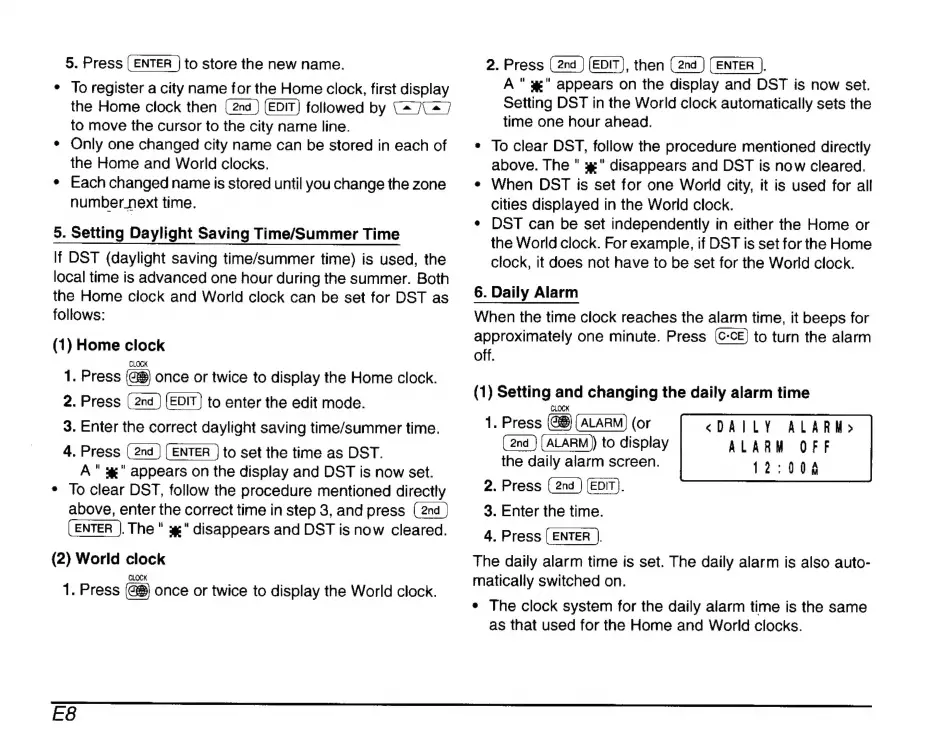
5.
Press
to
store
the
new
name.
*
To
register
a
city
name
for
the
Home
clock,
first
display
the
Home
clock
then
followed
by
C4
7C
7
to
move
the
cursor
to
the
city
name
line.
*
Only
one
changed
city
name
can
be
stored
in
each
of
the
Home
and
World
clocks.
*
Each
changed
name
is
stored
until
you
change
the
zone
number
next
time.
5.
Setting
Daylight
Saving
Time/Summer
Time
If
DST
(daylight
saving
time/summer
time)
is
used,
the
local
time
is
advanced
one
hour
during
the
summer.
Both
the
Home
clock
and
World
clock
can
be
set
for
DST
as
follows:
(1)
Home
clock
1.
Press
once
or
twice
to
display
the
Home
clock.
2.
Press
to
enter
the
edit
mode.
3.
Enter
the
correct
daylight
saving
time/summer
time.
4.
Press
(2nd
)
(ENTER
)
to
set
the
time
as
DST.
A"
#"
appears
on
the
display
and
DST
is
now
set.
*
To
clear
DST,
follow
the
procedure
mentioned
directly
above,
enter
the
correct
time
in
step
3,
and
press
(ENTER
|.
The
"
x"
disappears
and
DST
is
now
cleared.
(2)
World
clock
CLOCK
1.
Press
once
or
twice
to
display
the
World
clock.
2.
Press
(EDIT),
then
(ENTER
J.
A
"
x"
appears
on
the
display
and
DST
is
now
set.
Setting
DST
in
the
World
clock
automatically
sets
the
time
one
hour
ahead.
*
To
clear
DST,
follow
the
procedure
mentioned
directly
above.
The
"
x"
disappears
and
DST
is
now
cleared.
*
When
DST
is
set
for
one
World
city,
it
is
used
for
all
cities
displayed
in
the
World
clock.
*
DST
can
be
set
independently
in
either
the
Home
or
the
World
clock.
For
example,
if
DST
is
set
for
the
Home
clock,
it
does
not
have
to
be
set
for
the
World
clock.
6.
Daily
Alarm
When
the
time
clock
reaches
the
alarm
time,
it
beeps
for
approximately
one
minute.
Press
to
turn
the
alarm
off.
(1)
Setting
and
changing
the
daily
alarm
time
CLOCK
1.
Press
(or
(ALARM)
to
display
the
daily
alarm
screen.
2.
Press
(EDIT).
3.
Enter
the
time.
4.
Press
(ENTER
|.
The
daily
alarm
time
is
set.
The
daily
alarm
is
also
auto-
matically
switched
on.
«DAILY
ALARM»
ALARM
OFF
12:006
*
The
clock
system
for
the
daily
alarm
time
is
the
same
as
that
used
for
the
Home
and
World
clocks.
E8

Related product manuals