EasyManua.ls Logo

Sharp EL-6660 - Page 9

Sharp EL-6660
50 pages
Print Icon
To Next Page IconTo Next Page
To Previous Page IconTo Previous Page
Loading...
4.
Enter
the
hour
and
minutes.
1005
(For
the
24-hour
clock,
press
2205.)
(Enter
two
digits
each
for
both
hour
and
minutes.)
5.
Enter
the
month,
day,
and
year.
(=
/02081998
Use
(>)
to
skip
entering
a
number
that
does
not
need
to
change.
6.
Press
(ENTER
).
The
clock
starts
from
0
seconds.
*
The
built-in
calendar
extends
from
January
1,
1901,
to
December
31,
2099.
e
|f
an
attempt
is
made
to
store
an
invalid
time
or
date,
you
cannot
move
the
cursor
to
date
entering,
or
cannot
store
time
and
date
by
pressing
(
ENTER
).
Enter
the
cor-
rect
value
and
press
again.
*
When
the
time
is
set
on
the
12-hour
basis,
noon
and
midnight
changes
are
displayed
as
below.
11:59AM
12:00PM(noon)
12:59PM
1:00PM
>
11:59PM
12:00AM(midnight)
>
12:59AM
->
1:00AM
11:59AM
...
2.
Using
the
World
Clock
The
time
anywhere
in
the
world
can
be
checked
by
se-
lecting
its
zone
number.
The
default
city
for
the
World
time
is
London.
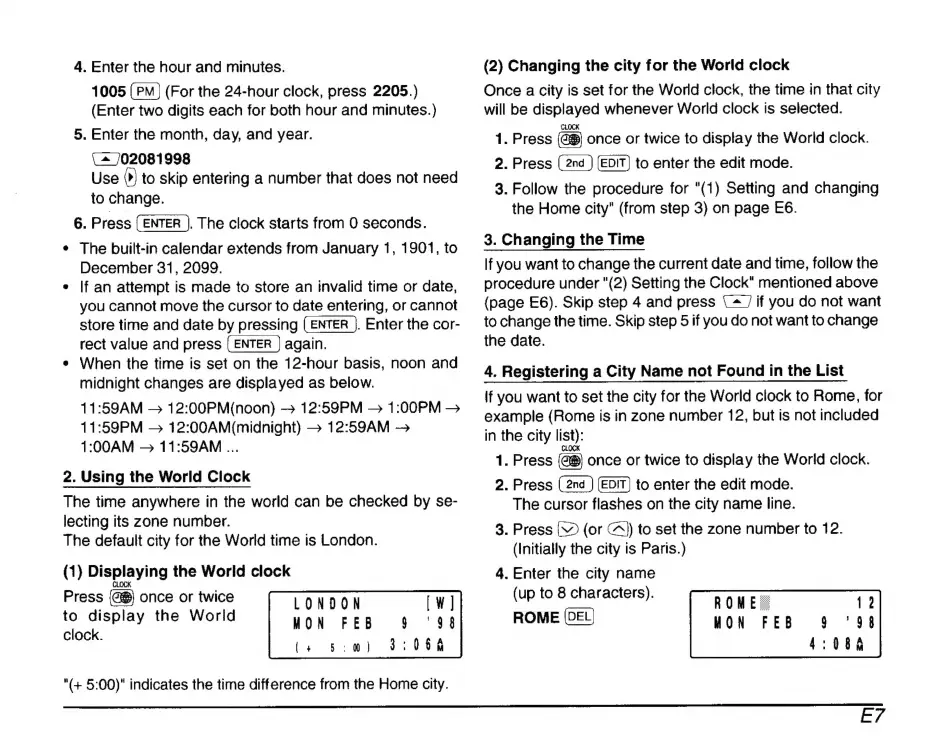
(1)
Displaying
the
World
clock
CLOCK
Press
once
or
twice
to
display
the
World
clock.
LONDON
MON
FEB
(+
5:0)
"(+
5:00)"
indicates
the
time
difference
from
the
Home
city.
(2)
Changing
the
city
for
the
World
clock
Once
a
city
is
set
for
the
World
clock,
the
time
in
that
city
will
be
displayed
whenever
World
clock
is
selected.
CLOCK
1.
Press
once
or
twice
to
display
the
World
clock.
2.
Press
to
enter
the
edit
mode.
3.
Follow
the
procedure
for
"(1)
Setting
and
changing
the
Home
city"
(from
step
3)
on
page
E6.
3.
Changing
the
Time
If
you
want
to
change
the
current
date
and
time,
follow
the
procedure
under
"(2)
Setting
the
Clock"
mentioned
above
(page
E6).
Skip
step
4
and
press
(^
if
you
do
not
want
to
change
the
time.
Skip
step
5
if
you
do
not
want
to
change
the
date.
4.
Registering
a
City
Name
not
Found
in
the
List
If
you
want
to
set
the
city
for
the
World
clock
to
Rome,
for
example
(Rome
is
in
zone
number
12,
but
is
not
included
in
the
city
list):
CLOCK
1.
Press
once
or
twice
to
display
the
World
clock.
2.
Press
to
enter
the
edit
mode.
The
cursor
flashes
on
the
city
name
line.
3.
Press
V
(or
A)
to
set
the
zone
number
to
12.
(Initially
the
city
is
Paris.)
4.
Enter
the
city
name
(up
to
8
characters).
ROME

Related product manuals