EasyManua.ls Logo

Sharp EL-6660 - Page 18

Sharp EL-6660
50 pages
Print Icon
To Next Page IconTo Next Page
To Previous Page IconTo Previous Page
Loading...
Schedule
mode
is
used
for
storing
schedule
information
(year,
month,
day,
hour,
minute,
and
schedule
detail)
in
memory.
In
this
mode,
a
schedule
listing
consists
of
3
entries:
date, time,
and
detail.
The
maximum
number
of
characters
for
each
detail
is
512.
In
the
date
entry,
four
digits
can
be
entered
for
the
year
and
two
digits
each
for
the
month,
day,
hour,
and
minute.
Schedules
can
be
stored
for
the
following
years:
1901
to
2099.
1.
Storing
Schedule
Listings
There
are
3
ways
to
entering
the
desired
date:
(1)
Entering
the
desired
date
in
Calendar
mode
(2)
Entering
the
desired
date
with
>
(or
C^)
(3)
Entering
the
desired
date
directly
After
the
date
has
been
entered,
actual
entry
of
time
and
detail
is
the
same
for
all
3
ways.
(1)
Entering
the
desired
date
in
Calendar
mode
Example:
Enter
the
following
data:
"Lunch
with
Tom"
from
11:30
AM
to
1:00
PM
on
February
24,
1998
auia
1.
Press
to
display
the
calendar
for
the
cur-
rent
date
(February
8,
1998).
2.
Press
(+
\~
Y^)
to
move
the
cursor
to
February
24,
1998.
E16
*
|f
your
display
differs
from
the
illustration,
refer
to
"(1)
Difference
between
the
EL-6660/
6690
and
EL-6660A/6690A"
on
page
E14.
(This
manual
explains
the
operation
with
the
calendar
in
the
Sunday-through-Saturday
format.)
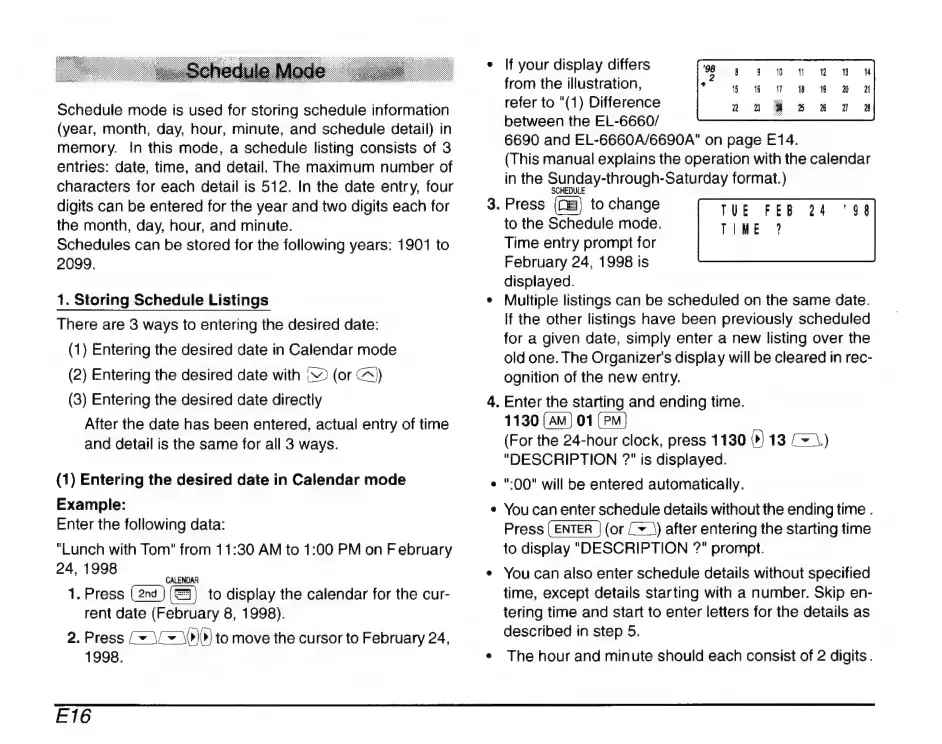
3.
Press
to
change
to
the
Schedule
mode.
Time
entry
prompt
for
February
24,
1998
is
displayed.
*
Multiple
listings
can
be
scheduled
on the
same
date.
If
the
other
listings
have
been
previously
scheduled
for
a
given
date,
simply
enter
a
new
listing
over
the
old
one.
The
Organizer's
display
will
be
cleared
in
rec-
ognition
of
the
new
entry.
4.
Enter
the
starting
and
ending
time.
1130
01
(For
the
24-hour
clock,
press
1130
(9)
13
Œ)
"DESCRIPTION
is
displayed.
":00"
will
be
entered
automatically.
You
can
enter
schedule
details
without
the
ending
time
.
Press
(or
(+)
after
entering
the
starting
time
to
display
"DESCRIPTION
?"
prompt.
*
You
can
also
enter
schedule
details
without
specified
time,
except
details
starting
with
a
number.
Skip
en-
tering
time
and
start
to
enter
letters
for
the
details
as
described
in
step
5.
*
The
hour
and
minute
should
each
consist
of
2
digits.

Related product manuals