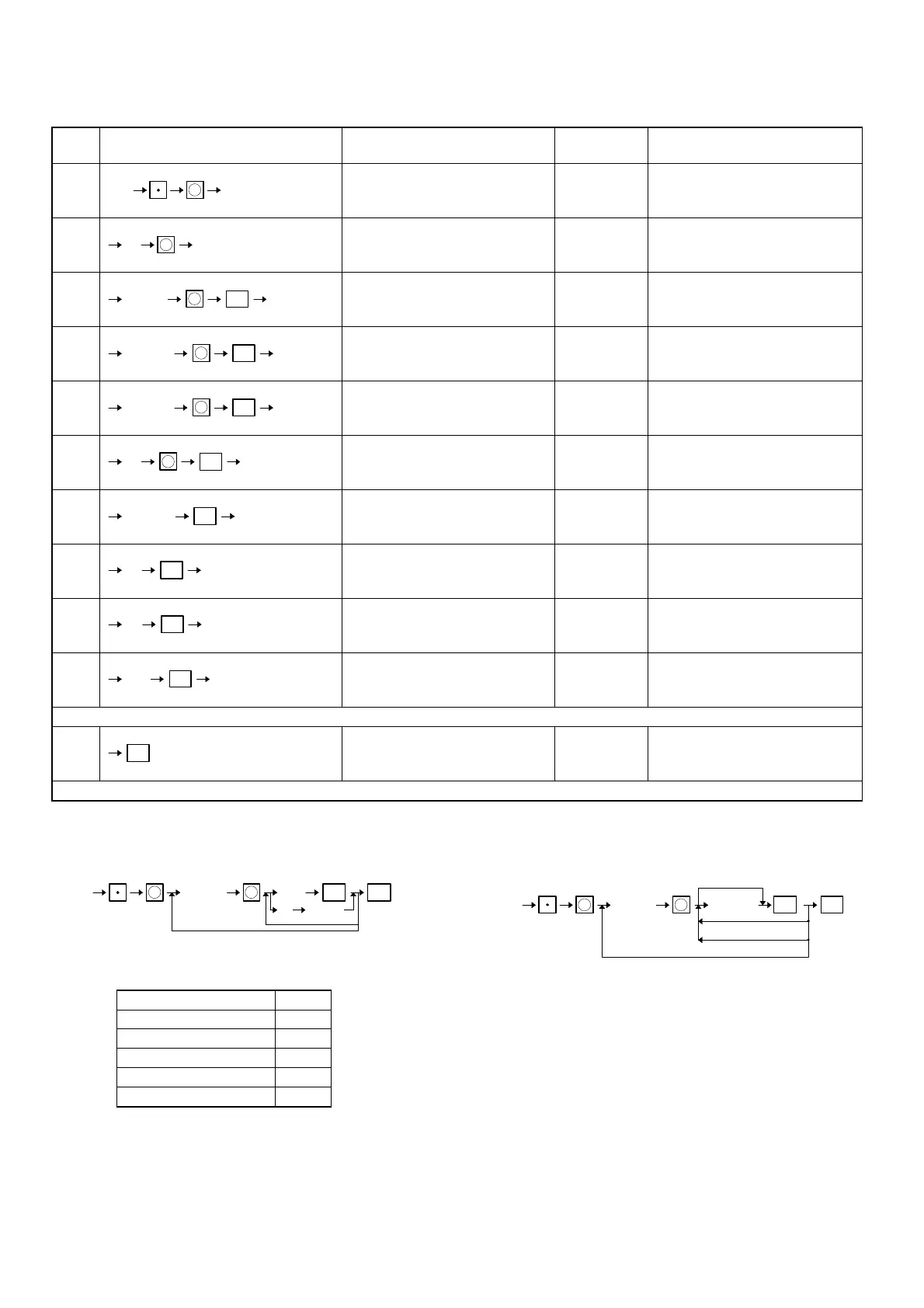
[JOB#2100]
LEAD THROUGH PROGRAMMING FOR DEPARTMENT
Step
No.
Key sequence Display
Guidance No.
(JOB#2644)
Contents
1 ENTER DEPT# 1
2 PRICE 2
3 PROGRAMMING 3 JOB#1100
4 TAX 4 JOB#2110
5 HALO 5 JOB#2111
6 (programmed text) JOB#2112
7 COMMISSION 7 JOB#2114
8 GROUP 8 JOB#2115
9 PRINT STAT. 9 JOB#2116
10 PRICE 2 JOB#2118
Dept. No. is able to be entered by the operation of "XX & ".
11
The entry moves the next step by & key and returns the previous step by ( key.
2100
X
XX
X
XXXXXX
ST
X
XXXXXXX
ST
X
XXXXXXX
STX
XX
ST
X
(Character)
ST
X
ST
XX
ST
XXX
ST
TL
[JOB#1200]
Creating/assigning PLUs and the associated departments.
XXXXXX: PLU code = 01 ∼ 999999
AB: DEPT. code = 01 ∼ 99
C: Amount entry type C
Inhibited 0
Open 1
Preset 2
Open and preset 3
Delete 4
MRS = 012
[JOB#1210]
PRICE PROGRAMMING FOR PLUS (Price 1 and 2)
XXXXXX: PLU CODE = 1 ∼ 999999
YYYYYY: Amount = 0 ∼ 999999
Any PLU code should already be defined (JOB#1200) when, its unit
price is programmed.
MRS = 000000
ST
1200
TL
XXXXXX
PLU code
ABC
X
X
C DEPT n
ST
1210 YYYYYY
TL
XXXXXX
PLU CODE
For next code
No change
X X
Next level (2times)
32



 To Next Page