
 Need help?
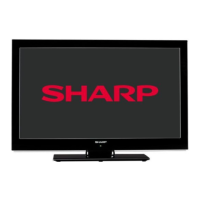
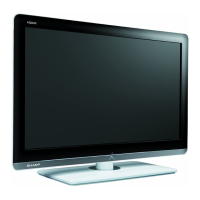
Do you have a question about the Sharp LC-32LE140E and is the answer not in the manual?
How to use the Media Browser for playing videos, music, and viewing photos from USB devices.
Explains Timeshift and Instant Recording features using a connected USB device.
Instructions for manual tuning, auto scanning, and managing channels in the list.
Guide on adjusting sound settings, including volume, equalizer, sound modes, AVL, and digital out.
 General
| Screen Size | 32 inches |
|---|---|
| Resolution | 1366 x 768 |
| Display Type | LCD |
| HDMI Ports | 2 |
| USB Ports | 1 |
| Contrast Ratio | 1000:1 |
| Brightness | 300 cd/m² |
| Backlight | LED |
| Audio Output | 10W x 2 |


 To Next Page
