12
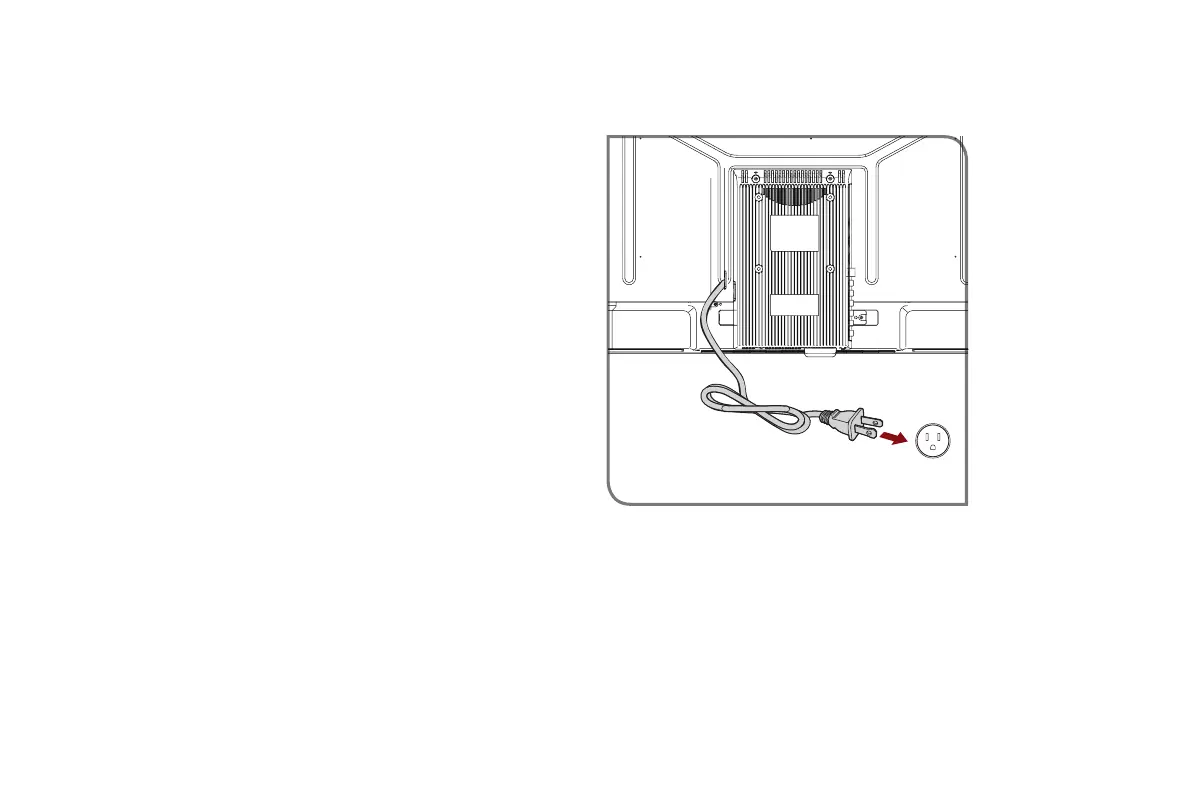
STEP 5. Power on the TV
Plug the power cord into a power outlet.
If the code associated with your Cable or Satellite provider is
not listed, does not work or you cannot locate the instructions to
program your remote, call your local Cable or Satellite provider's
customer service center.
If your Cable or Satellite provider does not have a code available,
please contact us at one of the phone numbers on Page 1.
UsingYourCableSet-topBoxorSatelliteReceiver
Remote as a ‘Universal’ Remote
If you prefer to use your Cable Set-top Box or Satellite Receiver
Remote as a ‘Universal Remote’, then visit the Support page to
view a list of the codes.
Power Cord
Wall Outlet



 To Next Page