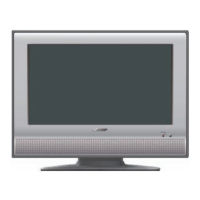
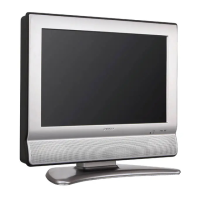
Part names
EJECTbutton
Volume (VOL-/+)/
._/_ buttons
Remote control sensor POWER indicator
Channel A/A/_PLAY button
Channel v/T/• STOP button
MENU button
INPUT/ENTER button
POWER button
• The buttons on the main unit have the same functions as
the same buttons on the remote control. Fundamentally,
this operation manual provides a description based on
operation using the remote control. _._
--Disc slot
_,,}
Listening with headphones
Plug the headphone mini-plug into the
headphone jack located on the back of the
main unit.
Adjust the sound volume using VOL (+)/(-)
on the remote control.
®o ® ® _®
AC INPUT
INPUT 2 terminals
INPUT 1terminals
-- ANT./CABLE in
COAXIAL DIGITAL AUDIO OUTPUT terminal
i INPUT 3 terminal
-- INPUT 4 terminals
• The illustrations in this operation manual are for explanation purposes and may vary slightly from the actual operations.
• The examples used throughout this manual are based on the LC-22DV27UT model.
(_=12

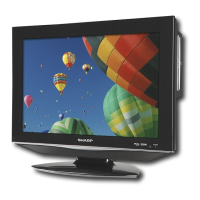
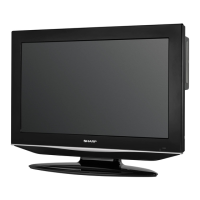
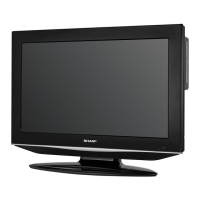



 To Next Page