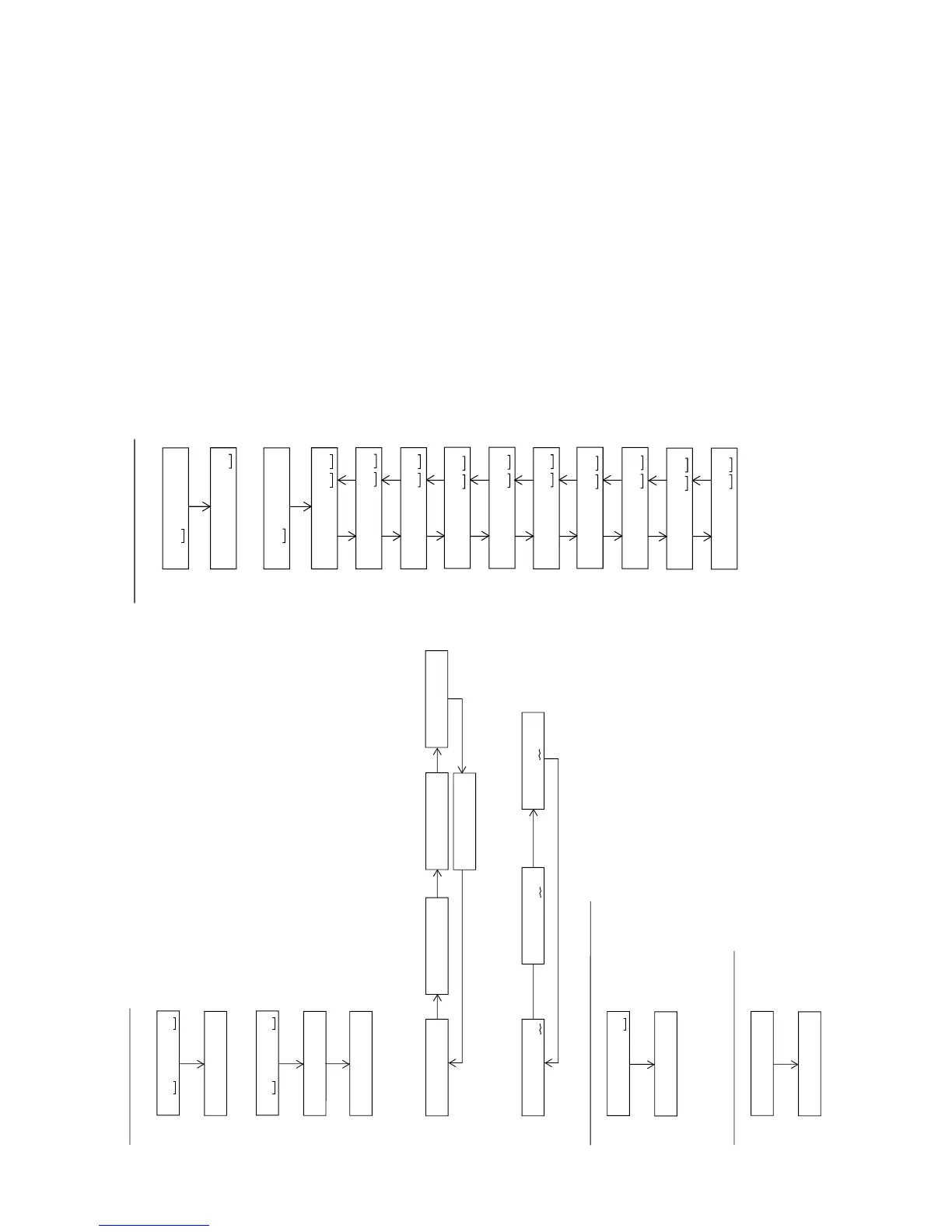
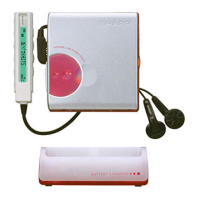
: Continuous record menu
PLAY
T R E C
Continuous Rrecord
A P # # # #
* When the [STOP] button is pressed in specific menu, the "TEST MODE STOP" state is set.
* In the start address set state the start address changes as follows when the [DISP] button is pressed.
• Continuous record from the current pickup position
: Continuous record menu
: Start address setting
: Continuous record
# # # #: Address
: Continuous record
# # # #: Address
PLAY
T R E C
A d 0 0 3 2
PLAY
A P # # # #
• Continuous record playback from any address
A d 0 0 3 2
0 0 3 2
H
(initial value) 0 3 C 0
H
0 7 0 0
H
0 8 A 0
H
A d 0 3 c 0
DISP
A d 0 7 0 0
DISP DISP
DISP
A d 0 8 A 0
* In the start address setting state the start address change digit changes when the [BASS] button is pressed.
A d 0 0 3 2
1st digit (initial value) 2nd digit 3rd digit
A d 0 0 3 2
MODE
A d 0 0 3 2
MODE
MODE
A d 1 9 5 0
: INNER switch position measurement menu
: Continuous playback (pit section)
# # # # : Address
PLAY
I N N E R
Inner Switch Position Measurement
S Q # # # #
* When the [STOP] button is pressed in specific menu, the "TEST MODE STOP" state is set.
: TEST mode normal playback menu
: Continuous playback
@@@@@@: Mode and address display
PLAY
N O R M A L
Test Mode Normal Playback
@@@@@@
* When the [STOP] button is pressed in specific menu, the "TEST MODE STOP" state is set.
* When the NORMAL mode is canceled, the power is turned off.
: Error history display menu
: Error history 0 display
§ § : Error code
: Error history 1 display
§ § : Error code
: Error history 2 display
§ § : Error code
: Error history 3 display
§ § : Error code
: Error history 4 display
§ § : Error code
: Error history 5 display
§ § : Error code
: Error history 6 display
§ § : Error code
: Error history 7 display
§ § : Error code
: Error history 8 display
§ § : Error code
: Error history 9 display
§ § : Error code
PLAY
E D A T A
Error History Display
E 0 § §
E 1 § §
: Error history display menu
: Error history clear
PLAY
E D A T A
C L E A R
SKIP UP SKIP DOWN
E 2 § §
SKIP UP SKIP DOWN
E 3 § §
SKIP UP SKIP DOWN
E 4 § §
SKIP UP SKIP DOWN
E 5 § §
SKIP UP SKIP DOWN
E 6 § §
SKIP UP SKIP DOWN
E 7 § §
SKIP UP SKIP DOWN
E 8 § §
SKIP UP SKIP DOWN
E 9 § §
SKIP UP SKIP DOWN
• Error history clear
• Error history display
* When the [STOP] button is pressed in specific menu, the "TEST MODE STOP" state is set.


 To Next Page