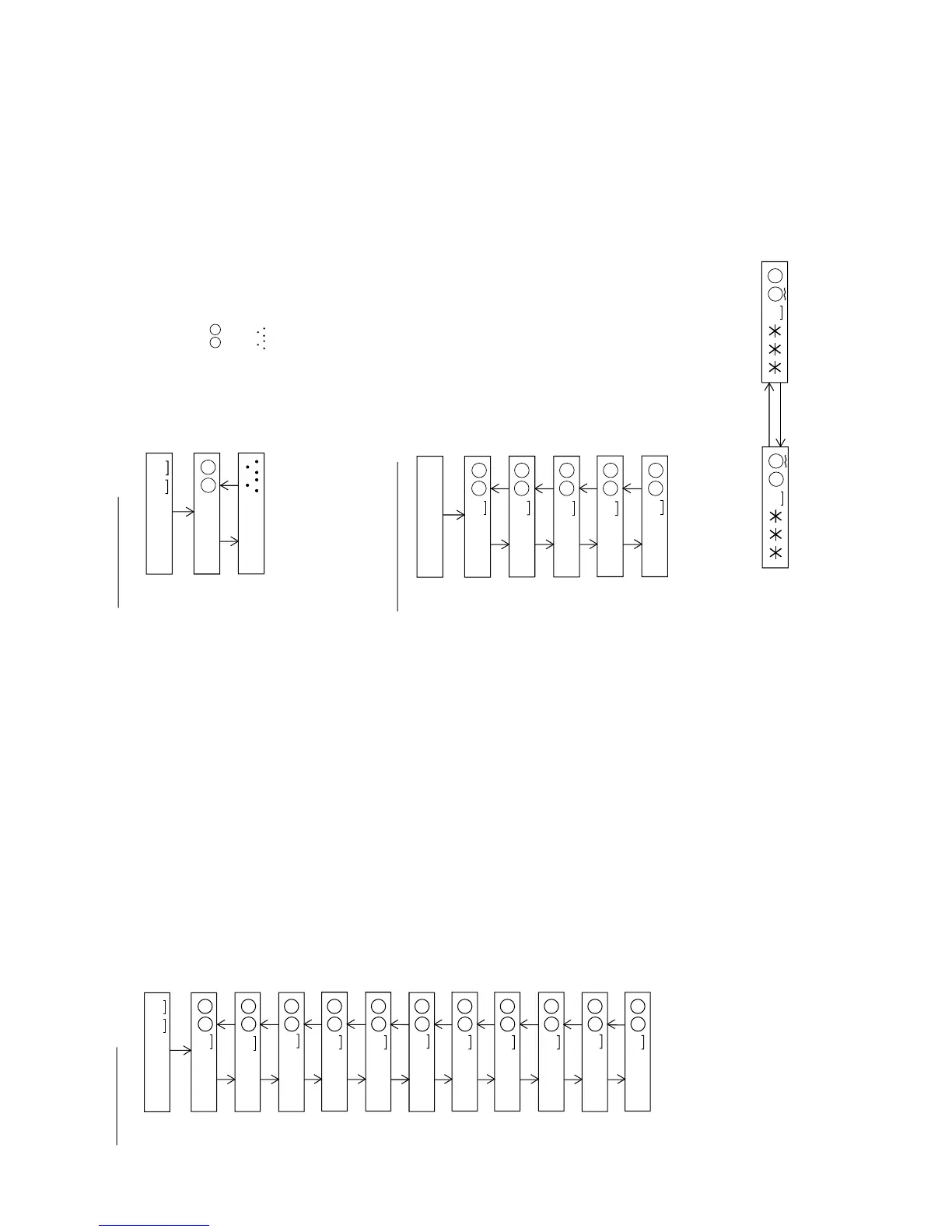
: Slide setting menu
PLAY
S l e d
Sled Setting
S L G
S L 2
SKIP UP SKIP DOWN
S L M
SKIP UP SKIP DOWN
S L V
SKIP UP SKIP DOWN
S K k
SKIP UP SKIP DOWN
S K t
SKIP UP SKIP DOWN
S K m
SKIP UP SKIP DOWN
* When the [STOP] button is pressed in specific menu, the "TEST MODE STOP" state is set.
* When the [DISP] button operation is performed in the specific state, the menu changes to
"TEMP SETTING menu".
* In the specific state the setting changes in the range of "00h to FFh" when the
[VOL UP/DOWN] button is pressed.
(The upper limit varies depending on the items)
* When the [MODE] button is pressed in each state, the set digit is changed.
W T m
SKIP UP SKIP DOWN
M V 1
SKIP UP SKIP DOWN
M V 2
SKIP UP SKIP DOWN
S R V
SKIP UP SKIP DOWN
: Temp setting menu
: TEMP reference
: Reference
§ § : Temperature code
: TEMP A/D input value
: Measurement value
PLAY
T e m p
TEMP Setting
T M § §
T p i n
SKIP UP SKIP DOWN
* When the [STOP] button is pressed in specific menu, the "TEST MODE STOP" state is set.
* When the [DISP] button operation is performed in the specific state, the menu changes to
"TEMP SETTING menu".
* In the specific state the setting changes in the range of "00h to FFh" when the
[VOL UP/DOWN] button is pressed.
* When the [MODE] button is pressed in each state, the set digit is changed.
: Adjustment setting menu
PLAY
A D J S E T
Adjustment Setting
C O K
F A T
SKIP UP SKIP DOWN
T A T
SKIP UP SKIP DOWN
C A T
SKIP UP SKIP DOWN
F A B
SKIP UP SKIP DOWN
* When the [STOP] button is pressed in specific menu, the "TEST MODE STOP" state is set.
* When the [DISP] button operation is performed in the specific state, the menu changes to
"TEMP SETTING menu".
* In the specific setting display state the setting change digit changes when the [P-MODE]
button is pressed.
1st digit (initial value) 2nd digit
P-MODE
P-MODE
* In the specific state the setting changes in the range of "0h to Fh" when the [VOL UP/DOWN]
button is pressed.
* When the [MODE] button is pressed in each state, the set digit is changed.


 To Next Page