EasyManua.ls Logo

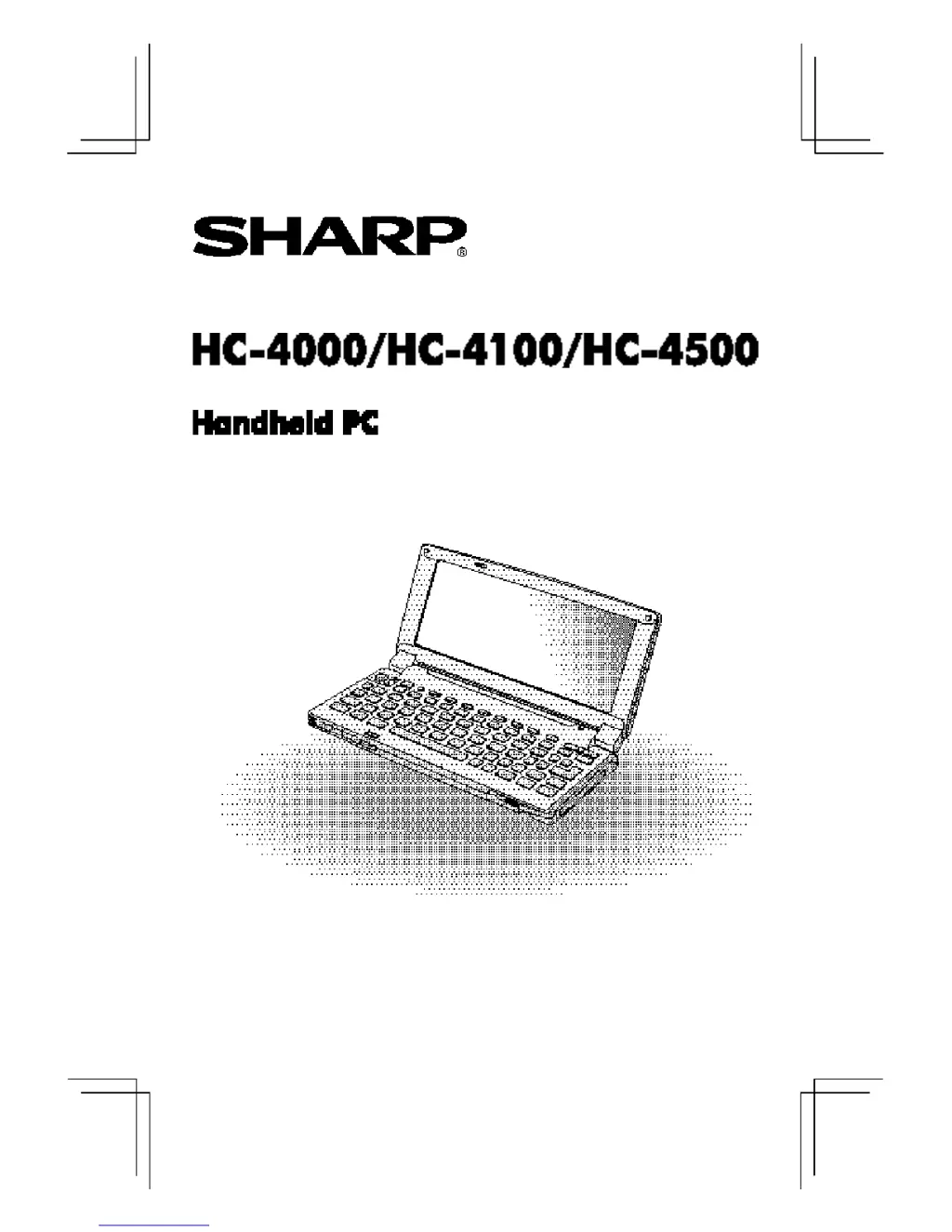
Sharp Mobilon HC-4000 - User Manual

Sharp Mobilon HC-4000
82 pages
Print Icon
To Next Page IconTo Next Page
Loading...
MODEL
OPERATION MANUAL

Questions and Answers

  • J
    Jessica BeltranSep 10, 2025
    How to fix communication issues between Sharp Mobilon HC-4000 and desktop PC?
    • R
      Ruben KingSep 10, 2025
      Make sure the serial cable is connected to the serial ports securely. Also, ensure the serial port on your desktop PC is the same one selected during the Windows CE Services installation.
  • R
    rperkinsAug 22, 2025
    What to do if the display remains blank on my Sharp Mobilon HC-4000 Handhelds after pressing the ON key?
    • Y
      Yolanda JonesAug 23, 2025
      If the display remains blank, it could be due to the display being too light or the main batteries being depleted. Try adjusting the contrast or the backlight. If that doesn't work, replace the main batteries (HC-4000/HC-4100) or recharge the battery pack (HC-4500).
  • T
    Tim SolomonAug 25, 2025
    What to do if the main battery is low on Sharp Mobilon HC-4000?
    • J
      Joseph WagnerAug 25, 2025
      If the 'main battery is low' message appears, replace the main batteries (HC-4000/HC-4100) or recharge the battery pack (HC-4500).
  • M
    Megan SchaeferAug 26, 2025
    What to do if I forgot the password on my Sharp Handhelds?
    • D
      Dr. Tiffany BoyerAug 27, 2025
      If you forgot the password, reset the unit completely.
  • P
    Patricia MarshallAug 28, 2025
    Why is my Sharp Mobilon HC-4000 Handhelds display completely black? (HC-4000/HC-4100)
    • R
      Robert WeaverAug 28, 2025
      If the display is completely black, it may be too dark. Try adjusting the contrast.
  • J
    Jesus SpearsAug 29, 2025
    Why won't my Sharp Mobilon HC-4000 recharge the battery pack (HC-4500)?
    • K
      Kathryn SmithAug 29, 2025
      Make sure the unit is turned off, otherwise charging cannot start.
  • B
    Brandon JohnsonSep 18, 2025
    Why charging cannot start on Sharp Handhelds (HC-4500)?
    • R
      Riley WilliamsSep 18, 2025
      Charging will not start if the ambient temperature is too low or too high. Be sure to perform charging at a temperature between 15 °C and 30 °C (59 °F - 86 °F). Also, you cannot charge the battery pack while the Notification indicator is blinking in amber.
  • H
    Heather MyersSep 12, 2025
    How to fix Sharp Mobilon HC-4000 Handhelds unit when pressing the RESET button does not reset it?
    • D
      davidfosterSep 12, 2025
      Remove the main and backup batteries, and setup the unit again. WARNING: this procedure will cause the loss of all data in the unit!
  • W
    Wesley AyalaSep 8, 2025
    How to fix Sharp Mobilon HC-4000 display when it doesn't respond to stylus tapping?
    • W
      woodlindaSep 8, 2025
      Reset the unit. If the display may be damaged, contact your dealer for servicing.
  • M
    Michelle CarterSep 5, 2025
    What to do if the Sharp Mobilon HC-4000 Handhelds keyboard does not work?
    • J
      jthompsonSep 5, 2025
      If the keyboard does not work, reset the unit.

Summary

Introduction

Getting Started

Installing the batteries

Step-by-step guide for inserting main and backup batteries into the unit.

Setting up the unit

Instructions for initial power-on, display adjustment, and basic configuration.

Hardware

Replacing the main batteries

Detailed procedure for replacing the main batteries in HC-4000/HC-4100 models.

Replacing the backup battery

Steps to replace the backup battery in the unit.

Common Questions & Answers

Troubleshooting FAQs

Answers common questions about unit not working, backup, and data loss.

Troubleshooting

Display issues

Solutions for problems related to a blank, black, dim, or bright display.

Input and response problems

Troubleshooting steps for stylus, unit response, and power issues.

Battery and charging issues

Addresses low battery messages, charging failures, and backlight disappearance.

Service and Support

Unit malfunctions or damage

Guidance on troubleshooting and contacting for service if the unit is damaged.

Sharp Mobilon HC-4000 Specifications

General IconGeneral
BrandSharp
ModelMobilon HC-4000
CategoryHandhelds
LanguageEnglish

Related product manuals