7-36
SYSTEM SETTINGS
Contents
Network Settings
*1 Depending on your machine specifications, only the items under "General Setting" will be displayed.
*2 This cannot be set on the machine. Set this in the system settings in the Web pages.
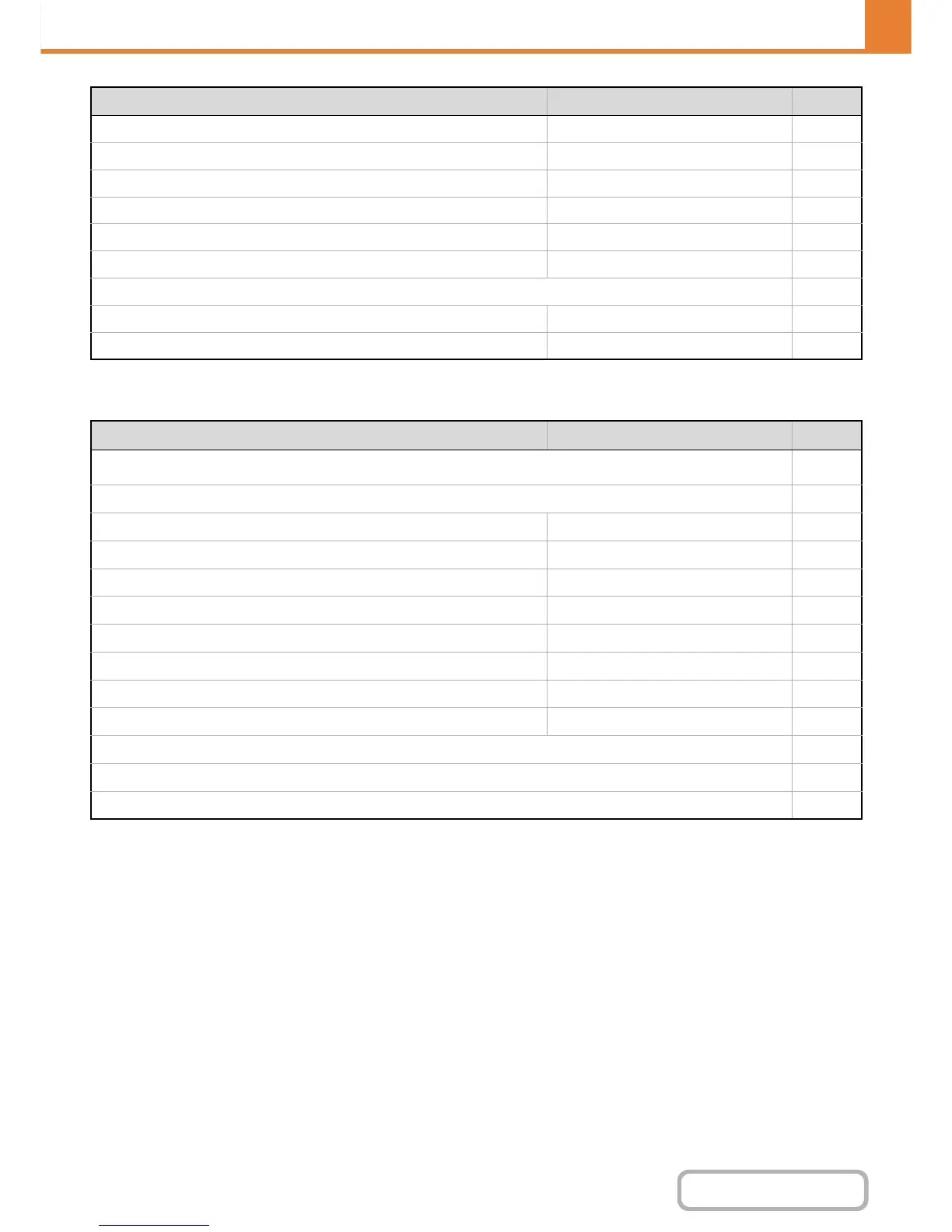
X Disabling Deletion of Job Programs Disabled 7-74
X Disabling of Bypass-Tray in Duplex Copy Disabled 7-74
X Disabling of Auto Paper Selection Disabled 7-74
X Auto Selection Setting of Tray that is Supplied the Paper Disabled 7-74
X B/W 600dpi x 600dpi Scanning Mode for Document Feeder Disabled 7-74
X B/W Quick Scan from Document Glass Enabled 7-74
● Colour Adjustments 7-75
X Initial Colour Balance Setting Factory default state 7-75
X Auto Colour Calibration – 7-75
Item Factory default setting Page
■ Network Settings
7-76
● General Setting*
1
7-76
X IPv4 Settings DHCP 7-76
X IPv6 Settings Disabled 7-76
X Enable TCP/IP Enabled 7-76
X Enable NetWare Disabled 7-76
X Enable EtherTalk Disabled 7-76
X Enable NetBEUI Disabled 7-76
X Reset the NIC – 7-76
X Ping Command – 7-76
● Connection Type Switching*
1
7-77
● Wireless Settings*
1
7-77
● NAS Setting*
2
7-77
Item Factory default setting Page


 To Next Page