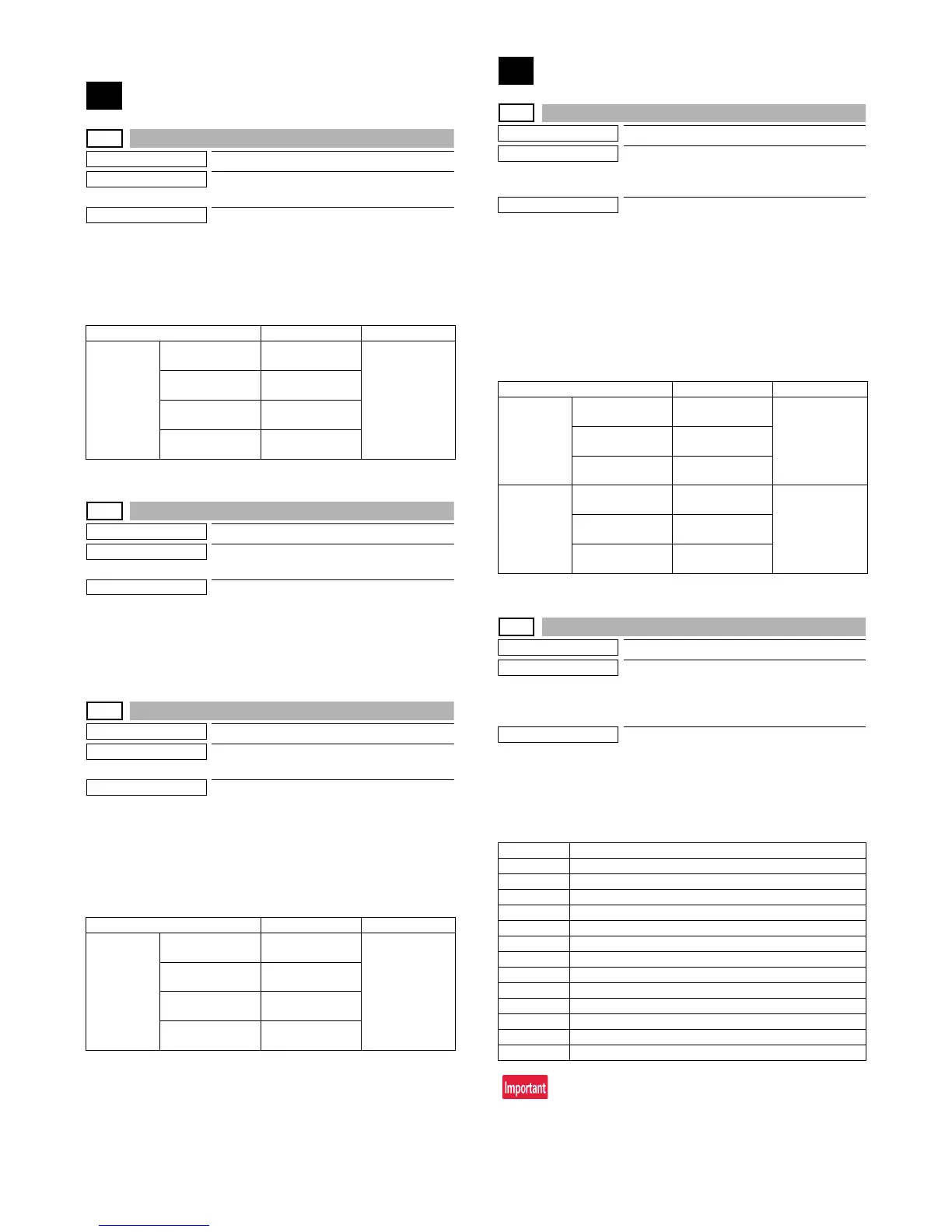
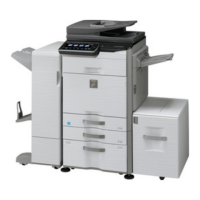
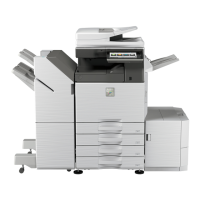
MX-3610N SIMULATION 5 – 10
4. Details of simulation
1
1-1
Purpose
Operation test/check
Function (Purpose)
Used to check the operation of the scanner
(reading) unit and the control circuit.
Section
Scanner (reading)
Operation/Procedure
1) Select the operation speed with the touch panel key.
2) Press [EXECUTE] key.
Scanning is once performed at the speed corresponding to the
scan resolution (operation speed).
1-2
Purpose
Operation test/check
Function (Purpose)
Used to check the sensors in the scanner
(reading) section and the related circuits.
Section
Scanner (reading)
Operation/Procedure
The operating status of the sensor is displayed.
When "MHPS" is highlighted, the scanner unit is in the home posi-
tion.
1-5
Purpose
Operation test/check
Function (Purpose)
Used to check the operation of the scanner
(reading) unit and the control circuit.
Section
Scanner (reading)
Operation/Procedure
1) Select the operation speed with the touch panel key.
2) Press [EXECUTE] key.
Scanning is repeated at the speed corresponding to the scan
resolution (operation speed).
When [EXECUTE] key is pressed, the operation is terminated.
2
2-1
Purpose
Operation test/check
Function (Purpose)
Used to check the operations of the auto-
matic document feeder and the control cir-
cuit.
Section
RSPF
Operation/Procedure
1) Select the operation mode and the speed with the touch panel
key.
2) Press [EXECUTE] key.
The RSPF repeats paper feed, transport, and paper exit oper-
ations at the speed corresponding to the scan resolution (oper-
ation speed).
When [EXECUTE] key is pressed, the operation is terminated.
[RSPF]
2-2
Purpose
Operation test/check
Function (Purpose)
Used to check the operations of the sen-
sors and the detectors in the automatic
document feeder section and the control
circuits.
Section
RSPF
Operation/Procedure
The operating conditions of the sensors and detectors are dis-
played.
The code names of the sensors and the detectors which are active
are highlighted.
SWD_LEN and SWD_AD are not ON/OFF display.
Item/Display Operation mode Default value
OC SCAN 300DPI 300DPI
(346.0mm/s)
300DPI
(346.0mm/s)
400DPI 400DPI
(259.5mm/s)
600DPI 600DPI
(173.0mm/s)
1200DPI 1200DPI
(86.5mm/s)
Item/Display Operation mode Default value
OC SCAN 300DPI 300DPI
(346.0mm/s)
300DPI
(346.0mm/s)
400DPI 400DPI
(259.5mm/s)
600DPI 600DPI
(173.0mm/s)
1200DPI 1200DPI
(86.5mm/s)
Item/Display Operation mode Default value
(SINGLE) 300DPI 300DPI
(259.5mm/s)
300DPI
(259.5mm/s)
400DPI 400DPI
(259.5mm/s)
600DPI 600DPI
(173.0 mm/s)
(DOUBLE) 300DPI 300DPI
(259.5mm/s)
300DPI
(259.5mm/s)
400DPI 400DPI
(259.5mm/s)
600DPI 600DPI
(173.0 mm/s)
Display Content
SPED Document sensor
SPPD1 Document transport sensor 1
SPLS1 Paper size detector 1
SPLS2 Paper size detector 2
SOCD RSPF open/close sensor
SPPD2 Document transport sensor 2
SPPD3 Document transport sensor 3
SPPD4 Document transport sensor 4
SCOV RSPF cover open/close detector
SSET SPF installation detection
STMPU SPF stamp UN installation detection
SWD_LEN SPF document guide plate position (Unit: 0.1mm)
SWD_AD SPF document detection volume output AD value




 To Next Page