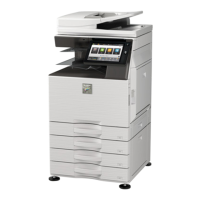
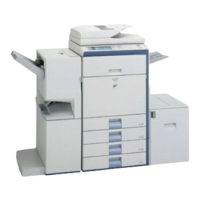
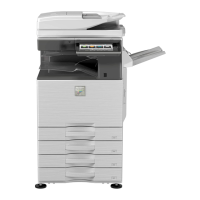
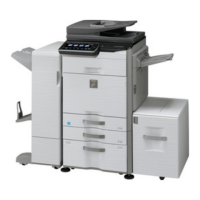
MX-3610N EXTERNAL VIEW AND INTERNAL STRUCTURE 3 – 1
MX-3610N
Service Manual
[3] EXTERNAL VIEW AND INTERNAL STRUCTURE
1. External view
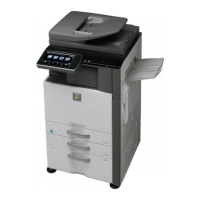
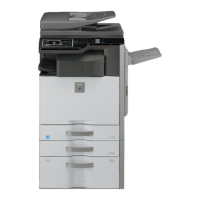
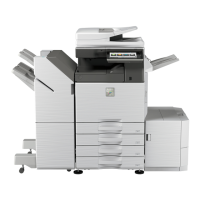
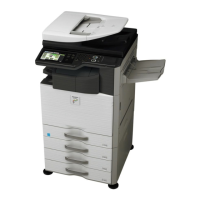
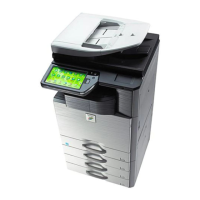
A. 18cpm/20cpm/23cpm/31cpm(G) machine
*1: Peripheral device.
*2: 18cpm machine are not installed.
No. Name Function/Operation
1 Reversing single pass feeder This automatically feeds and scans multiple originals.
Both sides of 2-sided originals can be automatically scanned.
2 Front cover Open this cover to switch the main power switch to "On" or "Off" or to replace a toner cartridge.
3 Output tray (center tray) Output is delivered to this tray.
4 Operation panel This is used to select functions and enter the number of copies.
5 Exit tray unit (right exit tray)*
1
, *
2
When installed, output can be delivered to this tray.
6 Finisher*
1
, *
2
This can be used to staple output. A punch module can also be installed to punch holes in output.
7 USB connector (A type)*
2
Supports USB 2.0 (Hi-Speed).
This is used to connect a USB device such as USB memory to the machine.
For the USB cable, use a shielded cable.
8 Tray 1 This holds paper.
9 Tray 2 (when a paper drawer is installed)* This holds paper.
10 Tray 3 (when a paper drawer is installed)* This holds paper.
11 Tray 4 (when a paper drawer is installed)* This holds paper.



 To Next Page