LOADING PAPER INTO A LARGE CAPACITY
TRAY
Overview
Use the large capacity tray for outputting massive prints that cannot be processed using
the regular tray.
The tray can hold up to 3500 sheets of 8.5" x 11"size paper (21 lbs or 80 g/m
2
).
When changing the paper size, contact your dealer or SHARP Service Department.
Operation
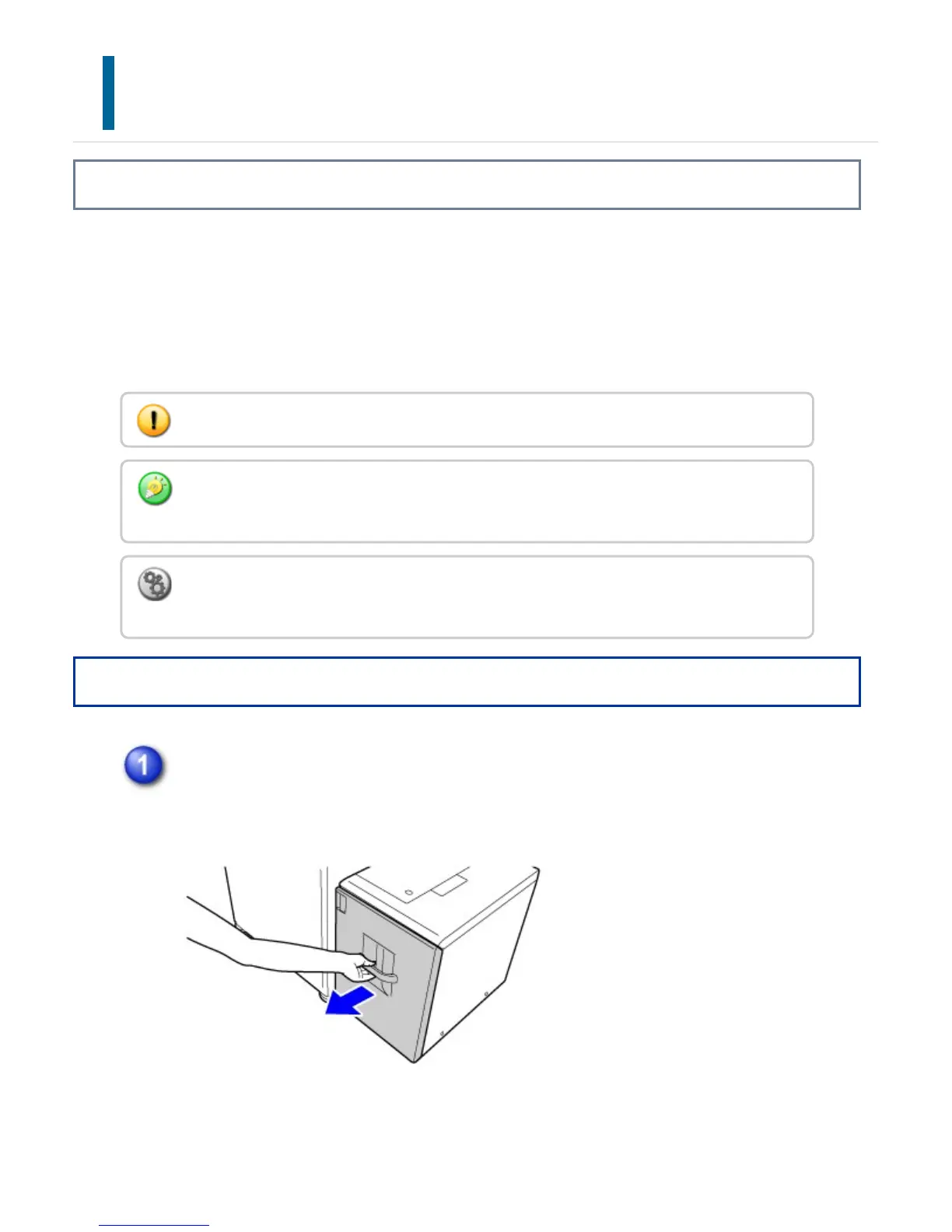
Pull out the paper tray.
Gently pull the tray out until it stops.
Do not place heavy objects on the tray or press down on the tray.
If you loaded paper of a different type from the paper previously loaded, be sure to check
the settings in "Setting mode".
To check the type of paper to be set in the tray:
In "Setting mode", select [System Settings] → [Paper Tray Settings].
USER'S MANUAL | MX-M365N/MX-M465N/MX-M565N USER'S ... http://siica.sharpusa.com/portals/0/downloads/Manuals/MX-M365N-M...
119 of 1441 3/17/2016 7:14 AM



 To Next Page