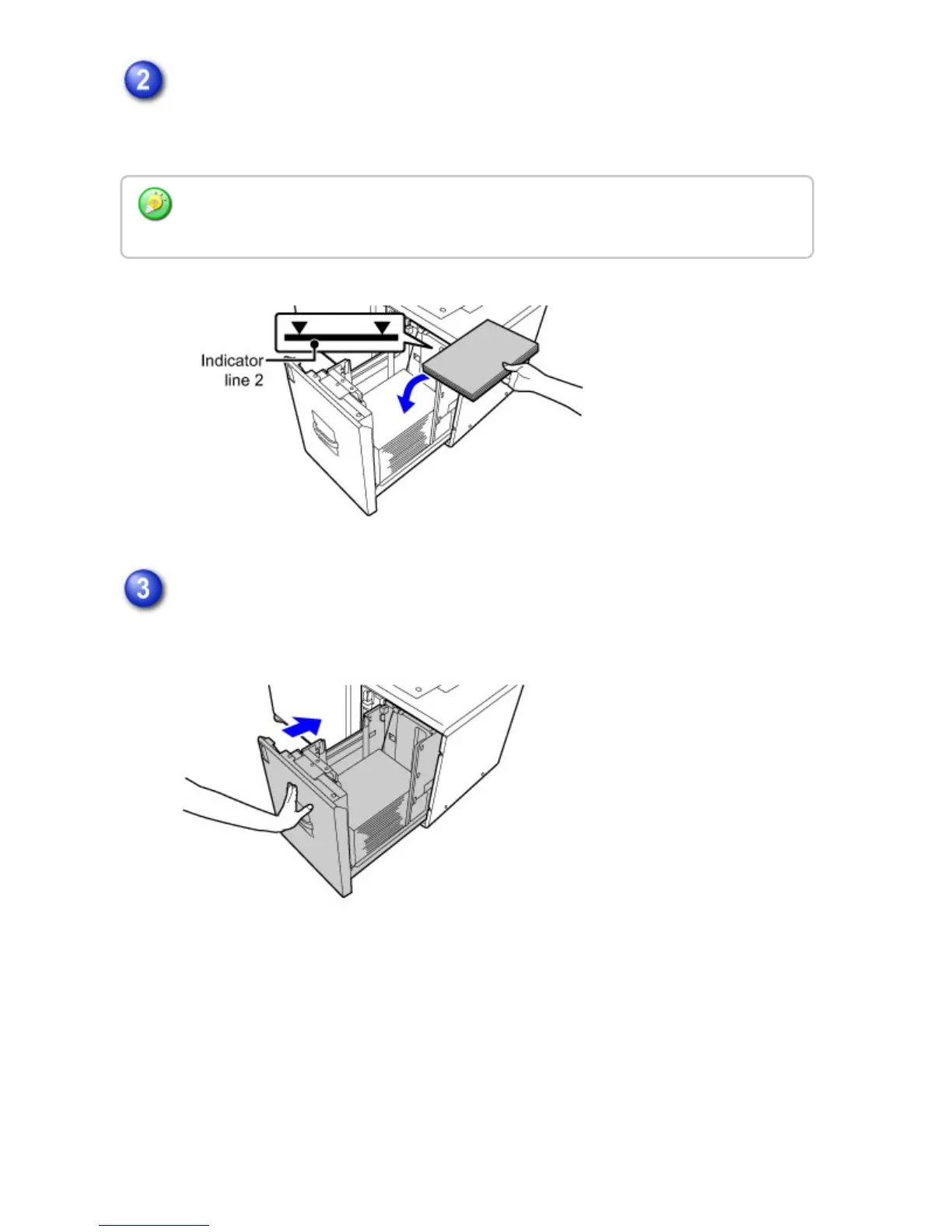
Place the paper in the center of the paper table.
Load the paper with the print side facing down. The stack must not be higher than
the indicator line (maximum of 3500 sheets).
Gently push the paper tray into the machine.
Push the tray firmly all the way into the machine.
Fan the paper well before loading it. If the paper is not fanned, multiple sheets may feed at
once and cause a misfeed.
USER'S MANUAL | MX-M365N/MX-M465N/MX-M565N USER'S ... http://siica.sharpusa.com/portals/0/downloads/Manuals/MX-M365N-M...
120 of 1441 3/17/2016 7:14 AM



 To Next Page