LOADING PAPER INTO THE BYPASS TRAY
Overview
Use the bypass tray for printing on plain paper, envelopes, label sheets, tab paper, and
other special media.
Up to 100 sheets of paper can be loaded (Heavy paper weighing between 28 lbs and 140
lbs: 40 sheets, heavy paper weighing between 140 lbs and 110 lbs: 20 sheets) for
continuous printing, just like operation using other trays.
How to place the original
Loading tab paper
Inserting transparency film
Loading envelopes
How to place the original
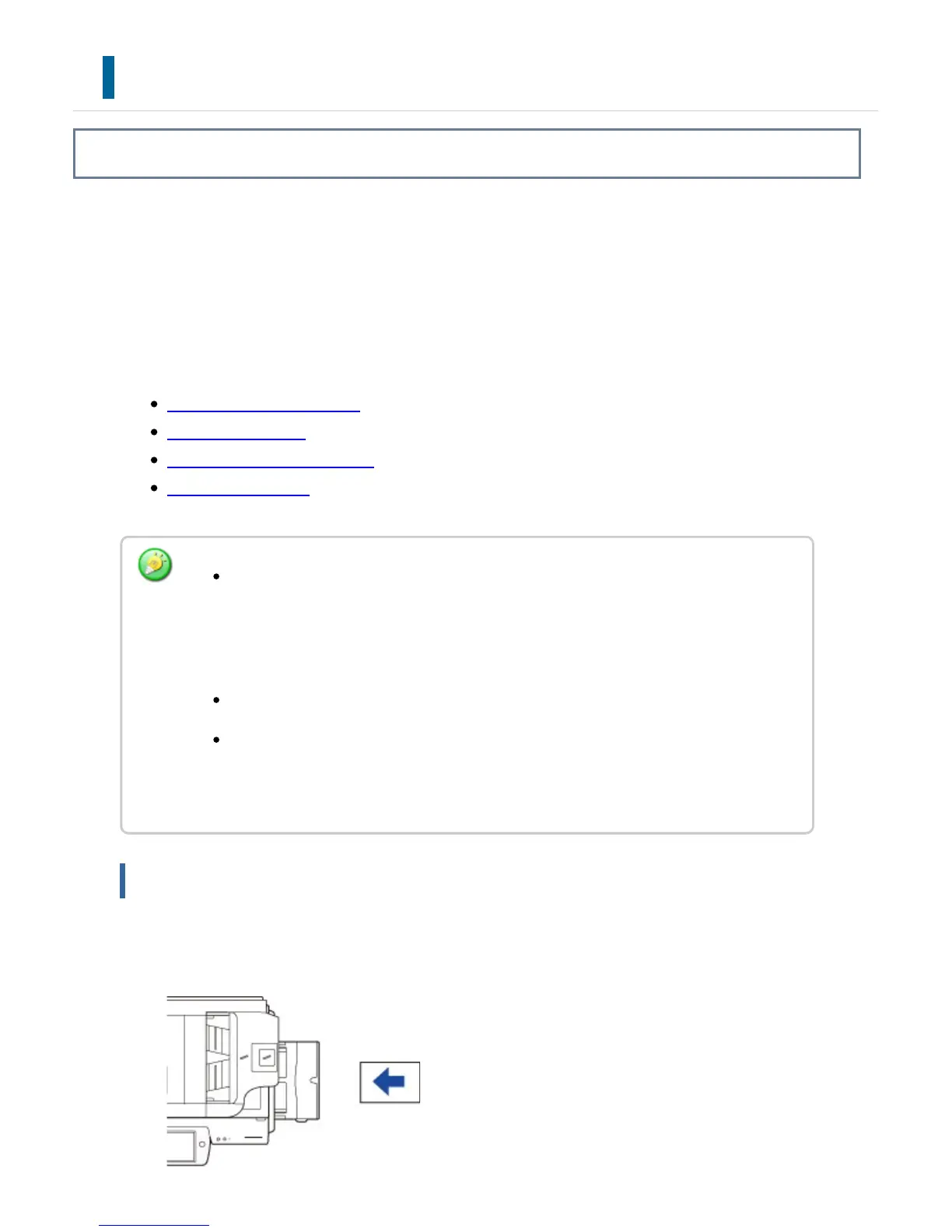
Load paper up to 7-1/4" x 10-1/2" (A5) size in landscape orientation.
When using plain paper other than Sharp standard paper or special media other
than SHARP-recommended transparency film, or when printing on the reverse
side of paper that has been printed on one side, load paper one sheet at a time.
Loading more than one sheet at a time will cause misfeeds.
Before loading paper, straighten any curling in the paper.
When adding paper, remove any paper remaining in the bypass tray, combine it
with the paper to be added, and reload as a single stack. If paper is added without
removing the remaining paper, a misfeed may result.
USER'S MANUAL | MX-M365N/MX-M465N/MX-M565N USER'S ... http://siica.sharpusa.com/portals/0/downloads/Manuals/MX-M365N-M...
121 of 1441 3/17/2016 7:14 AM



 To Next Page