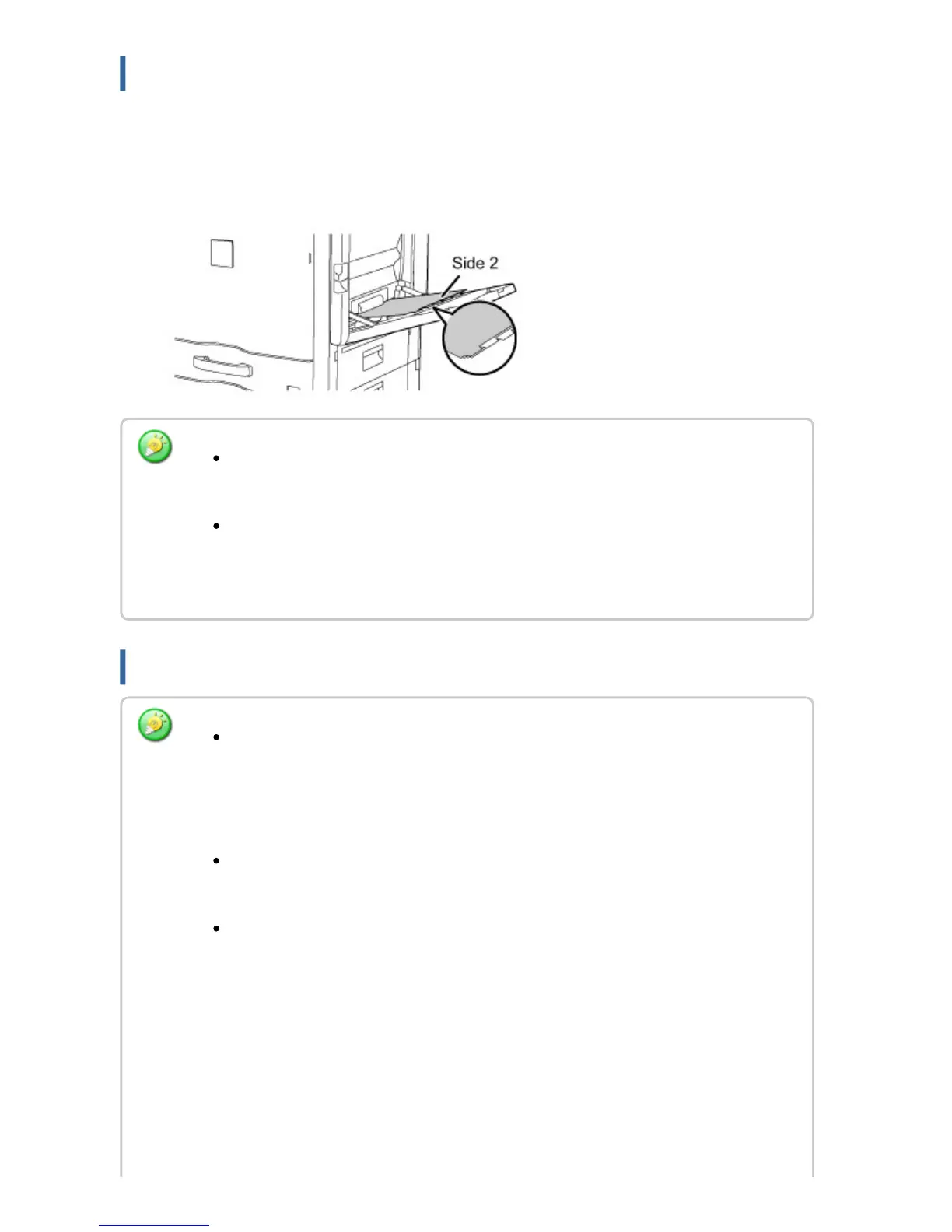
Loading tab paper
To print on tab paper, load tab paper into the bypass tray with the print side
facing down.
Inserting transparency film
Use only tab paper that is made of paper. Tab paper made of a material other than
paper (film, etc.) cannot be used.
To print on the tabs of tab paper:
In copy mode, use [Tab Copy] in "Others". In print mode, use the tab print
function.
Use SHARP-recommended transparency film.
When inserting transparency film into the bypass tray, the rounded corner should
be at the front left when the film is placed in the landscape orientation, or at the
far left when the film is oriented in the portrait orientation.
When loading multiple sheets of transparency film into the bypass tray, fan the
sheets several times before loading.
When printing on transparency film, remove each sheet as it is printed and output
from the machine. Allowing sheets to stack in the output tray may result in
curling.
USER'S MANUAL | MX-M365N/MX-M465N/MX-M565N USER'S ... http://siica.sharpusa.com/portals/0/downloads/Manuals/MX-M365N-M...
122 of 1441 3/17/2016 7:14 AM



 To Next Page