Loading envelopes
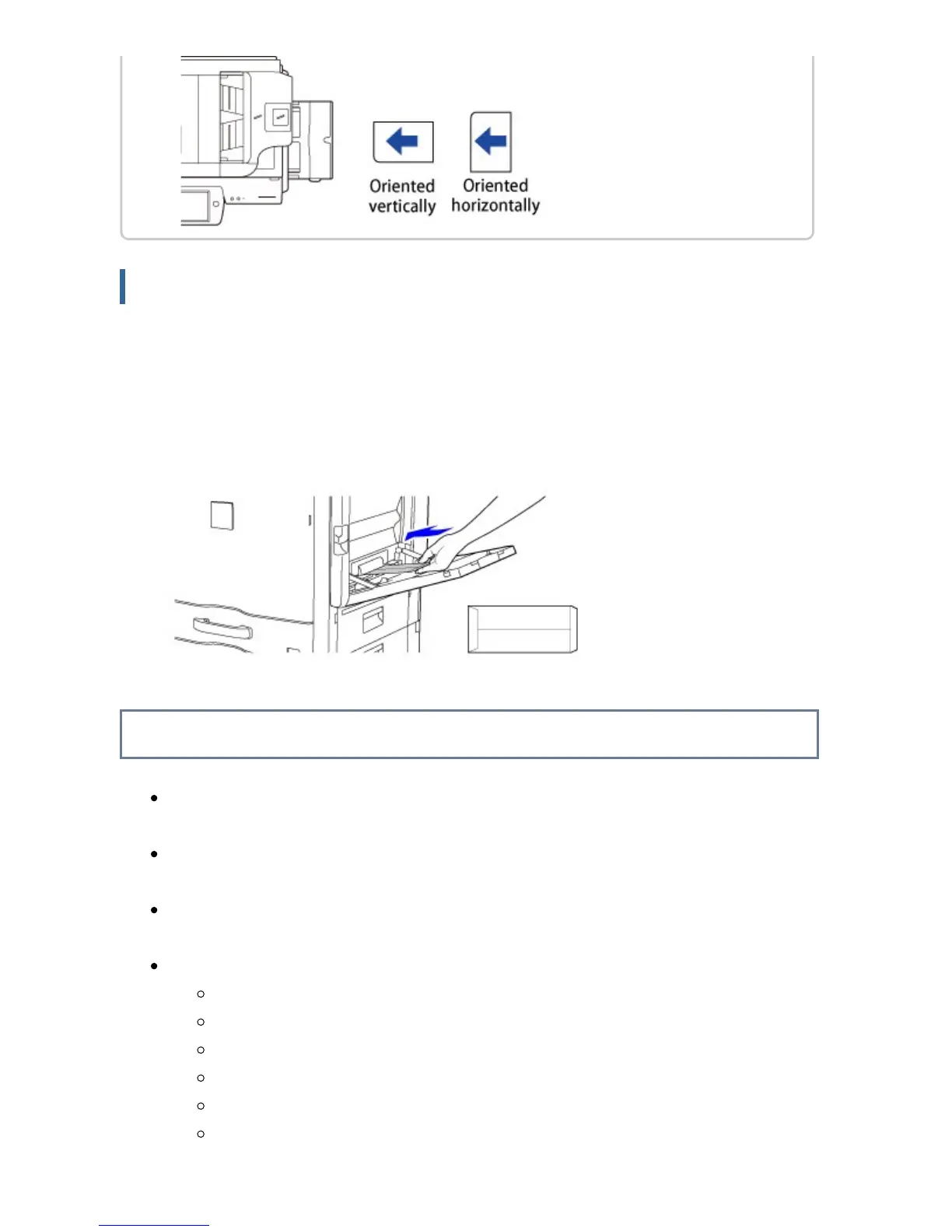
When inserting envelopes in the bypass tray, place them aligned to the left side in the
orientation shown below.
Loading envelopes
Only the front side of envelopes can be printed or copied on. Place the front
side facing down.
Important points when using envelopes
Do not print on both sides of an envelope. This may result in misfeeds or poor
print quality.
Restrictions apply to some types of envelopes. For more information, consult a
qualified service technician.
Some operating environments may cause creasing, smudging, misfeeds, poor toner
fusing, or machine failure.
Do not use the following envelopes:
Those with a metal piece, a plastic hook or a ribbon hook
Those with a string for closing
Those with a window
Those with a lining
Those with an uneven surface, finished with titling or emboss
Duplex envelopes or those with adhesive or other synthetic material for
sealing
USER'S MANUAL | MX-M365N/MX-M465N/MX-M565N USER'S ... http://siica.sharpusa.com/portals/0/downloads/Manuals/MX-M365N-M...
123 of 1441 3/17/2016 7:14 AM



 To Next Page