Fusing unit pressure adjusting levers
In some cases damage to the envelopes or smudging may occur even if envelopes within
the specifications are used.
This problem may be alleviated by shifting the fusing unit pressure adjusting levers from
their "normal pressure position" to the "lower pressure position". Follow the procedure
on the this page.
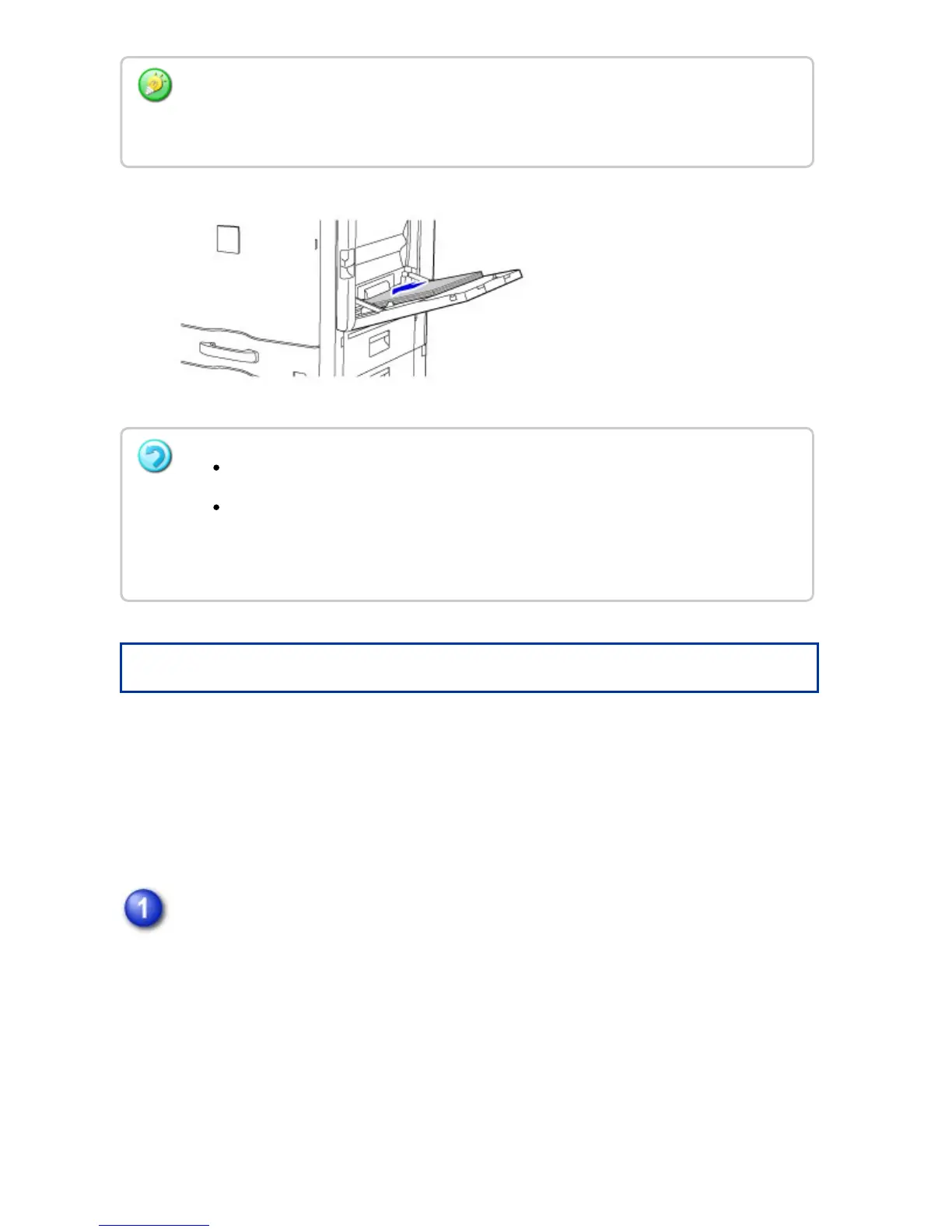
Pull out the right side cover.
While pushing up the open/close lever on the right side cover, gently open the
cover.
For "Letter Head" and "Pre-Printed", set the paper with the print side up. However, when
[Disabling of Duplex] is enabled, set the print side in the same orientation as in the regular
mode (facing down).
Do not force the paper in.
If the bypass tray guides are set wider than the paper, move the bypass tray
guides in until they correctly fit the width of the paper. If the bypass guides are
set too wide, the paper may skew or be creased.
USER'S MANUAL | MX-M365N/MX-M465N/MX-M565N USER'S ... http://siica.sharpusa.com/portals/0/downloads/Manuals/MX-M365N-M...
126 of 1441 3/17/2016 7:14 AM



 To Next Page