TONER DOES NOT ADHERE WELL OR
CREASES APPEAR ON THE PAPER
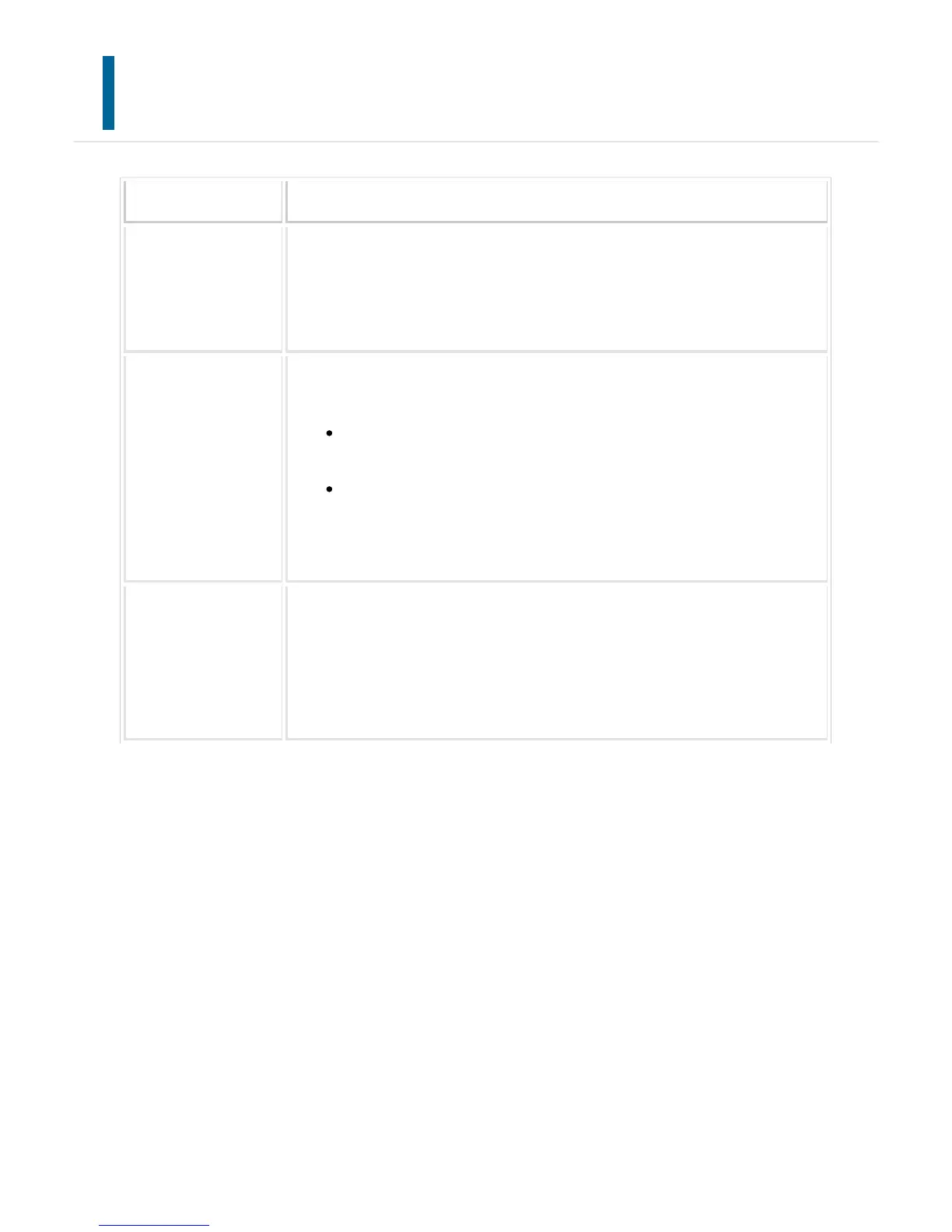
Point to check Solution
Are you using paper
that is not within the
specifications?
Use SHARP-recommended paper.
Using paper that is for other models or special paper that is not supported ma
y result in misfeeds, creases, or smudges.
- "SUPPLIES" in "Quick Start Guide"
Has the paper type b
een set correctly?
Set the correct paper type in the tray settings.
Make sure that the following has not occurred:
Heavy paper is being used, but a paper type other than heavy paper is
selected in the tray settings. (The image may disappear if rubbed.)
Paper other than heavy paper is being used, but heavy paper is
selected in the tray settings. (This may cause creases and misfeeds.)
"Setting mode" → [Paper Tray Settings] → [Tray Registration]
Is the paper loaded s
o that printing takes
place on the reverse
side?
Check the front and reverse side of paper.
Some types of paper such as labels and transparency films have specific fron
t or reverse sides. If printing takes place on the wrong side of label sheets or
transparency film, the toner may not adhere well and a clear image may not b
e obtained.
USER'S MANUAL | MX-M365N/MX-M465N/MX-M565N USER'S ... http://siica.sharpusa.com/portals/0/downloads/Manuals/MX-M365N-M...
1339 of 1441 3/17/2016 7:14 AM



 To Next Page