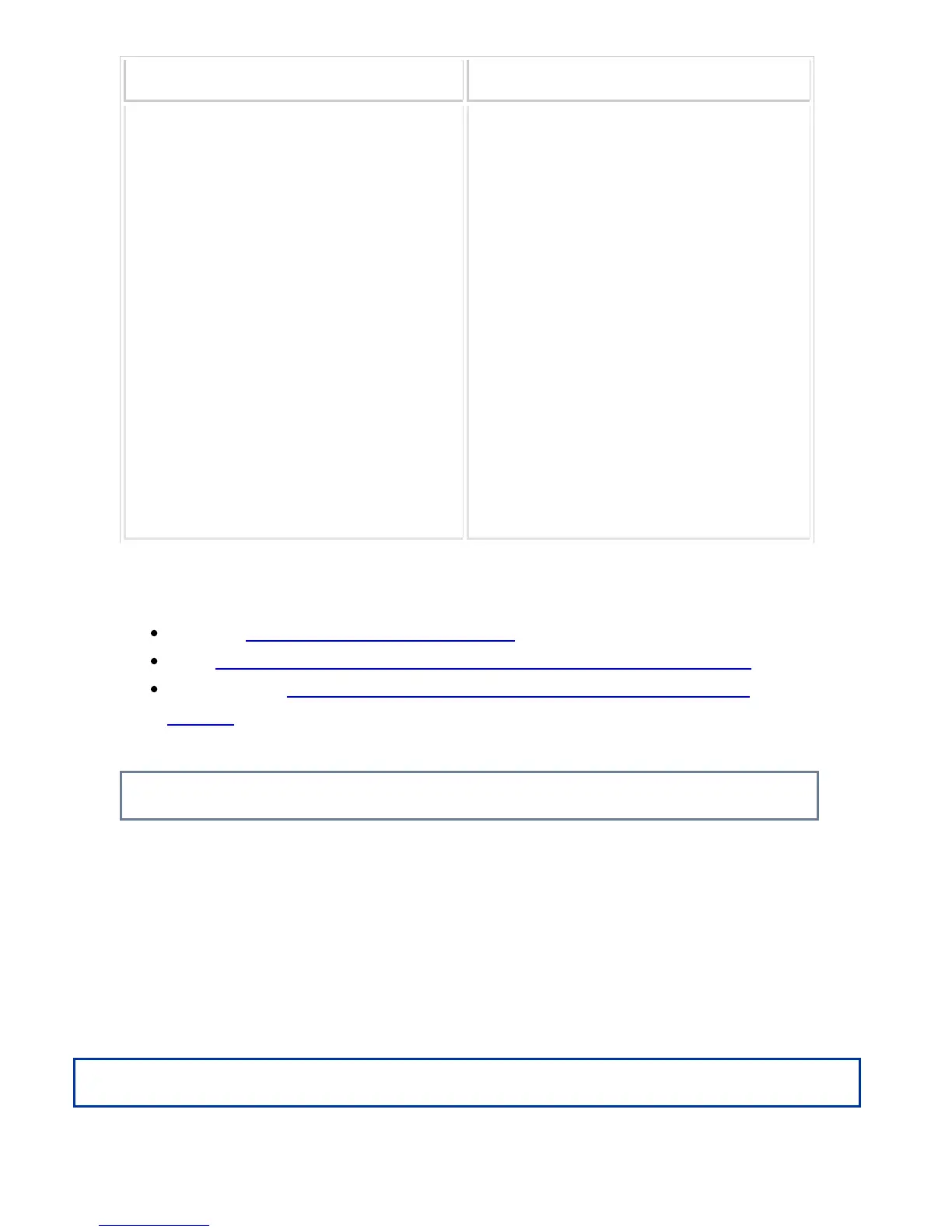
Minimum original size Maximum original size
Standard size
(Minimum size that can be automatically detect
ed)
5-1/2" (longitudinal) x 8-1/2" (transversal)
148 mm (longitudinal) x 210 mm, or A5
Non-standard size
(Minimum size that can be specified manually)
5-1/8" (longitudinal) x 5-1/2" (transversal)
131 mm (longitudinal) x 140 mm (transversal)
Standard size
(Maximum size that can be automatically detect
ed)
11" (longitudinal) x 17" (transversal)
297 mm (longitudinal) x 420 mm (transversal) or
A3
12" x 18" (A3W) cannot be used.
Non-standard size
(Maximum size that can be specified manually)
Copy mode:
11-5/8" (longitudinal) x 17" (transversal)
297 mm (longitudinal) x 432 mm (transversal)
image send mode:
11" (longitudinal) x 39-3/8" (transversal)
297 mm (longitudinal) x 1000 mm (transversal)
When the original is a non-standard size, see the appropriate explanation below for the
mode you are using.
COPIER "SPECIFYING THE ORIGINAL SIZE"
FAX "SPECIFYING THE ORIGINAL SCAN SIZE USING NUMERIC VALUES"
IMAGE SEND "SPECIFYING THE ORIGINAL SCAN SIZE USING NUMERIC
VALUES"
Allowed original weights
1-sided scanning: 9 lbs to 34 lbs (35 g/m
2
to 128 g/m
2
)
2-sided scanning: 15 lbs to 34 lbs (50 g/m
2
to 128 g/m
2
)
To scanning originals from 9 lbs to 14 lbs (35 g/m
2
to 49 g/m
2
), use "Slow Scan Mode"
in the "Others" function. Scanning without using "Slow Scan Mode" may result in
original misfeeds.
When "Slow Scan Mode" is selected, automatic 2-sided scanning is not possible.
Operation
USER'S MANUAL | MX-M365N/MX-M465N/MX-M565N USER'S ... http://siica.sharpusa.com/portals/0/downloads/Manuals/MX-M365N-M...
134 of 1441 3/17/2016 7:14 AM



 To Next Page