DOCUMENT GLASS
Overview
This section describes the steps for setting the original on the document glass.
Allowed original sizes
Maximum original size
Standard size
11" (longitudinal) x 17" (transversal)
297 mm (longitudinal) x 420 mm (transversal) or A3
Non-standard size
Close the automatic document feeder slowly. Abruptly closing the automatic
document feeder may damage it.
Take care that your fingers are not pinched when closing the automatic
document feeder.
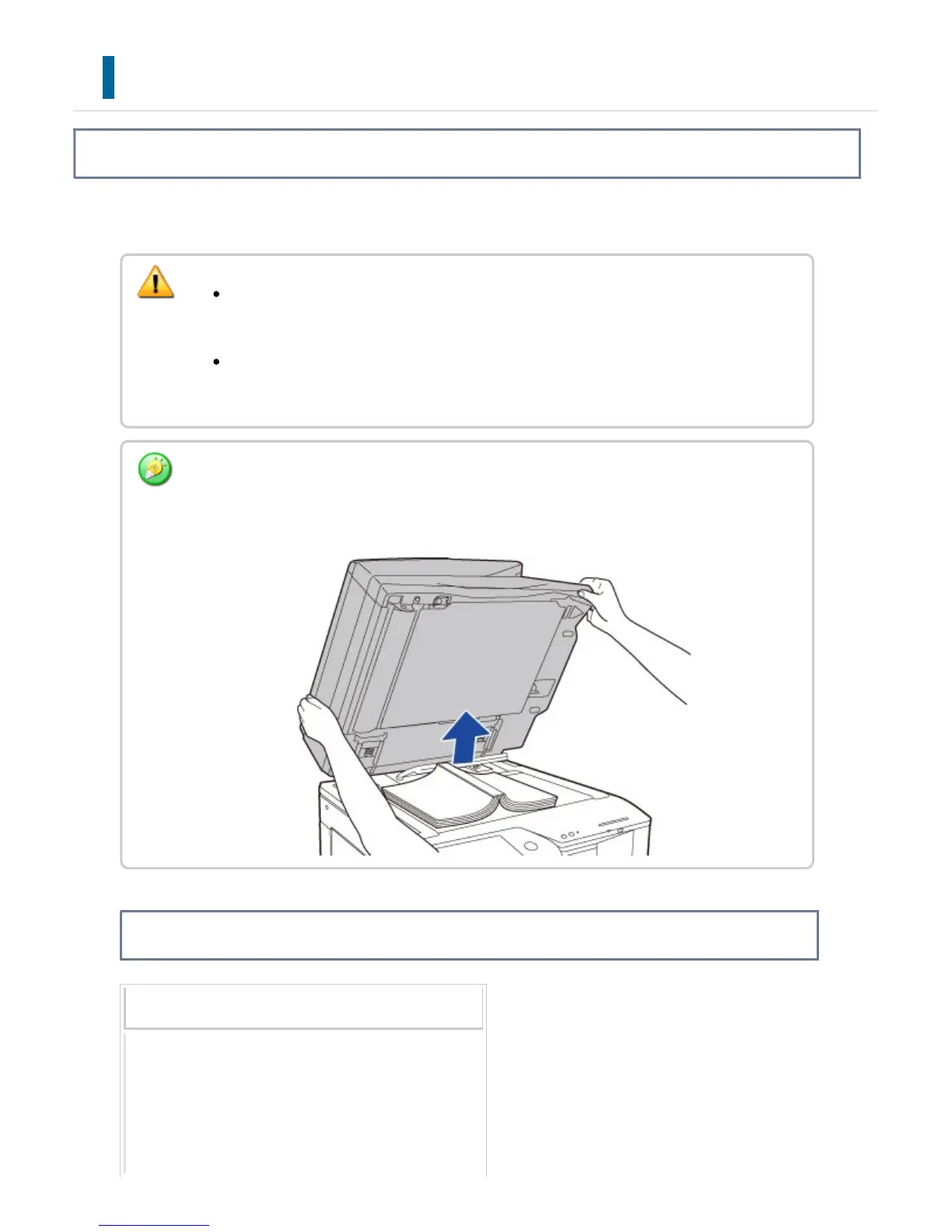
When scanning a thick book or other thick original, push up the back of the automatic
document feeder and then place the original.
When closing, open the automatic document feeder all the way and then close it.
USER'S MANUAL | MX-M365N/MX-M465N/MX-M565N USER'S ... http://siica.sharpusa.com/portals/0/downloads/Manuals/MX-M365N-M...
136 of 1441 3/17/2016 7:14 AM



 To Next Page