If you use Windows, right-click the downloaded "User's Manual", and select [Expand All] from
the menu.
If [Expand All] does not appear in the menu, use any zip application to expand the "User's
Manual".
If you use Macintosh, double-click the "User's Manual".
"User's Manual" appears.
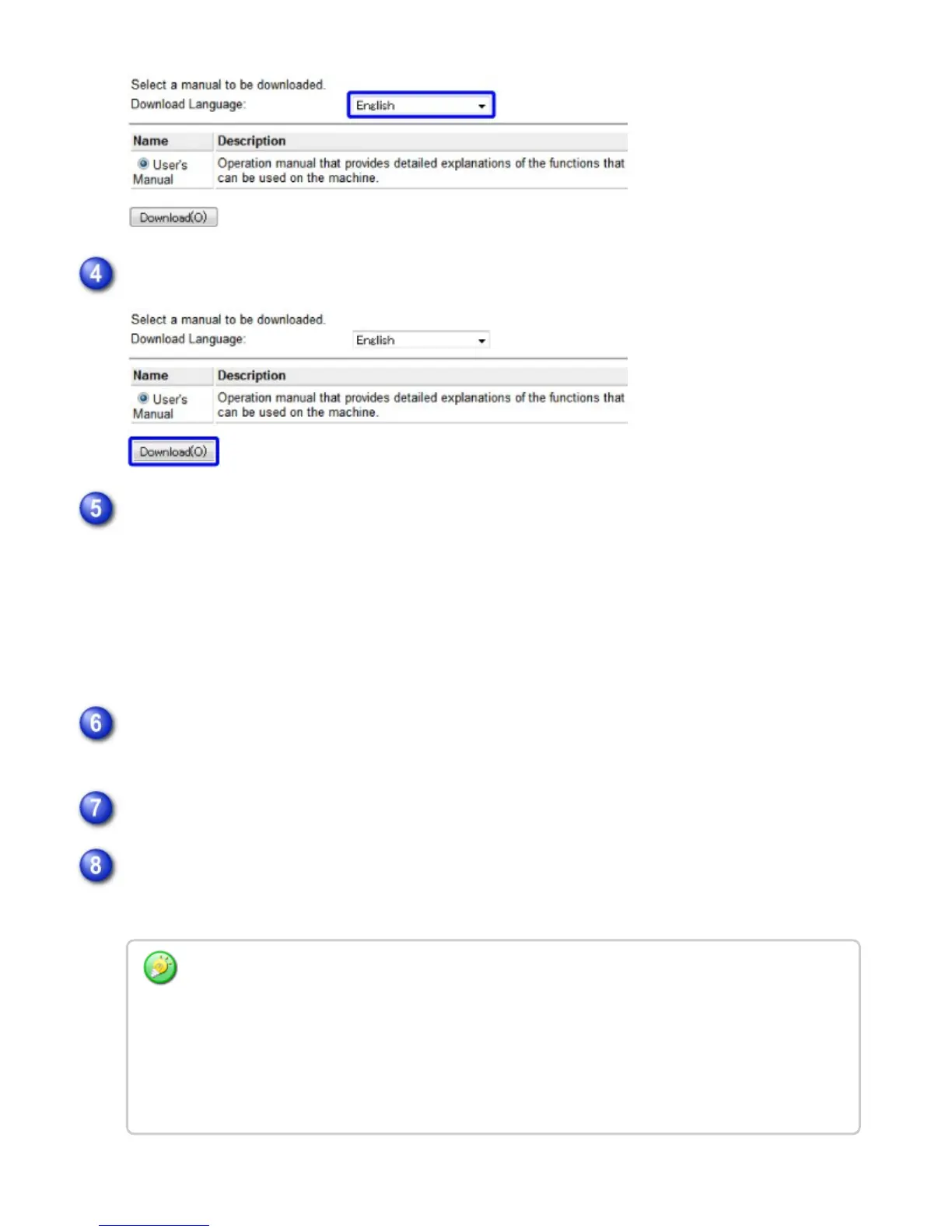
Click the [Download] button
Expand the "User's Manual" you have downloaded in step 4
Follow the instructions that appear in the Deployment Wizard to expand the "User's
Manual"
Open the "User's Manual" folder
Double click "index (.htm)"
Depending on your Web browser, a warning message may appear in the information bar or dialog
box to indicate that your Web browser has restricted viewing of this file to help protect security.
In this case, release the restricted viewing of your Web browser. The "User's Manual" is not
properly displayed unless you release the restriction.
For more information, please refer to your Web browser's help file or consult your Web browser
manufacturer.
USER'S MANUAL | MX-M365N/MX-M465N/MX-M565N USER'S ... http://siica.sharpusa.com/portals/0/downloads/Manuals/MX-M365N-M...
1365 of 1441 3/17/2016 7:14 AM



 To Next Page