OVERVIEW OF CLEANING
To ensure that the machine continues to provide top quality performance, periodically
clean the machine.
If colored/white lines or misfeeds occur, follow the cleaning procedures below.
When dirty spots or colored/white
lines are left on scanned images
Clean the following parts sequentially until no dirty spots, or
colored/white lines are left.
CLEANING OF THE DOCUMENT GLASS AND
AUTOMATIC DOCUMENT FEEDER
When paper misfeed occurs in the
bypass tray:
CLEANING THE BYPASS FEED ROLLER
When lines appear:
CLEANING THE MAIN CHARGER OF THE
PHOTOCONDUCTIVE DRUM
Do not use a flammable spray to clean the machine. If gas from the spray comes in contact
with hot electrical components or the fusing unit inside the machine, fire or electrical shock
may result.
Do not use thinner, benzene, or similar volatile cleaning agents to clean the machine.
These may degrade or discolor the housing.
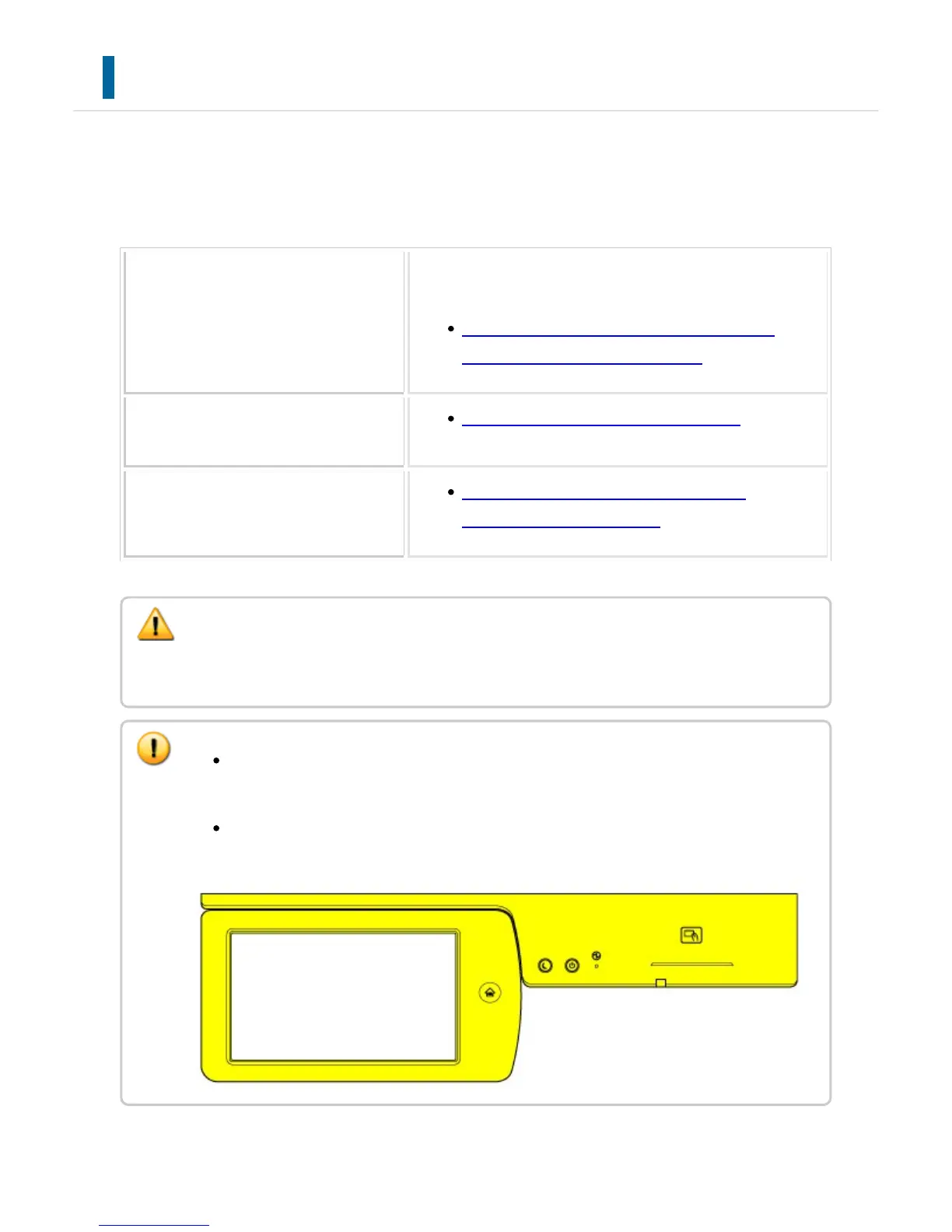
Use a soft cloth to gently wipe off dirt from the area on the operation panel (shown
below). If you use a stiff cloth or rub hard, the surface may be damaged.
USER'S MANUAL | MX-M365N/MX-M465N/MX-M565N USER'S ... http://siica.sharpusa.com/portals/0/downloads/Manuals/MX-M365N-M...
1366 of 1441 3/17/2016 7:14 AM



 To Next Page