CLEANING OF THE DOCUMENT GLASS AND
AUTOMATIC DOCUMENT FEEDER
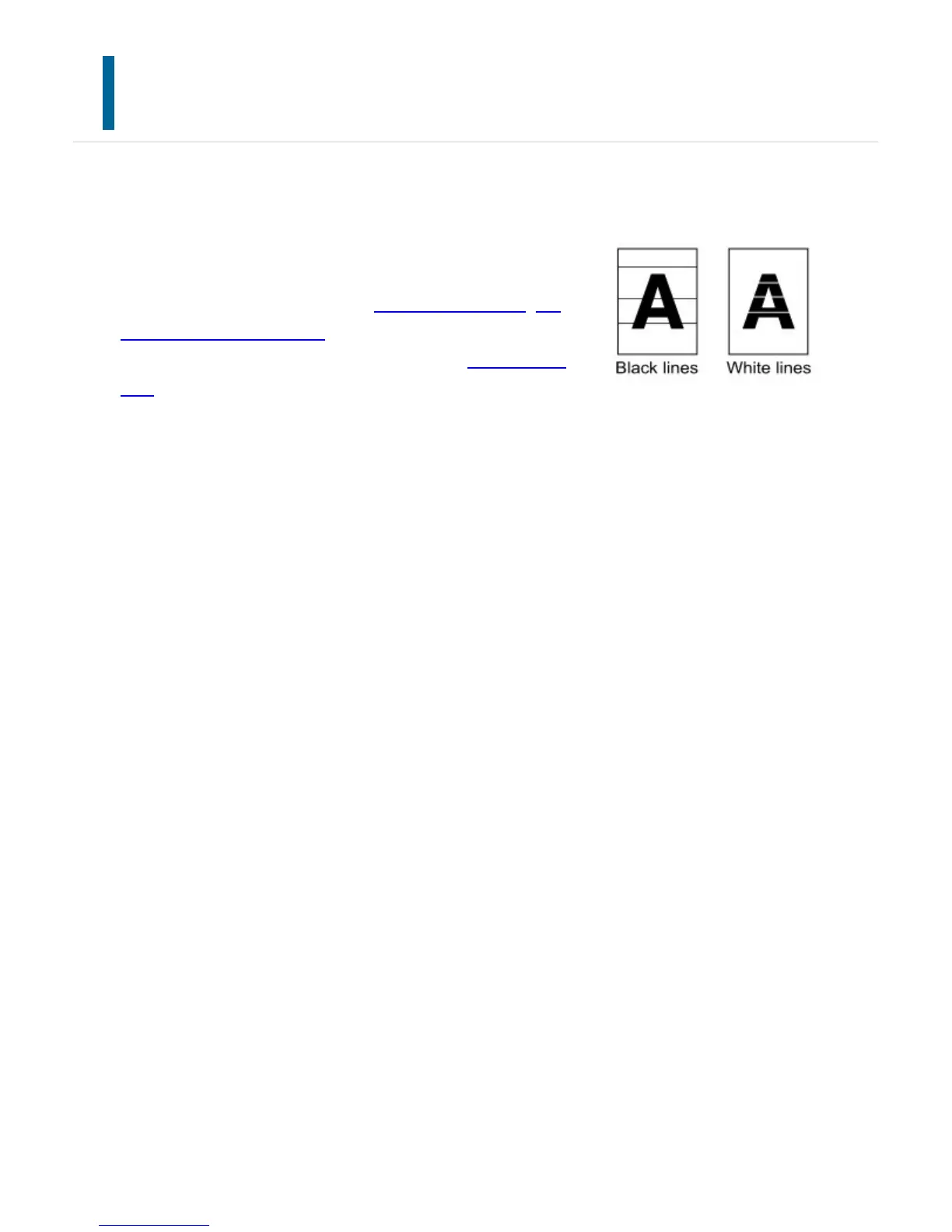
When dirty spots or colored/white lines are left on scanned
images, clean the following parts. Keep these parts clean at
all times.
When using the document glass: the document glass, the
document backplate sheet
When using the automatic document feeder: the scanning
area
Examples of lines in the
image
USER'S MANUAL | MX-M365N/MX-M465N/MX-M565N USER'S ... http://siica.sharpusa.com/portals/0/downloads/Manuals/MX-M365N-M...
1367 of 1441 3/17/2016 7:14 AM



 To Next Page