REPLACEMENT OF TONER CARTRIDGE
Overview
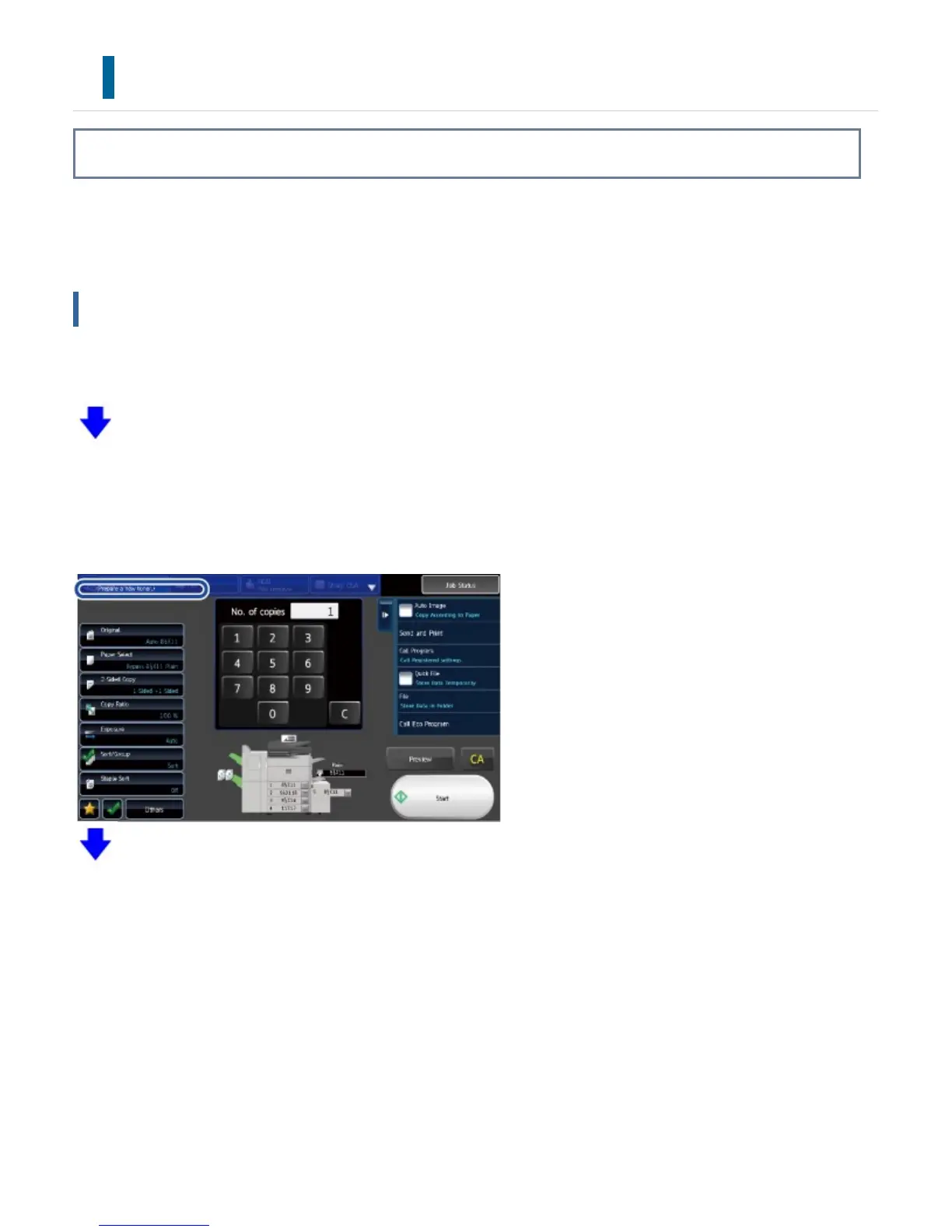
When toner is running low, the message prompting you to replace the toner cartridge appears.
You should keep one set of replacement toner cartridges on hand so that you can replace a toner
cartridge immediately when toner runs out.
Replacement message
When toner is running low, the message "Toner Low (Do not replace cartridge until requested)"
appears. When this message appears, prepare a toner cartridge for replacement.
When the amount of toner decreases further, the message "Ready to scan for copy. (Change the
toner cartridge.)" appears. When this message appears, replace the toner cartridge.
When the toner runs out, printing is stopped and the message "Change the toner cartridge."
appears.
If you continue to use the machine without replacing the cartridge, the following message will appear.
Once the machine enters this state, printing cannot be carried out until the toner cartridge is
replaced.
USER'S MANUAL | MX-M365N/MX-M465N/MX-M565N USER'S ... http://siica.sharpusa.com/portals/0/downloads/Manuals/MX-M365N-M...
1376 of 1441 3/17/2016 7:14 AM



 To Next Page