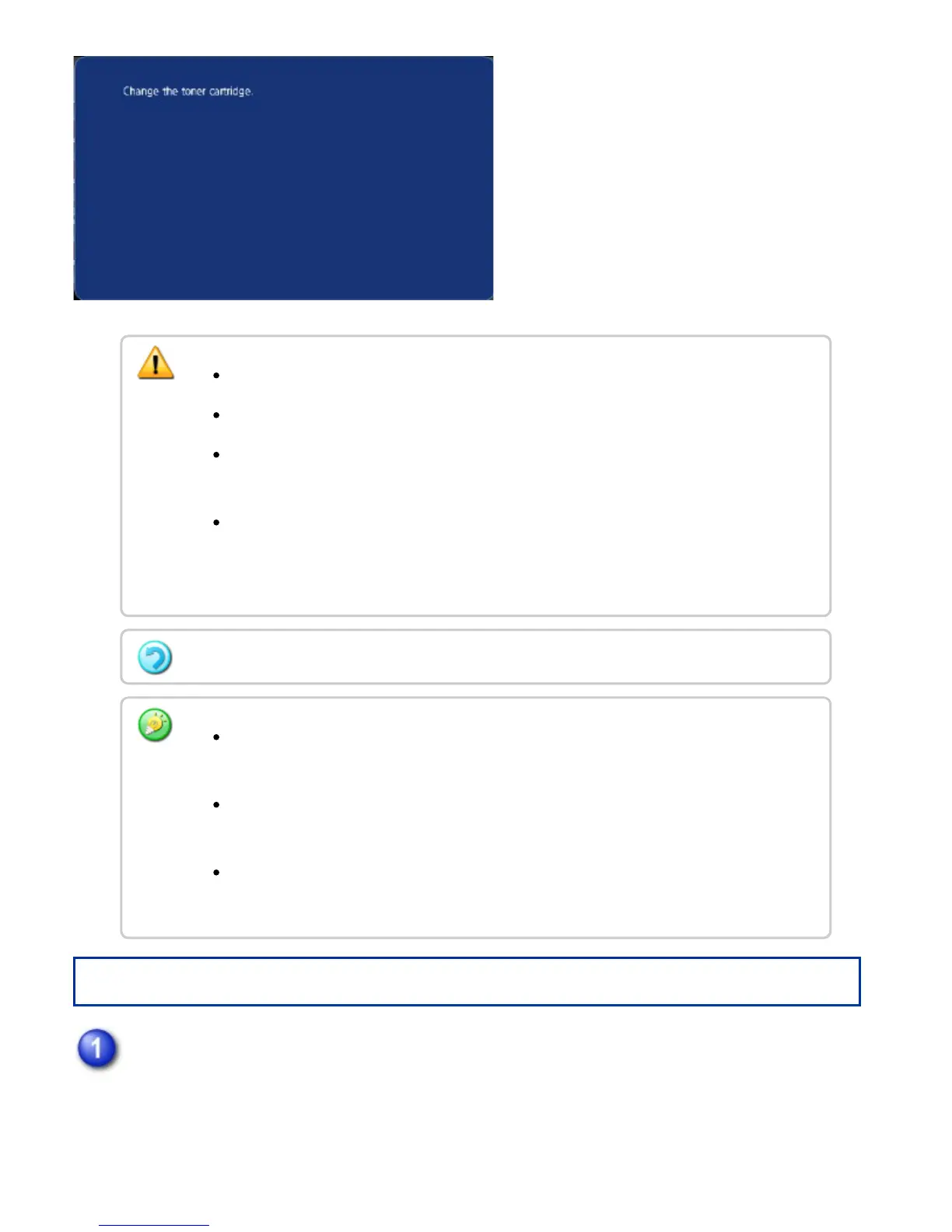
Operation
Open the front cover.
Do not throw a toner cartridge into a fire. Toner may fly and cause burns.
Store toner cartridges out of reach of small children.
If a toner cartridge is stored on end, the toner may harden and become unusable.
Always store toner cartridges on their side.
If a toner cartridge other than a SHARP-recommended toner cartridge is used, the
machine may not attain full quality and performance and there is a risk of damage to
the machine. Be sure to use a SHARP-recommended toner cartridge.
Depending on your conditions of use, the color may become light or the image blurred.
Keep used toner cartridges in a plastic bag (do not discard them). Your service
technician will collect used toner cartridges.
To view the approximate amount of toner remaining (indicated in %), hold down the
[Home Screen] button during printing or in standby mode.
When toner runs out while the home screen is displayed, the [Toner Empty]
message appears in the upper right corner of the screen.
USER'S MANUAL | MX-M365N/MX-M465N/MX-M565N USER'S ... http://siica.sharpusa.com/portals/0/downloads/Manuals/MX-M365N-M...
1377 of 1441 3/17/2016 7:14 AM



 To Next Page