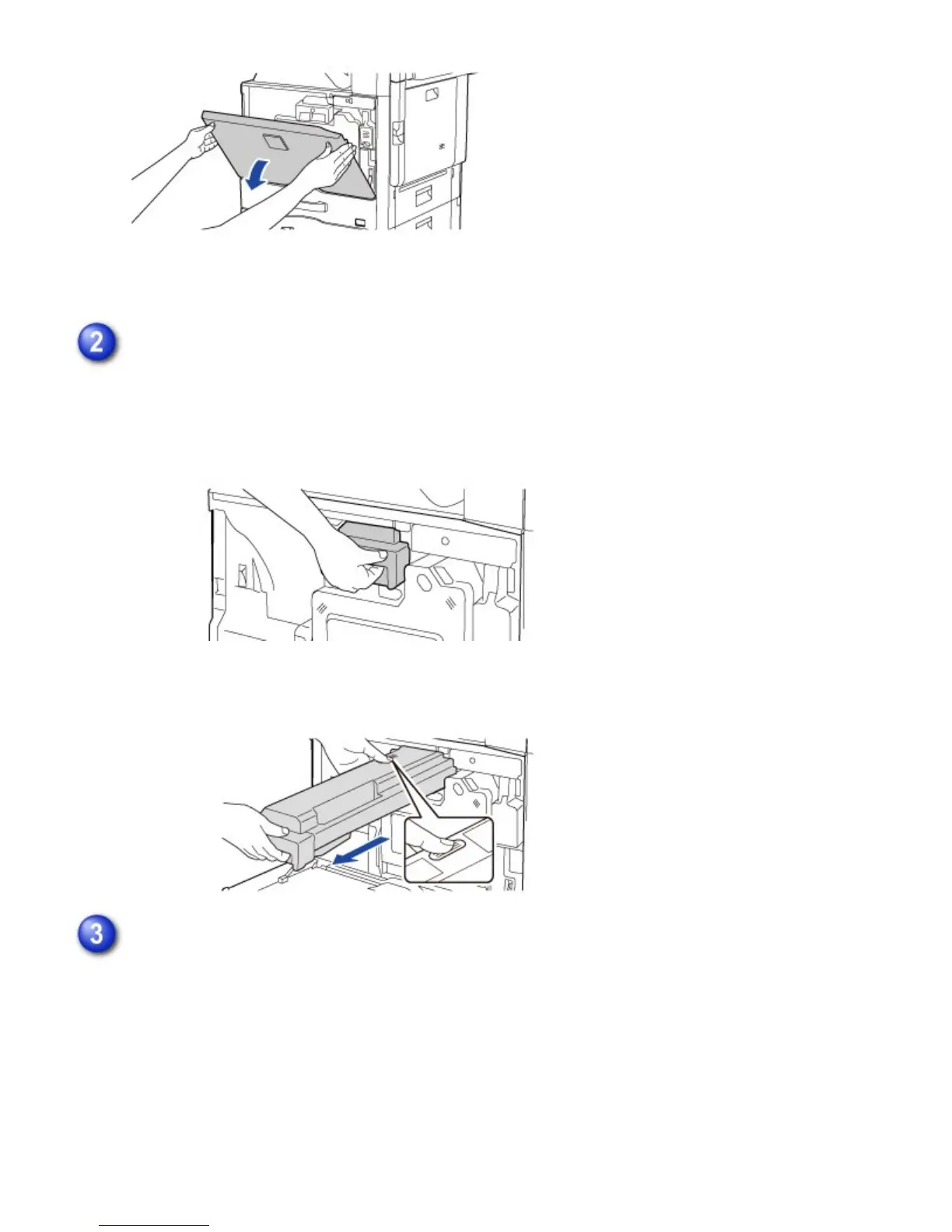
Pull the toner cartridge toward you.
Gently pull out the toner cartridge horizontally.
If the cartridge is pulled out abruptly, toner may spill out.
Hold the toner cartridge with both hands as shown and slowly pull it out of the machine.
Take out a new toner cartridge from its package and shake it five or six times.
USER'S MANUAL | MX-M365N/MX-M465N/MX-M565N USER'S ... http://siica.sharpusa.com/portals/0/downloads/Manuals/MX-M365N-M...
1378 of 1441 3/17/2016 7:14 AM



 To Next Page