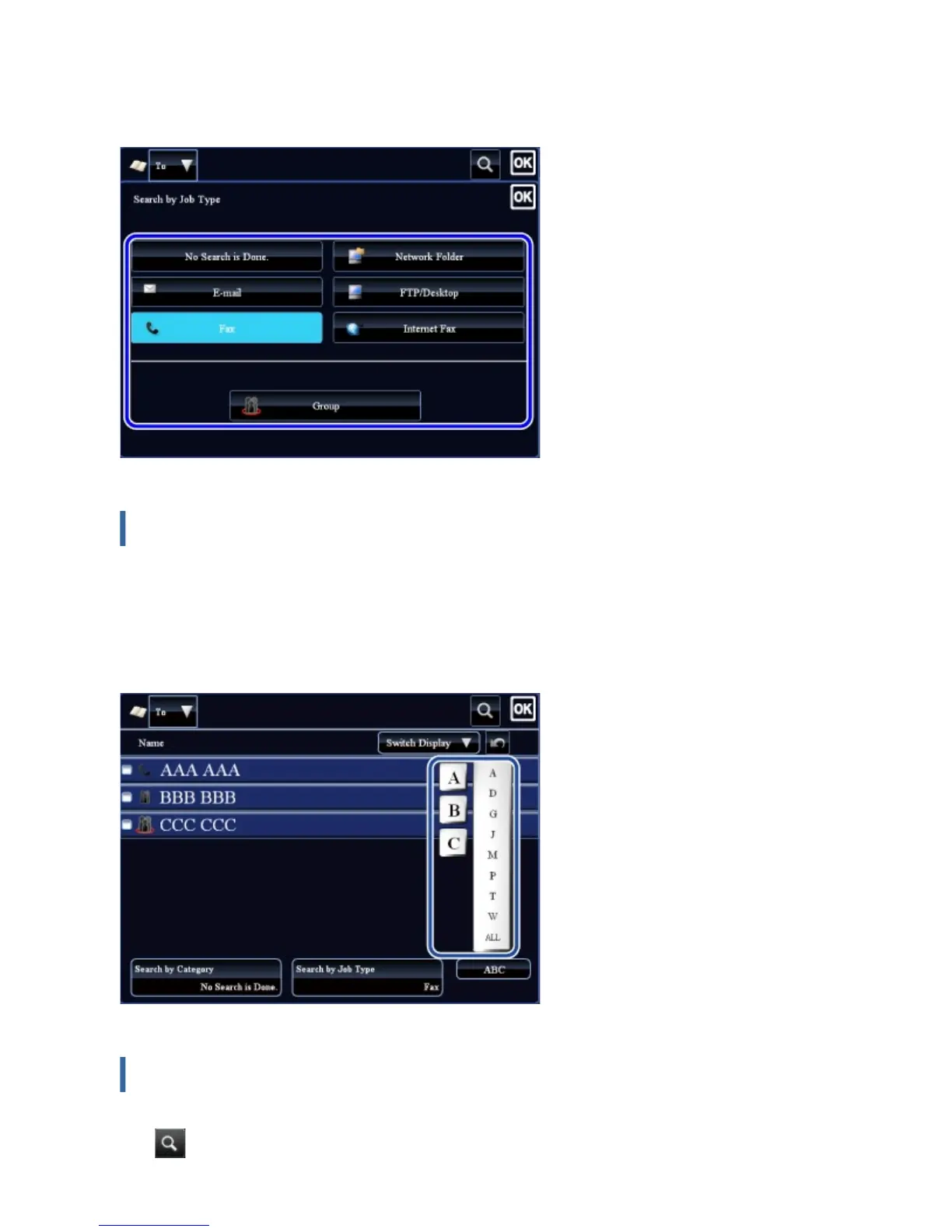
The "Contacts" and "Group" for the selected job appear on a list.
The narrowed-down condition is displayed under the [Search by Job Type] key.
Narrowing by index
Search by alphabet to narrow down addresses.
For example, tap "A" on the index bar to display "Contacts" stored with search text
starting with "A".
Narrowing by keyword
Tap to display a search screen. Select a target for search, enter a keyword and then
USER'S MANUAL | MX-M365N/MX-M465N/MX-M565N USER'S ... http://siica.sharpusa.com/portals/0/downloads/Manuals/MX-M365N-M...
142 of 1441 3/17/2016 7:14 AM



 To Next Page