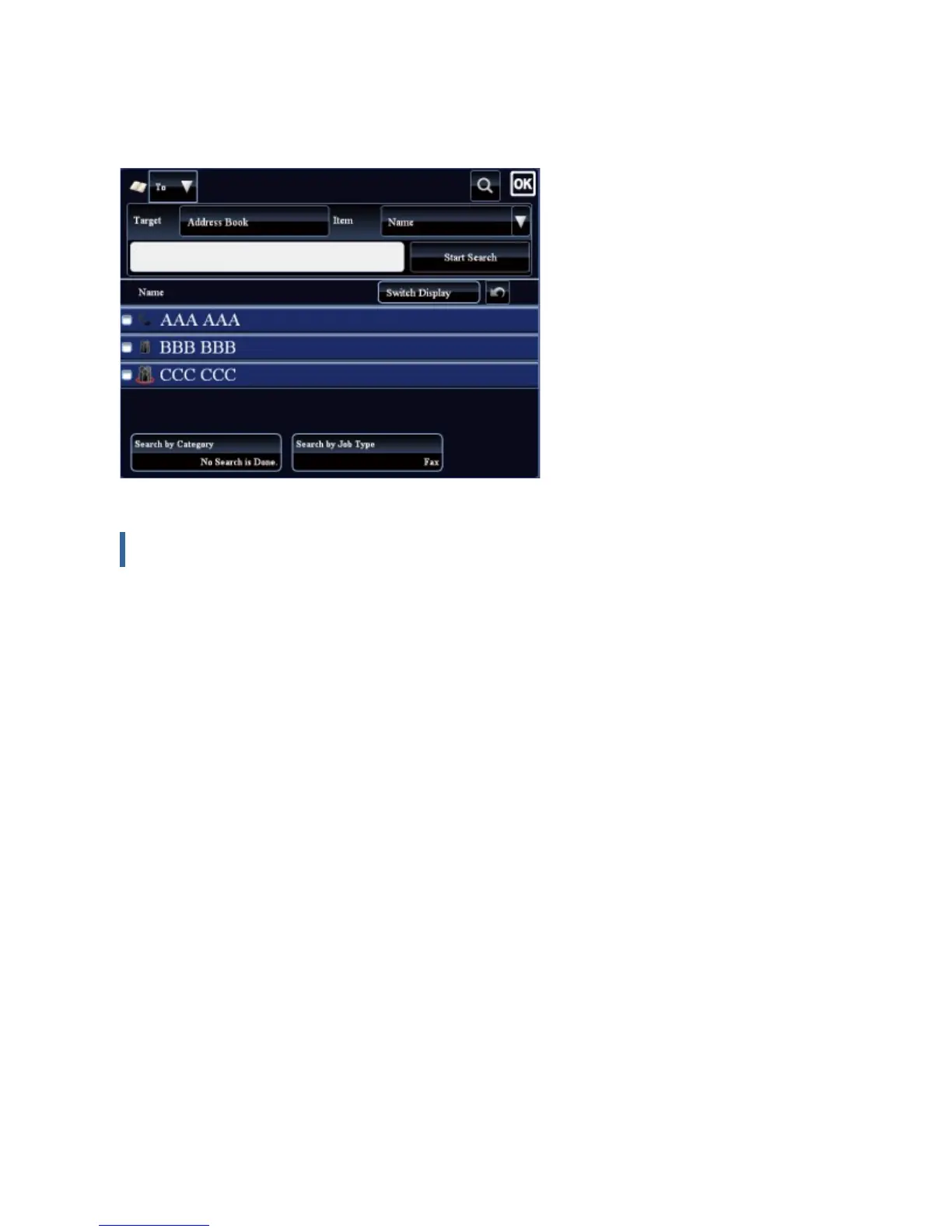
tap the [Start Search] key. The search results are listed.
For example, if [Item] is [Name], search with a keyword "SH" lists contacts and groups
starting with "SH".
Displaying in the order of search numbers
Tapping the [Switch Display] key displays a list in ascending order, descending order, or in
the order of search numbers.
The display is switched in the order of [Switch Display] (▲) (Up) →[Switch Display] (▼)
(Down) →[Search Number Order].
USER'S MANUAL | MX-M365N/MX-M465N/MX-M565N USER'S ... http://siica.sharpusa.com/portals/0/downloads/Manuals/MX-M365N-M...
143 of 1441 3/17/2016 7:14 AM



 To Next Page