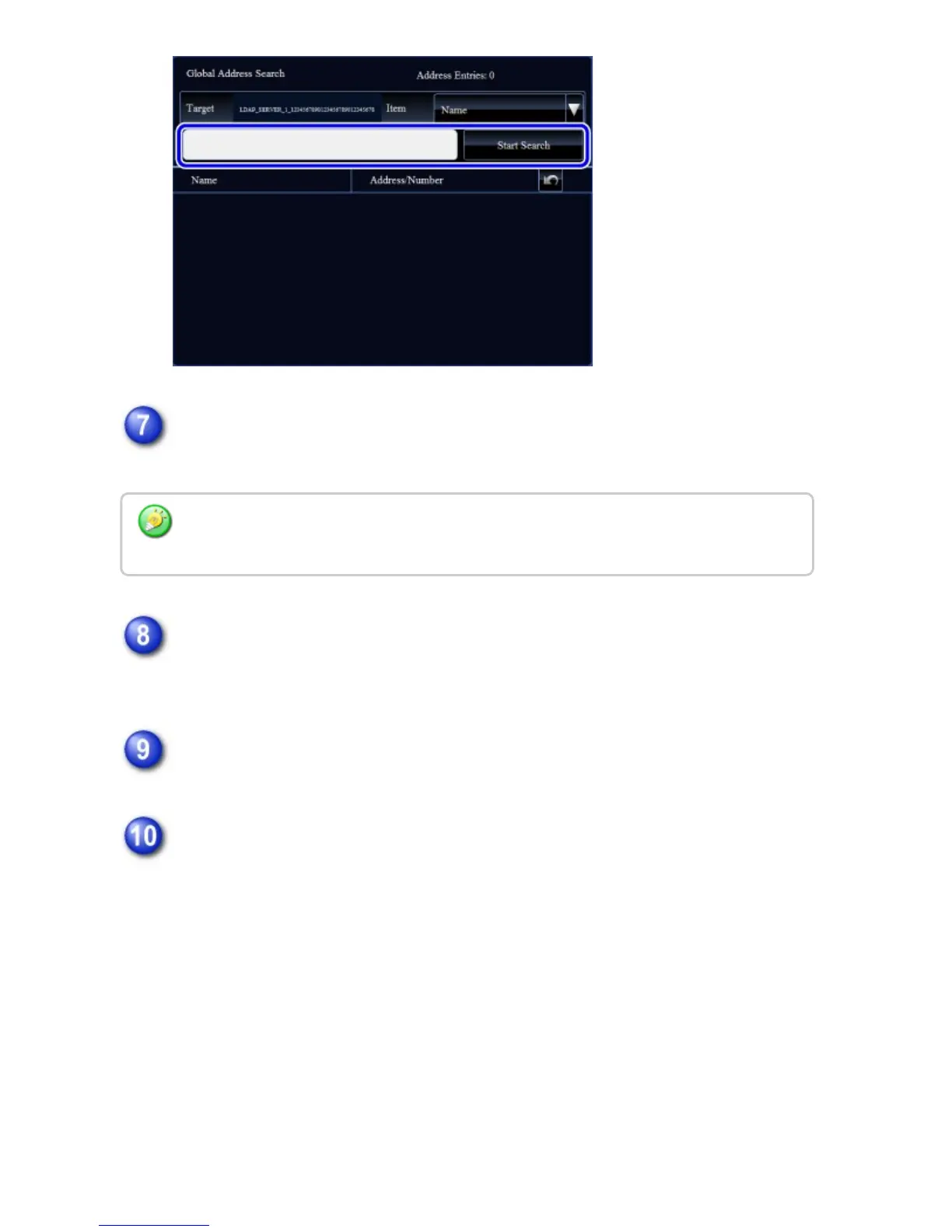
Select one address from the search result list and tap the [Enter] key on the
action panel.
Check to see that the selected address is displayed, and then tap the
[Register Address Below] key.
Tap the [Finish Direct Input.] key on the action panel
Tap the [End Registration] key on the action panel
If [Set as Default used] is not checked for any address, a confirmation screen is
displayed to ask you whether to select the default address.
To check address information, select the address and tap the [Confirm Address
Information] key on the action panel.
USER'S MANUAL | MX-M365N/MX-M465N/MX-M565N USER'S ... http://siica.sharpusa.com/portals/0/downloads/Manuals/MX-M365N-M...
149 of 1441 3/17/2016 7:14 AM



 To Next Page