STORING GROUPS
Register "Group" by selecting addresses from those already stored as "Contacts". In this
case of registration, only reference to addresses already stored takes place, and so, the
total number of registered addresses (maximum 6000) in the address book does not
increase. You can also directly enter a new address for a "Group;".
In the address book screen, tap the [Register/Edit Address] key on the action
panel, or tap the [Register/Edit Address in Address Book] icon in the home
screen.
Tap the [Add New] key on the action panel.
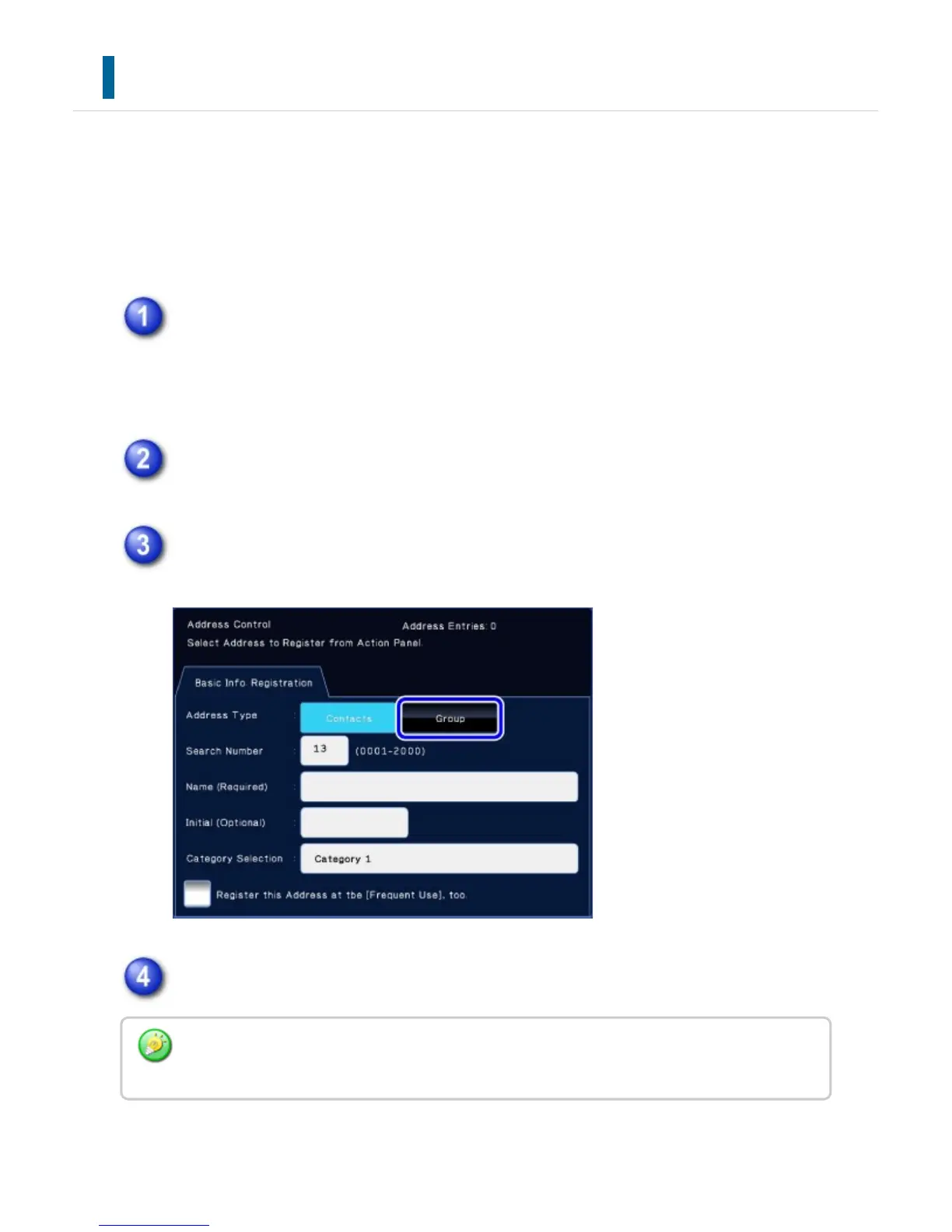
Tap the [Group] key to enter basic information.
Tap the [Select From Address Book] key on the action panel.
To directly enter a new address for a "Group", tap the [Enter Address Directly] key on the
action panel.
USER'S MANUAL | MX-M365N/MX-M465N/MX-M565N USER'S ... http://siica.sharpusa.com/portals/0/downloads/Manuals/MX-M365N-M...
152 of 1441 3/17/2016 7:14 AM



 To Next Page