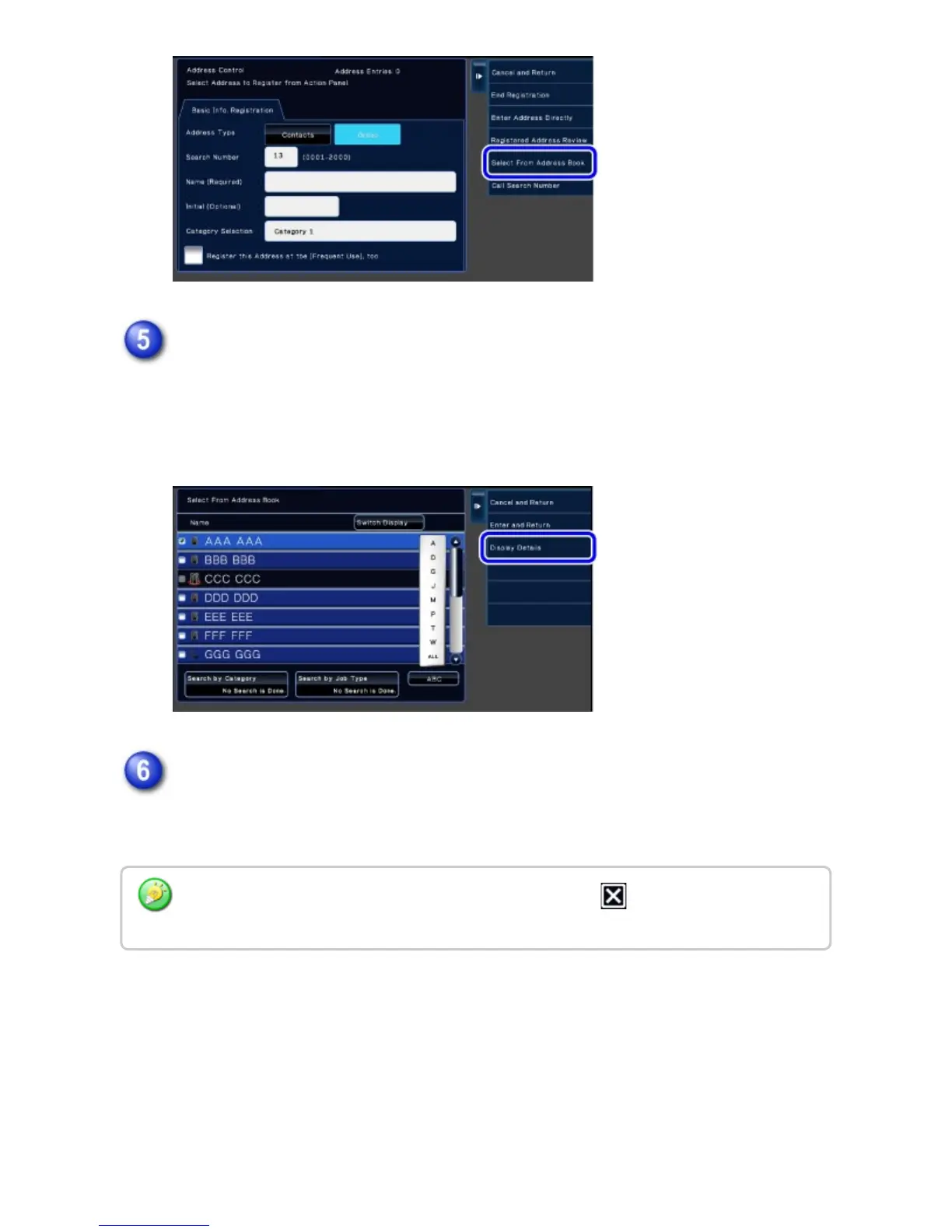
On the contact list, tap the "Group" containing the address to be registered,
and then tap the [Display Details] key on the action panel.
If you have selected more than one address, tap the [Show Details of Address
Selected Next] key on the action panel.
Tap the address to be registered in the "Group", and then tap the [Execute]
key.
You can select more than one address.
The selection is cleared and the screen closes if you tap the before tapping the [OK]
key.
USER'S MANUAL | MX-M365N/MX-M465N/MX-M565N USER'S ... http://siica.sharpusa.com/portals/0/downloads/Manuals/MX-M365N-M...
153 of 1441 3/17/2016 7:14 AM



 To Next Page