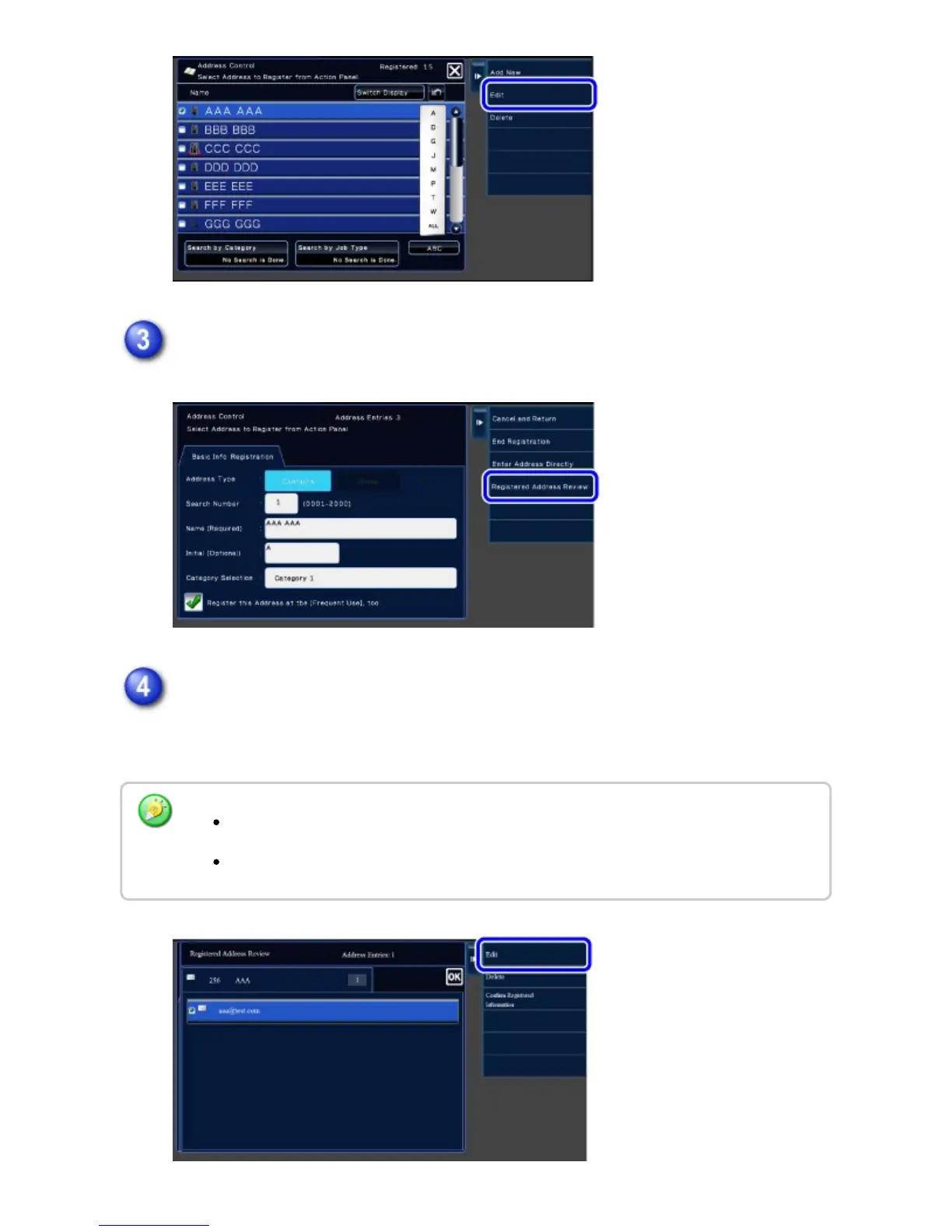
Tap the [Registered Address Review] key on the action panel.
Select an address from the list of registered addresses and tap the [Edit] key on
the action panel.
To delete an address, tap the [Delete] key on the action panel.
To edit or delete, you can only select one address at a time.
To check address information, tap the [Confirm Registered Information] key.
USER'S MANUAL | MX-M365N/MX-M465N/MX-M565N USER'S ... http://siica.sharpusa.com/portals/0/downloads/Manuals/MX-M365N-M...
157 of 1441 3/17/2016 7:14 AM



 To Next Page