Editing a "Contacts" or "Group"
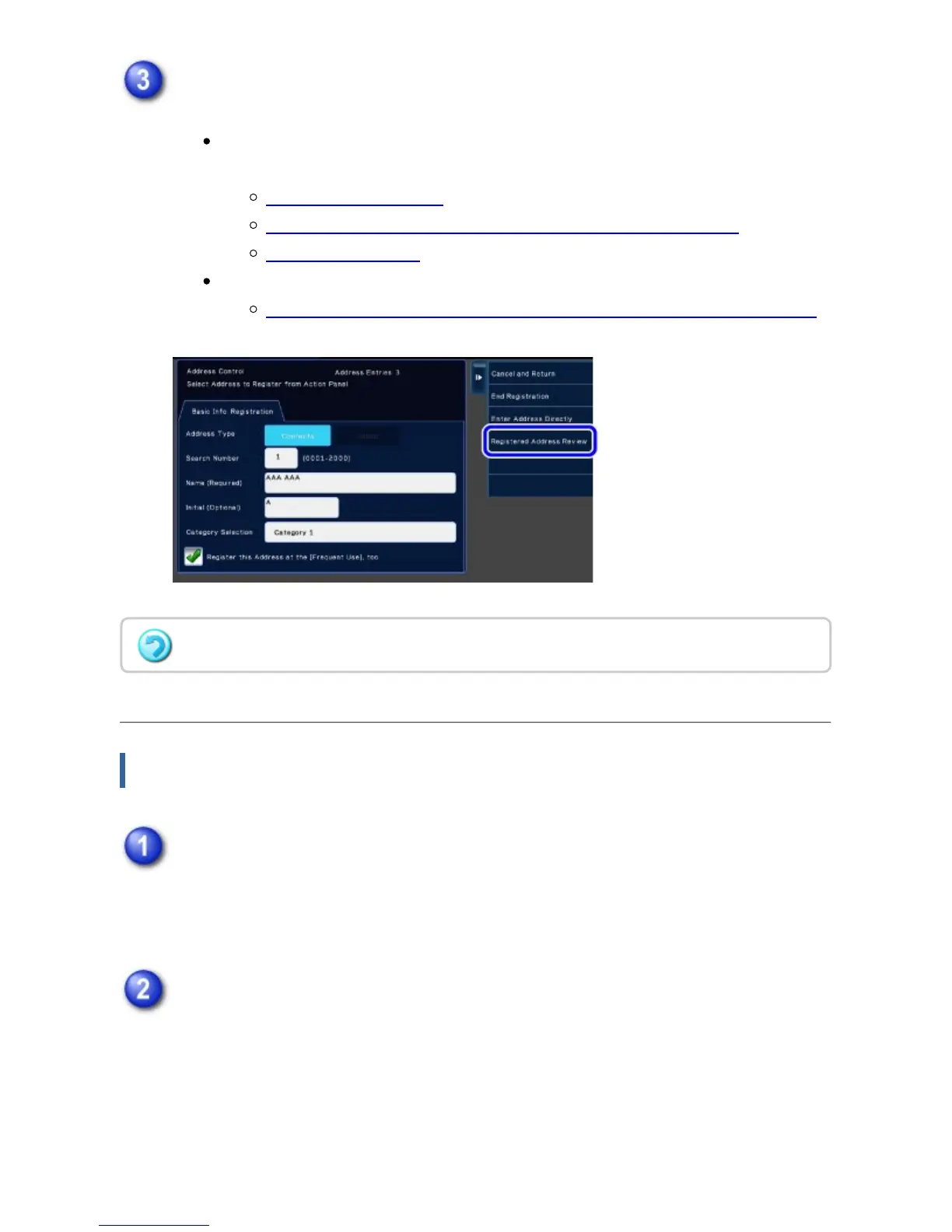
You can change basic information such as names and categories and also you
can add addresses.
STORING CONTACTS
STORING ADDRESSES FROM FAX OR IMAGE SEND LOGS
STORING GROUPS
You can change the publicity scope.
SETTING THE SCOPE FOR PUBLICIZING CONTACTS AND GROUPS
Editing/deleting addresses
In the address book screen, tap the [Register/Edit Address] key on the action
panel, or tap the [Register/Edit Address in Address Book] icon in the home
screen.
Select a "Contacts" or "Group", and tap the [Edit] key on the action panel.
Only one contact or group can be selected. If more than one is selected, the [Edit]
key does not appear.
The address type cannot be changed.
USER'S MANUAL | MX-M365N/MX-M465N/MX-M565N USER'S ... http://siica.sharpusa.com/portals/0/downloads/Manuals/MX-M365N-M...
156 of 1441 3/17/2016 7:14 AM



 To Next Page