Check that the [User List] is checked and your user name is selected.
After the settings are completed, tap .
Limiting the scope to the specified user group
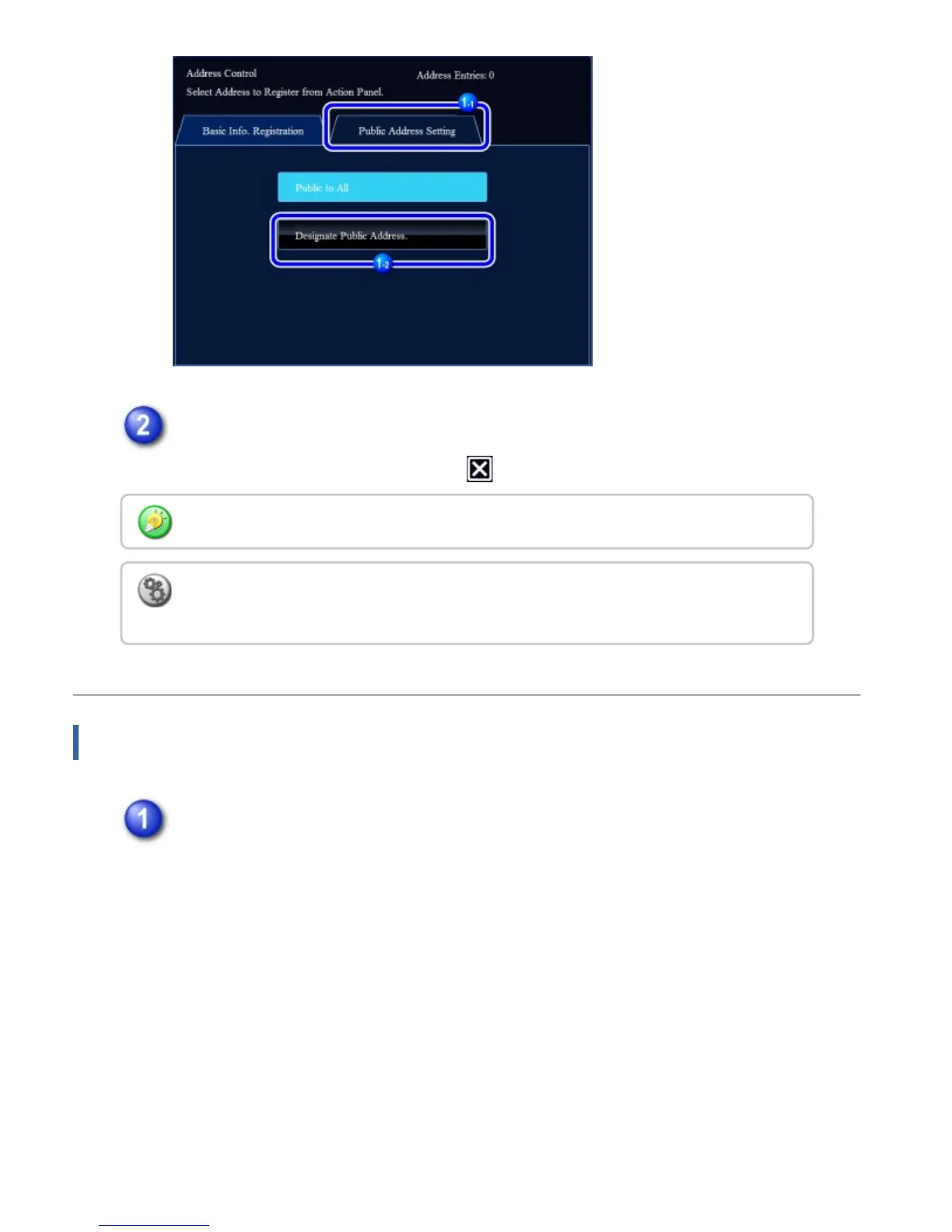
In the address registration screen, tap the [Public Address Setting] tab and
then tap the [Designate Public Address.] key.
If you have logged in as the administrator, select any user name desired from the user list.
To register a user:
In "Setting mode", select [User Control] → [User List] → [Register User].
USER'S MANUAL | MX-M365N/MX-M465N/MX-M565N USER'S ... http://siica.sharpusa.com/portals/0/downloads/Manuals/MX-M365N-M...
160 of 1441 3/17/2016 7:14 AM



 To Next Page